IV. Instructions before Use
16 Dakewe (Shenzhen) Medical Equipment Co., Ltd.
www.dakewemedical.com
jobs added. If the number of print jobs is less than or equal to 5, the on-demand mode will be automatically
selected ; if the number of print jobs is greater than 5, the batch mode will be automatically selected. In
auto mode, switching output mode manually is available.
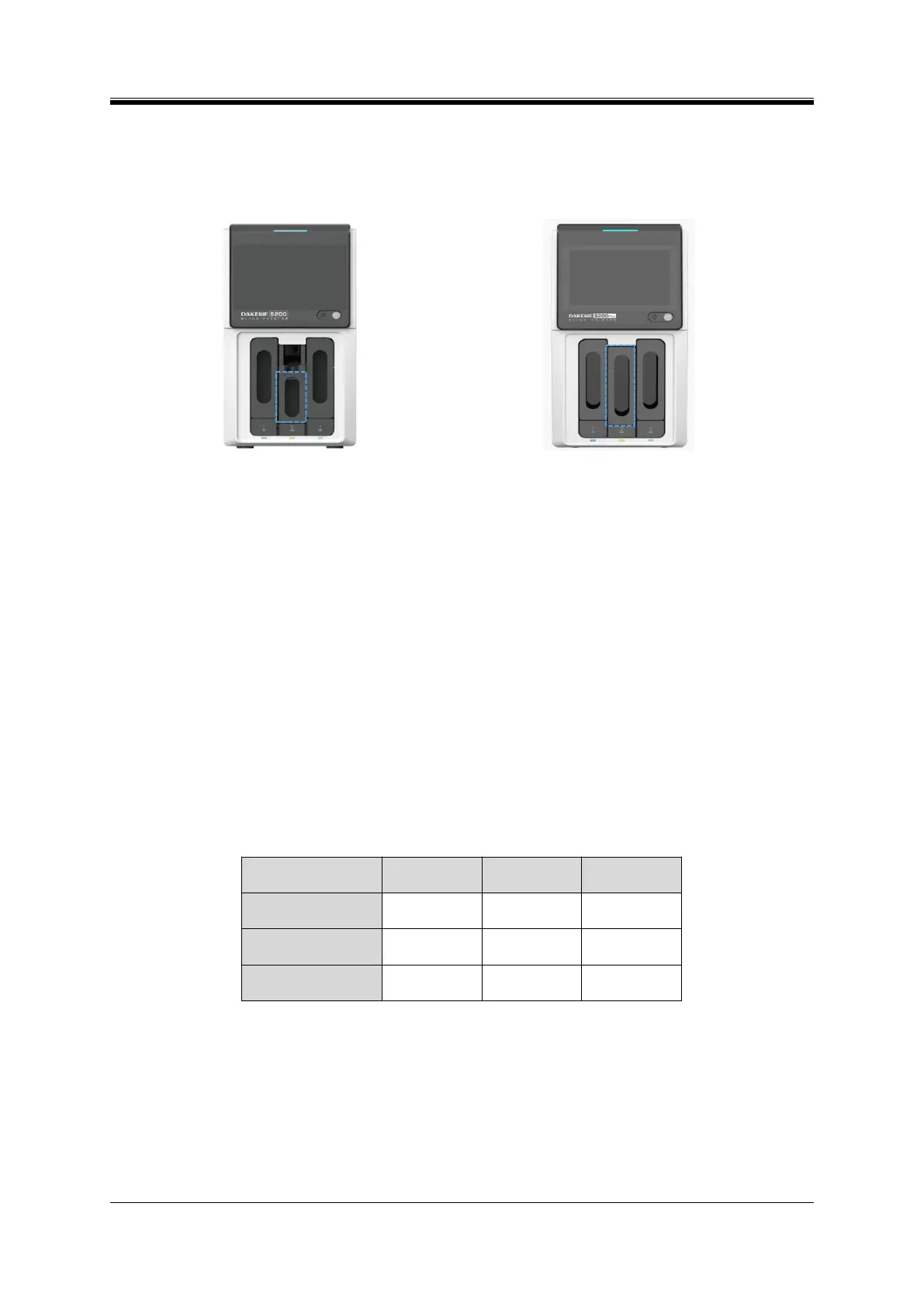
Figure 4- 3 S200 Batch output hopper
Figure 4- 4 S200Pro Batch output hopper
2. Print channels
The Dakewe Slide Printer S200 and S200Pro have three options for print channel: Both Hoppers,
Hopper B, and Hopper A. If you want to change the print channel, you can configure the “Hopper” to the
homepage and change it on the homepage, or you can enter the [Menu] - [Print Settings] - [Others]
interface to change it. The print channel cannot be switched for S100 as it is equipped with input hopper A
only.
Both Hoppers: Alternately use the slides in both input hoppers for printing. The slides in the input
hopper A are consumed first.
Hopper B: Only use the slides in input hopper B for printing.
Hopper A: Only use the slides in input hopper A for printing.
Table4- 2 Model/Print channels
3. Print Rules
The pathology ID is mainly composed of prefix, year, main ID, separator, section, sub ID, and suffix
(Figure 4-5).
Prefix: A special identification of pathological tissues used to distinguish different pathological
tissues.It is added to the forefront of the pathology ID entry. See section 4.5.1 ID Setting.



 To Next Page