V. Computer Software
Dakewe (Shenzhen) Medical Equipment Co., Ltd. 53
www.dakewemedical.com
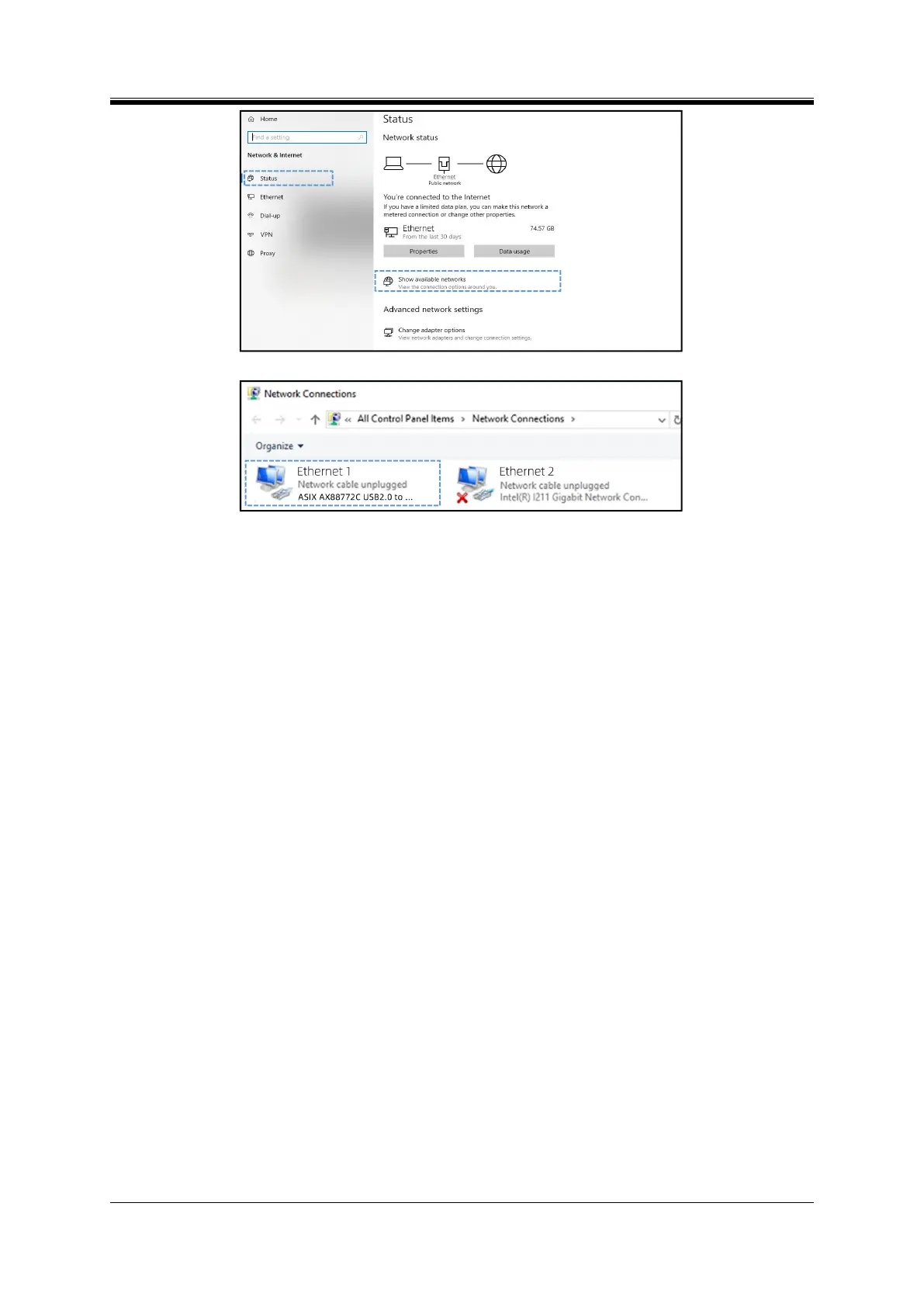
Figure 5- 8 Network Status
Figure 5- 9 Network Connection
Step 4: Select "Properties" by right-clicking on the selected network icon (or double-click the network
icon), open the "Ethernet Properties" window (Figure 5-10), select "Internet Protocol Version 4
(TCP/Ipv4)", and then click the "Properties" button;
Step 5: In the "Internet Protocol Version 4 (TCP/Ipv4) Properties" window (Figure 5-11), select "Use
the following IP address";
Step 6: Enter the IP address data in the corresponding input box, such as:
IP address: 192.168.113.45
Subnet mask: 255.255.255.0
Default gateway: 192.168.113.1
After entering the IP address data, click the "OK" button. The IP address data can be changed
according to the actual need, but it must be ensured that the IP address of the device and the computer are
in the same network segment.



 To Next Page