VII. Abnormalities and Troubleshooting
Dakewe (Shenzhen) Medical Equipment Co., Ltd. 77
www.dakewemedical.com
Cause analysis
It takes too long to load the template.
Resolution
(1) Open the PC software prior to starting the instrument (if the instrument has been started, restart the
instrument);
(2) Wait for complete template loading;
(3) Delete or adjust the template.
9. Instrument does not work when online
Abnormality Description
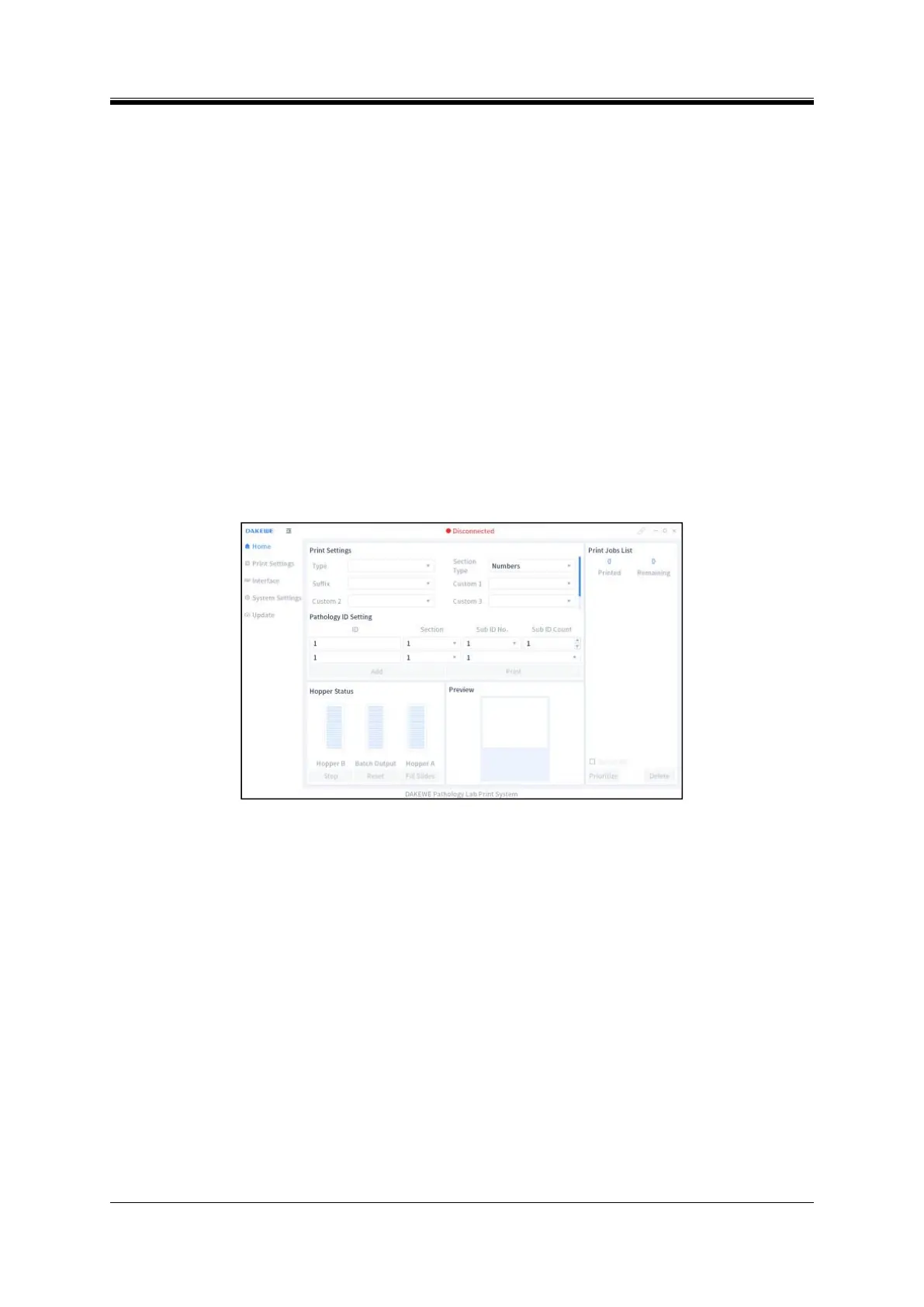
The connection icon on PC software is gray, and no response when clicking “Print” button;
No response after clicking “Print” in the pathology information system,and the print jobs list is not
displayed (Figure 7-23).
Figure 7- 23 PC disconnection
Cause analysis
The network cable is loose or the IP address of the PC is not correctly set;
The network card is damaged.
Resolution
(1) Open the PC software prior to starting the instrument (if the instrument has been started, restart the
instrument).
(2) The network cable is loose or the IP address of the PC is not correctly set:
Check whether the network cable between the instrument and the PC is disconnected; if the light at
the interface flashes, the connection is intact, otherwise re-plug the cable;
Enter “Interface Settings” interface of the PC software, and click “Test” on the right of “Instrument
IP”; if “Failed to Connect!” pops up, reconfigure the IP address; see 8.2 IP Address Settings.



 To Next Page