Introduction
1
1 Introduction
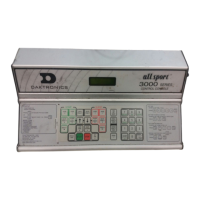
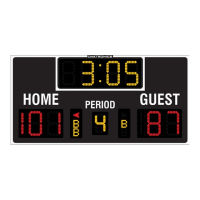
This manual explains the installation of Daktronics Tuff Sport
®
and ColorSmart
®
Indoor LED
Scoreboards, Game/Shot Clocks, Statistics Panels, and Timing Displays. For additional
information regarding safety, installation, operation, or service, refer to the telephone
numbers listed in Section 5: Daktronics Exchange and Repair & Return Programs (p�17).
This manual is not specic to a particular installation.
Important Safeguards
• Read and understand all instructions before beginning the installation process�
• Disconnect the display power when not in use or when servicing�
• Disconnect the display power before servicing power supplies to avoid electrical
shock� Power supplies run on high voltage and may cause physical injury if touched
while powered�
• Do not modify the structure or attach any panels or coverings to the display without
the express written consent of Daktronics�
• Do not disassemble control equipment or electronic controls of the display; failure to
follow this safeguard will make the warranty null and void�
• Do not drop the control equipment or allow it to get wet�
Specications Label
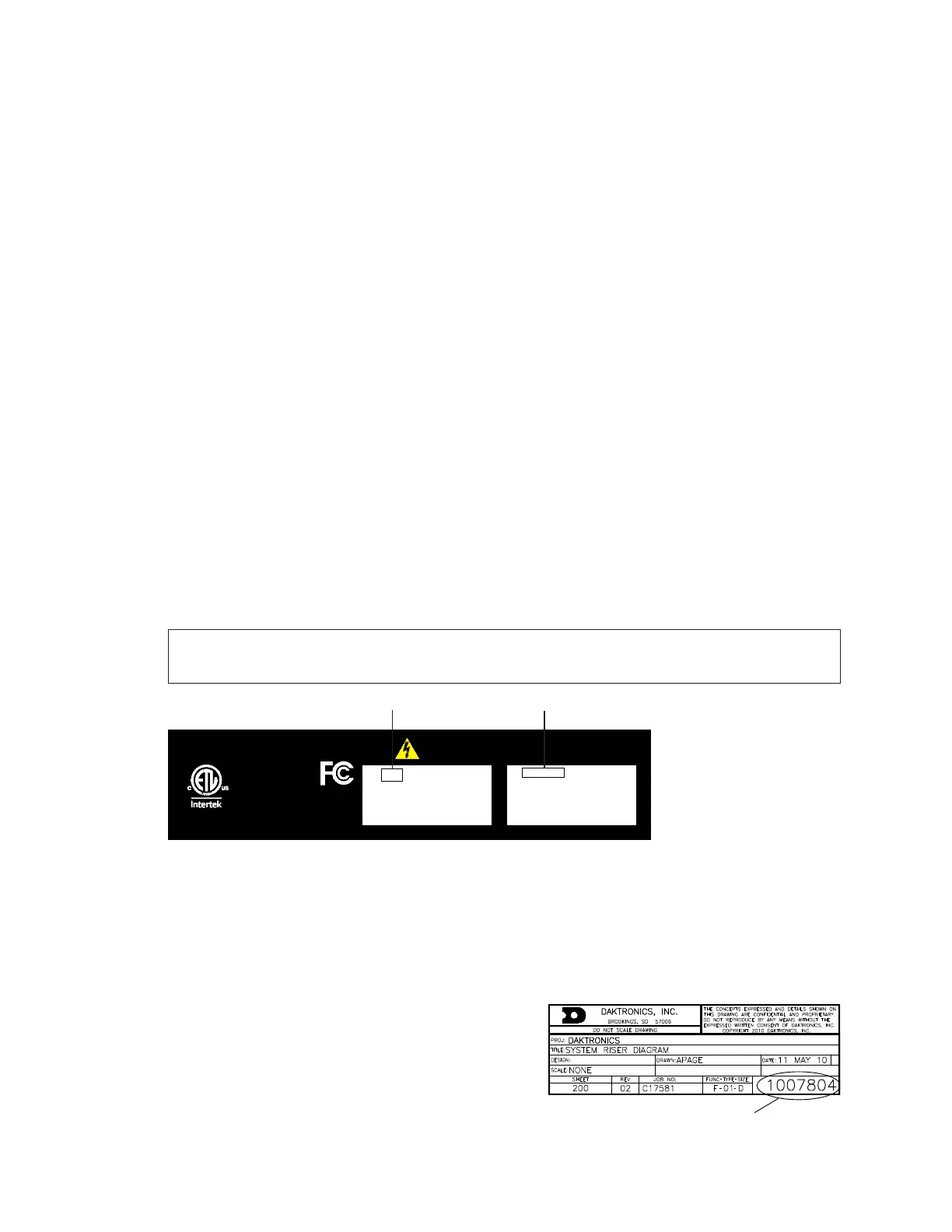
Power specications as well as serial and model number information can be found on an
ID label afxed to the top of the display, similar to the one shown in Figure 1.
Note: If something mounted above the display obscures this label, a copy of this label
can be found behind the PRIMARY DRIVER access panel.
DAKTRONICS 201 DAKTRONICS DR. BROOKINGS, SD PHONE 800-325-8766
SUITABLE FOR SERVICING ONLY WHEN DE-ENERGIZED
PUET FAIRE L'OBJET D'UN ENTRETIEN UNIQUEMENT S'IL EST HORS TENSION
THIS DEVICE COMPLIES WITH PART 15 OF THE FCC RULES. OPERATION IS SUBJECT TO THE FOLLOWING TWO
CONDITIONS: (1) THIS DEVICE MAY NOT CAUSE HARMFUL INTERFERENCE AND (2) THIS DEVICE MUST
ACCEPT ANY INTERFERENCE RECEIVED, INCLUDING INTERFERENCE THAT MAY CAUSE UNDESIRED OPERATION
CONFORMS TO
UL STD 48
CERTIFIED TO CSA
STD C22.2 NO. 207
17800
BB-2101-AR-UV-120
RMN: DAKT-0405-00
120 V ~: "50/60Hz
MAX AMPS AC: V ~: 2A
MAX WATTS AC: 150W
0A-1749-0017 HRev: 00
SN: 1001
05/22/19
3219728 0001
Product Number Model Number
Figure 1: Specications Label
Please have the assembly number, model number, and the date manufactured on hand
when calling Daktronics customer service to ensure the request is serviced as quickly as
possible. Knowing the facility name and/or job number will also be helpful. Note that the
Product Number(s) are sometimes used to distinguish different generations of displays
that have the same model number.
Resources
Figure 2 illustrates a Daktronics drawing label.
This manual refers to drawings by listing the last
set of digits. In the example, the drawing would
be referred to as DWG-1007804. All references to
drawing numbers, appendices, gures, or other
manuals are presented in bold typeface.
Figure 2: Drawing Label


 To Next Page