MANUALE INSTALLATORE RELEASE 00.1 PAG. 11
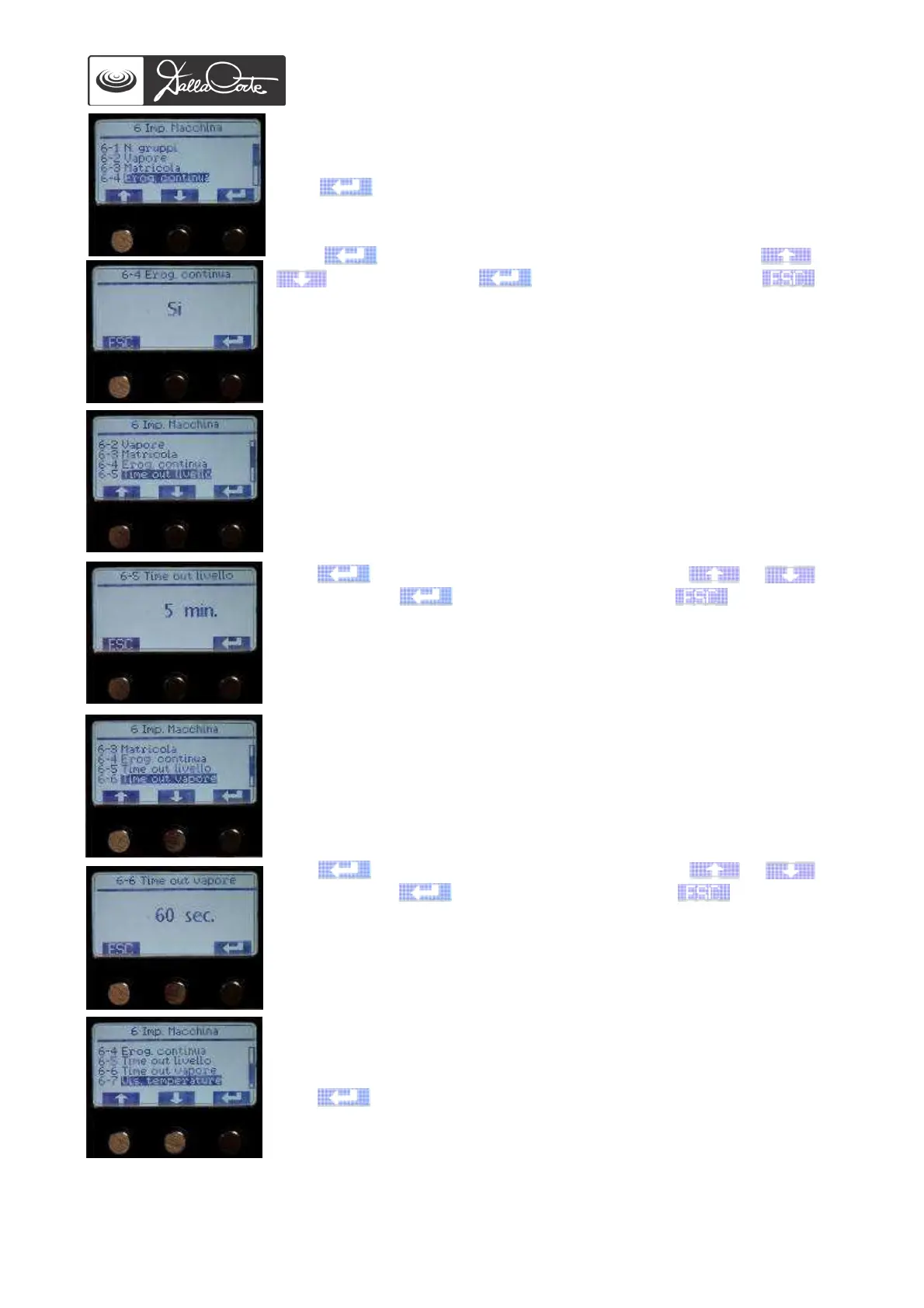
6-4 Continuous pouring
This menu is used to enable or disable the continuous pouring button on
each group.
Push to access this menu.
Push again to highlight the pre-set value, then use or
to change it, push again to confirm it and then to
go back to previous menu.
Note: when the continuous pouring button is disabled, that same button
can be used for the 2-second “flash” function.
6-5 Auto-fill time-out
This menu is used to set the auto-fill blocking timer (default time: 4
minutes for the 2-group, 6 minutes for the 3-4-group).
Usually, this operation is carried out by the manufacturer during machine
testing.
Push again to highlight the set value, then use or to
change it, push again to confirm it and then to go back to
previous menu.
6-6 Steam time-out
This menu is used to adjust the timer blocking the MCS when the MCS
temperature probe does not sense milk temperature (default setting: 60
seconds).
Usually, this operation is carried out by the manufacturer during machine
testing.
Push again to highlight the set value, then use or to
change it, push again to confirm it and then to go back to
previous menu.
6-7 Temperatures display
This menu is used to enable or disable temperatures display in the “info
menu”.
Push to access this menu.














 To Next Page