MANUALE INSTALLATORE RELEASE 00.1 PAG. 14
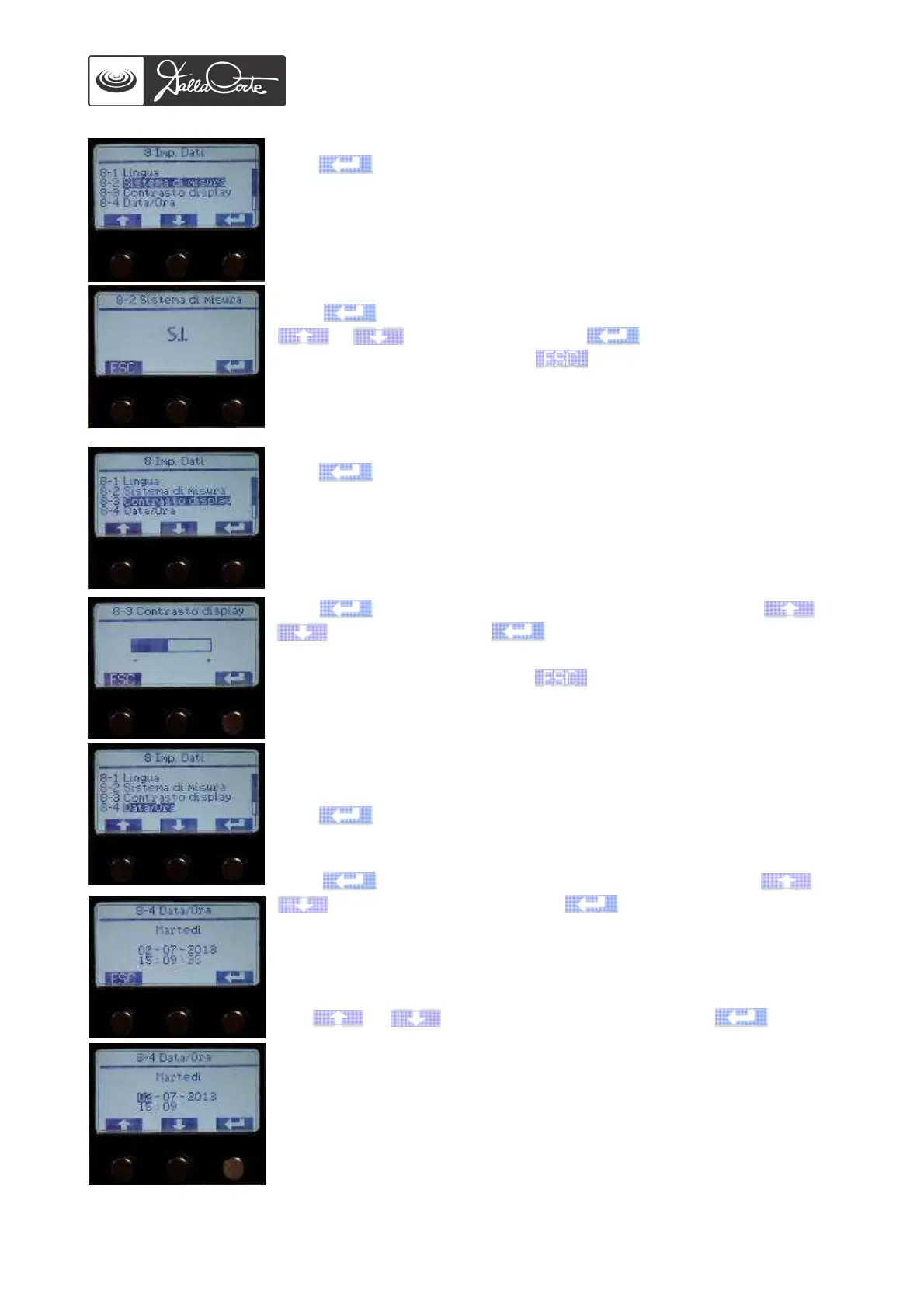
8-2 Temperature system of measurement
Push to access this menu.
Push again to highlight the measure to be changed, then use
or to change it, then push again to confirm it.
At the end of the operation, push to go back to previous screen.
S.I. = International System, U.S.A = American System
8-3 Display contrast adjustment
Push to access this menu.
Push again to highlight the contrast to be adjusted, use or
to adjust it and push again to confirm.
At the end of the operation, push to go back to previous screen.
8-4 Day and time adjustment
This operation is usually carried out by the manufacturer during machine
testing.
Push to access this menu.
Push again to highlight the day to be changed, use or
to set the actual day and push again to confirm it.
Once the value has been confirmed, the next value will be automatically
displayed.
Use or to change day number, then push again to
confirm.
Once the value has been confirmed, the next value will be automatically
displayed.
Go on with the same steps to set up month, year, hour and minutes.
When the last value is confirmed, the previous menu will be
automatically displayed.














 To Next Page