13 Piranha2 User’s Manual
2
Camera Hardware
Interface
2.1 Installation Overview
In order to set up your camera, you should take these steps:
1. Connect Camera Link™ cables from camera to framegrabber.
2. Connect power.
You must also set up the other components of your system, including light sources, frame
grabbers, camera mounts, heat sinks, host computers, optics, encoders, and so on.
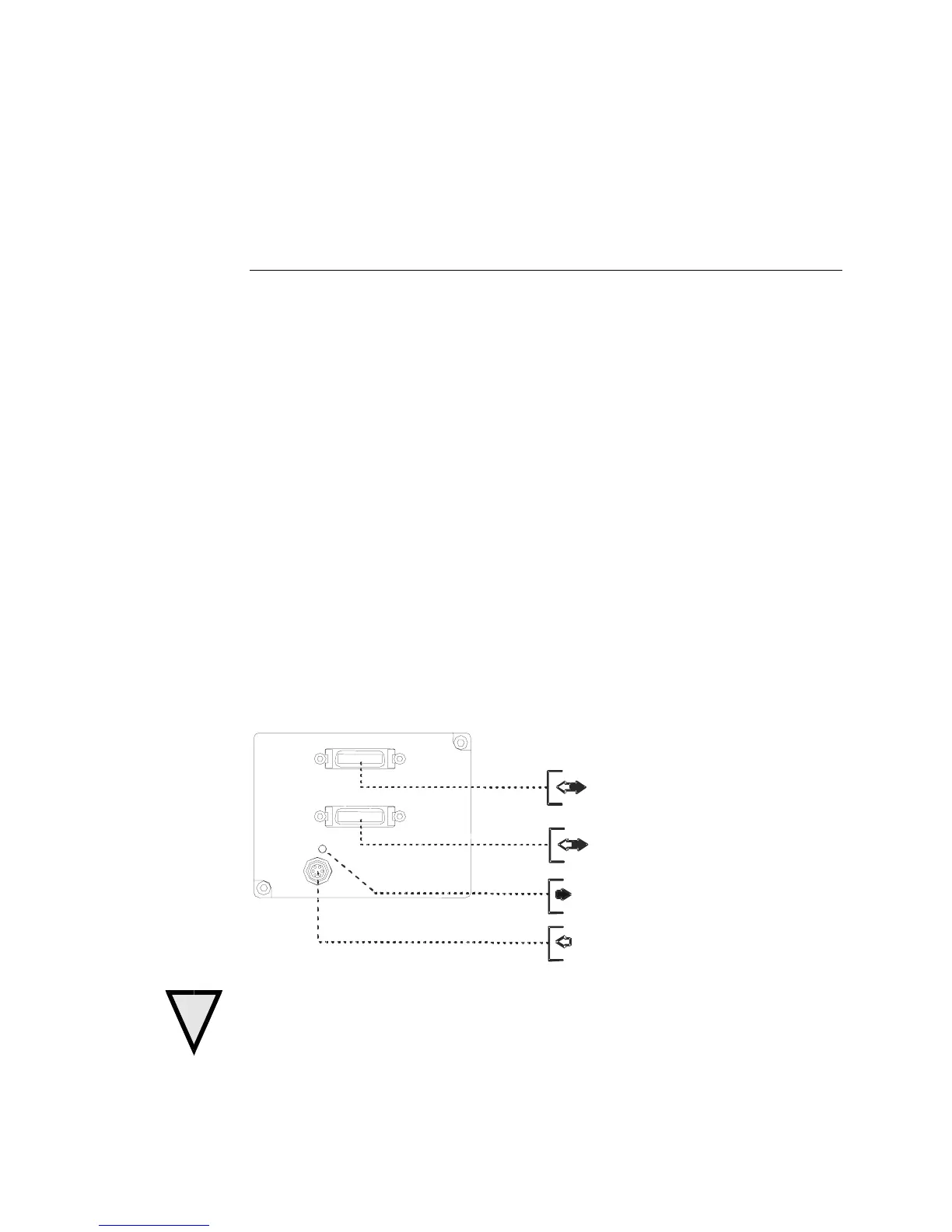
2.2 Input/Output
+12V to +15V and Ground
Camera Link™ (2 and 4 Tap models)
Camera Link™ (4 Tap model only)
Diagnostic LED (See section 3.18)
!
WARNING: It is extremely important that you apply the appropriate voltages to your
camera. Incorrect voltages will damage the camera. See section 2.4 for more details.
03-32-00493-11 DALSA



 To Next Page