EasyManua.ls Logo

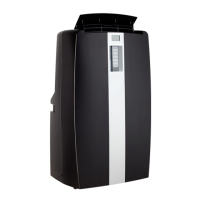
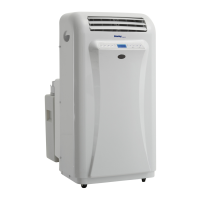
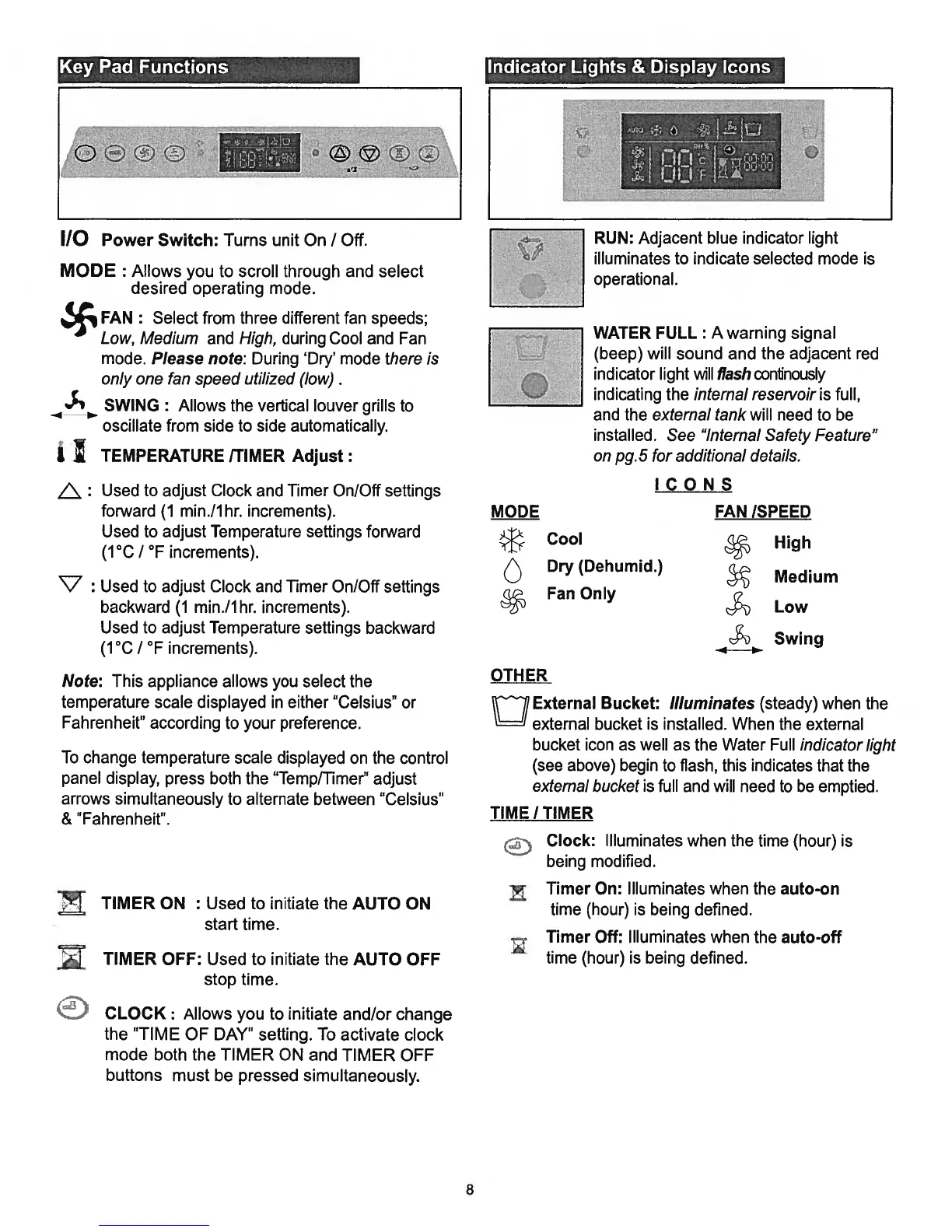
Danby DPAC10071 - Control Panel and Indicators; Control Panel Button Functions; Indicator Lights and Display Icons

Danby DPAC10071
22 pages
Print Icon
To Next Page IconTo Next Page
To Previous Page IconTo Previous Page
Loading...
110
Power
Switch:
Turns
unit
On
I
Off.
MODE
:
Allows
you
to
scroll
through
and
select
desired
operating
mode.
FAN
:
Select
from
three
different
fan
speeds;
Low,
Medium
and
High,
during
Cool
and
Fan
mode.
Please
note:
During
‘Dry’
mode
there
is
only
one
fan
speed
utilized (low).
SWING:
Allows
the
vertical
louver
grills to
oscillate
from
side
to
side
automatically.
I
TEMPERATURE
ITIMER
Adjust:
Used
to
adjust
Clock
and
Timer
On/Off
settings
forward
(1
min./lhr.
increments).
Used
to
adjust
Temperature
settings
forward
(1°C
/
°F
increments).
V
:
Used
to
adjust
Clock
and
Timer
On/Off
settings
backward
(1
min./lhr.
increments).
Used
to
adjust
Temperature
settings
backward
(1°C
/
°F
increments).
Note:
This
appliance
allows
you
select
the
temperature
scale
displayed
in
either
“Celsius”
or
Fahrenheit”
according
to
your
preference.
To
change
temperature
scale
displayed
on
the
control
panel
display,
press
both
the
“Temp/Timer”
adjust
arrows
simultaneously
to
alternate
between
“Celsius”
&
“Fahrenheit”.
TIMER
ON
:
Used
to
initiate
the
AUTO
ON
start
time.
TIMER
OFF:
Used
to
initiate
the
AUTO
OFF
stop
time.
CLOCK:
Allows
you
to
initiate
and/or
change
the
“TIME
OF
DAY”
setting.
To
activate
clock
mode
both
the
TIMER
ON
and
TIMER
OFF
buttons
must be
pressed
simultaneously.
OTHER
RUN:
Adjacent
blue
indicator
light
illuminates
to
indicate
selected
mode
is
operational.
WATER
FULL
:
A
warning
signal
(beep)
will
sound
and the
adjacent
red
indicator
light
will
flash
connously
indicating
the
internal
reseivoir
is
full,
and
the
external
tank
will
need
to
be
installed.
See
“Internal
Safety
Feature”
on
pg.
5
for
additional
details.
Q
External
Bucket:
Illuminates
(steady)
when
the
external bucket
is
installed.
When
the
external
bucket
icon
as
well
as
the
Water
Full
indicator
light
(see
above)
begin
to
flash,
this
indicates
that
the
external
bucket
is
full
and
will
need
to
be
emptied.
TIME
/
TIMER
Clock:
Illuminates
when the
time
(hour)
is
being
modified.
Timer
On:
Illuminates
when
the
auto-on
J.
time
(hour)
is
being
defined.
Timer
Off:
Illuminates
when the
auto-off
time
(hour)
is
being
defined.
Key
Pad
Functions.
Indicator
Lights
&
Display
Icons
!
2
—::
ICONS
MODE
FAN
ISPEED
Cool
High
Dry
(Dehumid.)
Medium
Fan
Only
Low
c$
Swing
8

Related product manuals