EasyManua.ls Logo

Dascom 2610 - Page 102

Dascom 2610
133 pages
Print Icon
To Next Page IconTo Next Page
To Previous Page IconTo Previous Page
Loading...
Tally Dascom 2610
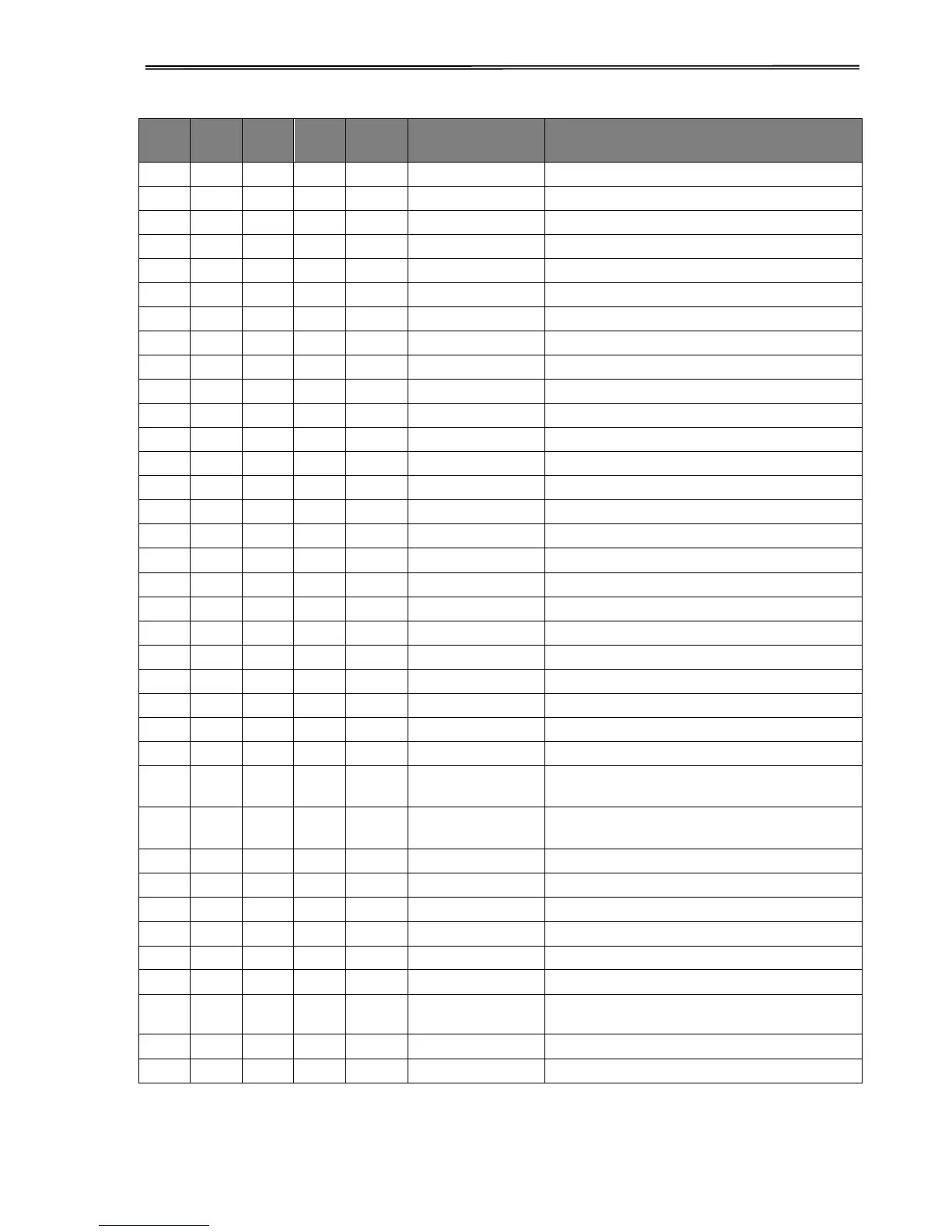
89
MTPL
IBM
XL24
IBM
AGM
Epson
LQ-2550
Epson
LQ-2170
Code
Function
*
*
*
*
<ESC>[<n> v
Set vertical tab
<ESC>[\<n1><n2>
Perform relative horizontal step
<ESC>\<n1>;<n2>
Transparent mode for the characters following
<ESC>^
Transparent mode for the character following
<ESC>_<n>
Overline ON/OFF
<ESC>0
Set line feed to 1/8 inch
<ESC>1
Set line feed to 7/72 inch
<ESC>2
Set line feed to 1/6 inch
<ESC>2
Set line feed to n/72 inch
<ESC>3<n>
Set line feed to n/180 inch
<ESC>3>n>
Set line feed to n/216 inch
<ESC>4
Italics ON
<ESC>4
Set beginning of form
<ESC>5
Italics OFF
<ESC>5<n>
Autom. line feed ON/OFF
<ESC>6
Print ASCII codes dec. 129 to dec. 159
<ESC>6
PC character set 2 (expanded)
<ESC>7
Suppress ASCII codes 129 to 159
<ESC>7
PC character set 1 (standard)
<ESC>a<n>
Select orientation
<ESC>A<n>
Line spacing n/60 inch
<ESC>A<n>
Prepare line spacing n/72 inch
<ESC>b<m><0>
Clear all tabs
<ESC>b<m><n><0>
Set vertical tabs in channels
<ESC>B<0>
Clear all vertical tabs
<ESC>B<n1>...<n16><0
>
Set vertical tabs
<ESC>B<n1>...<n64><0
>
Set vertical tabs
<ESC>c
Reset to initialization status
<ESC>c
Setting the horizontal motion index (HMI)
<ESC>C<0><n>
Set form length in inches
<ESC>C<n>
Set form length in lines
<ESC>d<n1> <n2>
Perform relative horizontal step
<ESC>D<0>
Clear all horizontal tabs
<ESC>D<n1>...<n32><0
>
Set horizontal tabs
<ESC><DC2>
Condensed printing OFF
<ESC><DC4>
Double-wide printing OFF (set with <SO> or <ESC><SO>)

Table of Contents

Related product manuals