11
3.2 Paper path introduction
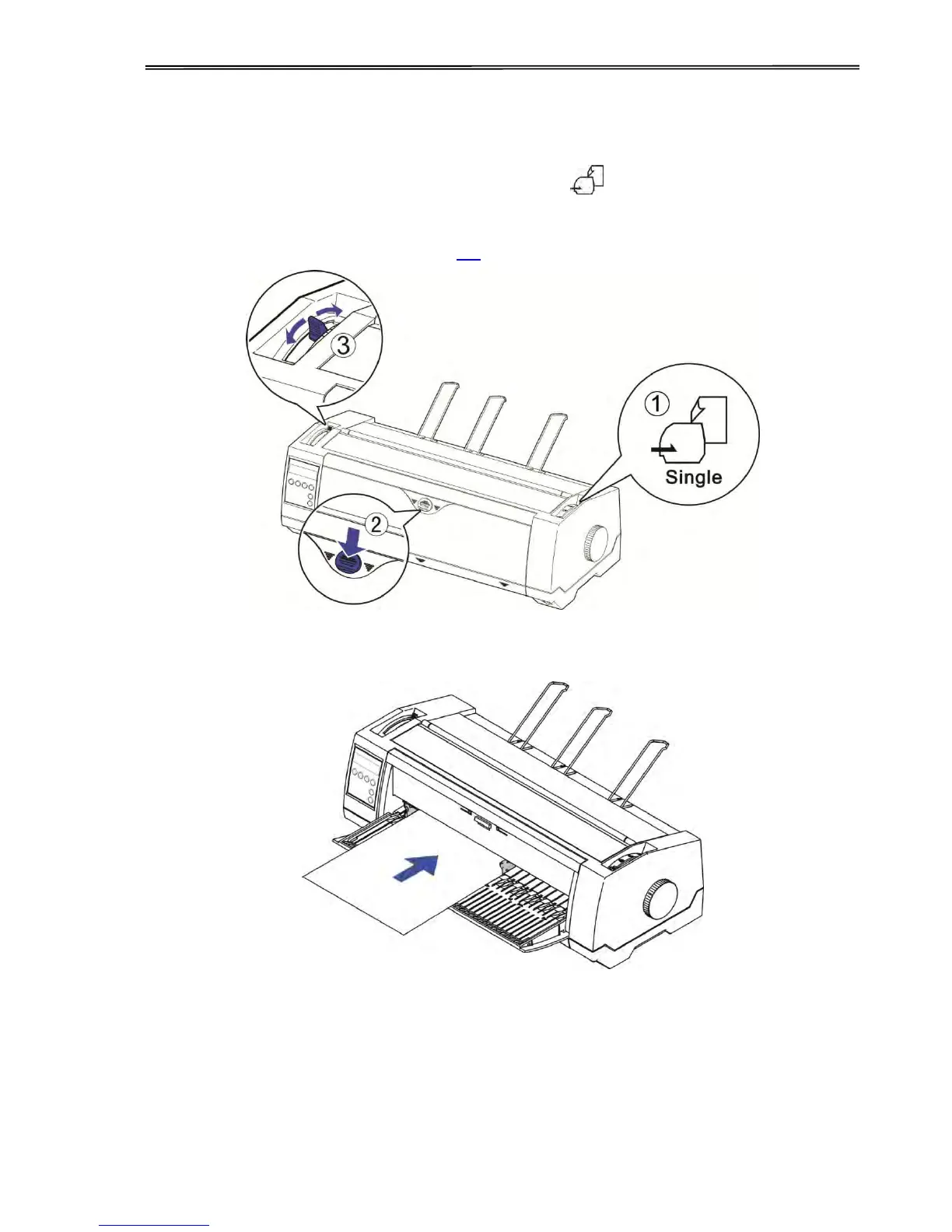
3.2.1 Cut sheet paper handling (front friction only)
1) Place the paper path lever to the cut sheet position.
2) Unlock the front cover with the latch to unfold the cut sheet support.
3) Adjust the gap lever if necessary; see 3.1.
4) It is recommended to align the left paper guide exactly to the mark > I <. This marks the left
edge of the stationery. Slide the right guide to the position of the right edge of the stationery.
5) Insert the stationery straightly all the way into the guided slot until it stops.
6) Press the load key to feed the paper to the correct print position, automatically. The
printer clears the Paper End condition and goes into the ready or online state.



 To Next Page