7
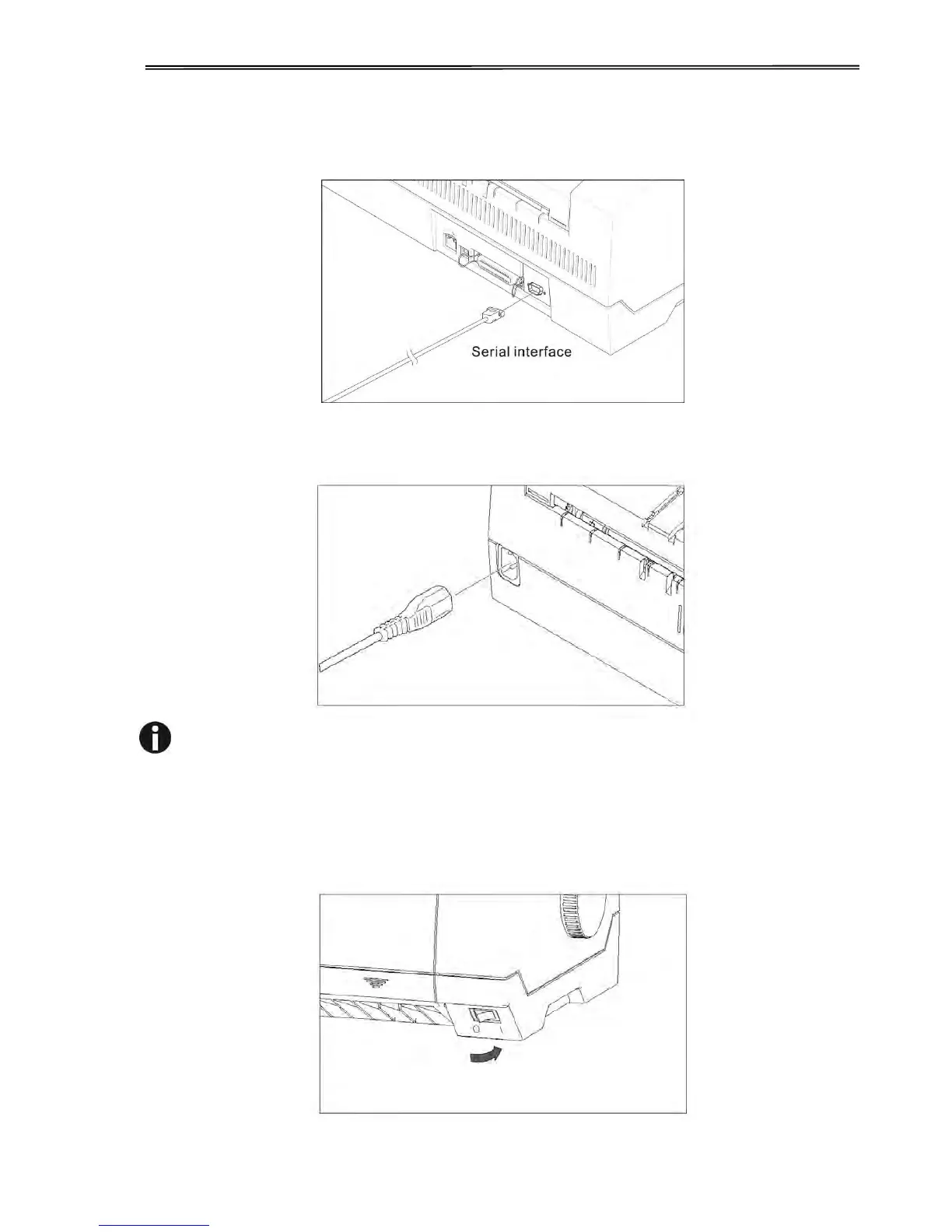
2.2.4 Serial Interface (RS-232C) as option
2.2.5 Connecting the power
Plug in the power cord to the printer power socket as shown in the diagram.
Connect the printer to the correct voltage power source.
The socket-outlet shall be installed near the equipment and shall
be easily accessible.
2.2.6 Switch on the printer
Switch on the printer as shown in the diagram.



 To Next Page