75
6.3.26 Logout of TallyCom
The Logout link disconnects the browser session from the printer. Clicking on the “Home”
link reestablishes the connection.
6.3.27 Restart TallyCom
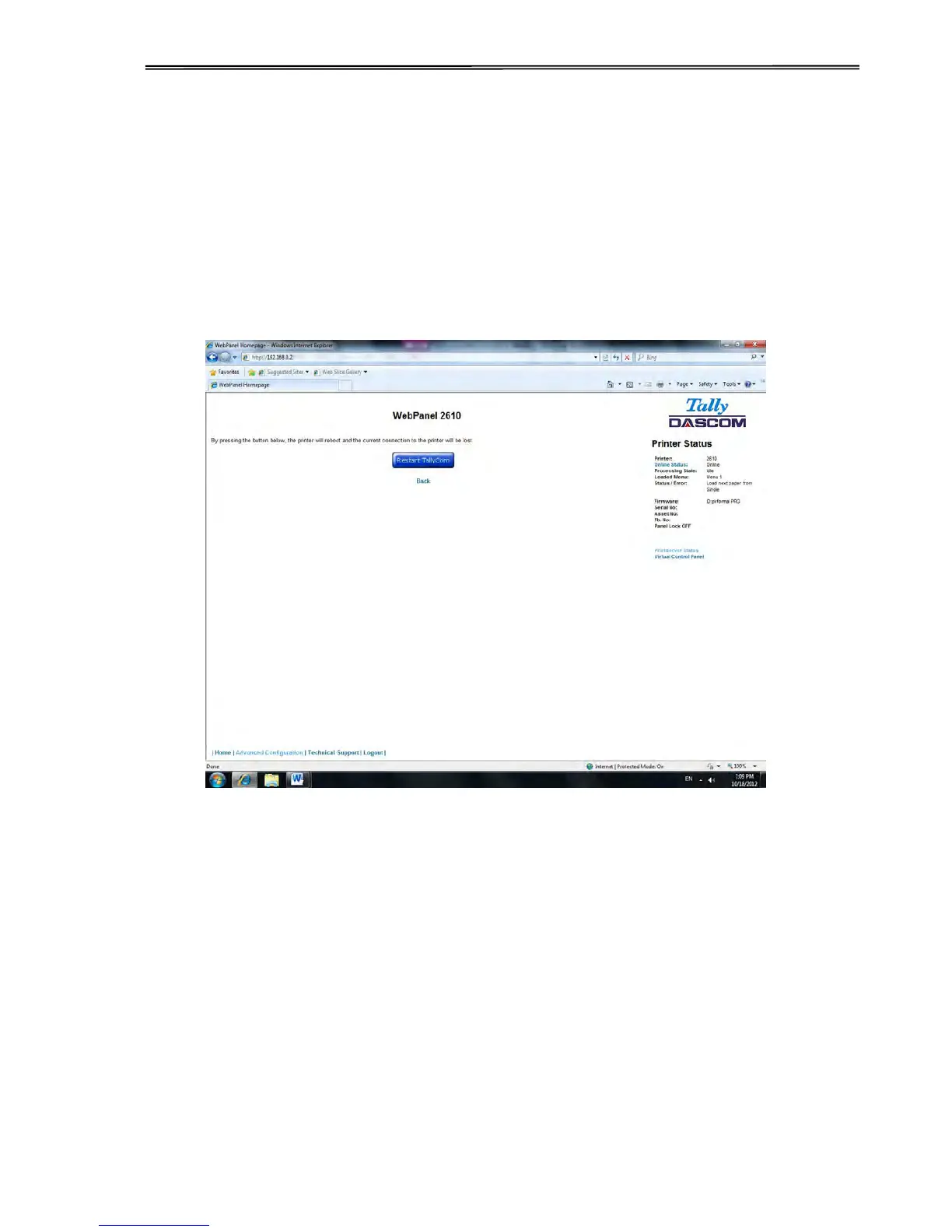
Selecting this link will reboot the printer and disconnect the current printer connection. It is
used to reset certain TCP/IP variables that were set in the General and TCP/IP pages. Once
TallyCom has restarted, those new setting will take effect. When this link is selected, the
follow page is displayed, giving the user the option to continue or not.



 To Next Page