29
5.2 Setting the parameters through the LCD Panel
This chapter describes the handling of the operator’s panel with optional display.
5.2.1 Enabling access to menu mode
The menu can be locked by default to protect it from accidental or unauthorized access.
Proceed as follows to release this lock temporarily.
1) Switch off the printer for approx. 5 seconds.
2) Switch the printer on again keeping the Setup key pressed.
Calling up the menu
You can access the menu in the following way:
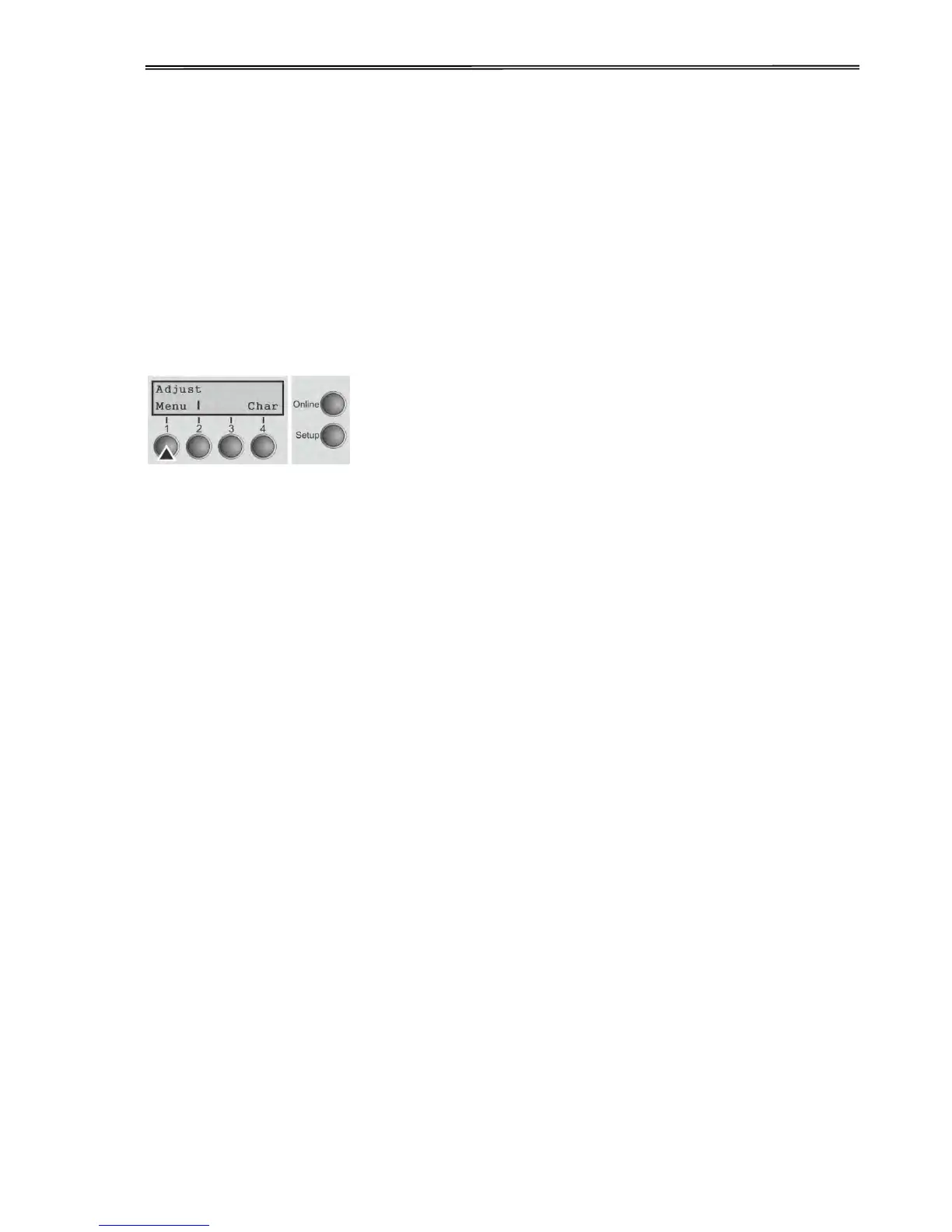
Press the Setup key. The printer switches to Setup
mode. (The Setup mode can be selected both in the
Online and Offline mode)
To access the printer menu, press the key directly
underneath the word Menu (1).



 To Next Page