66
6.3.16 Advanced Configuration
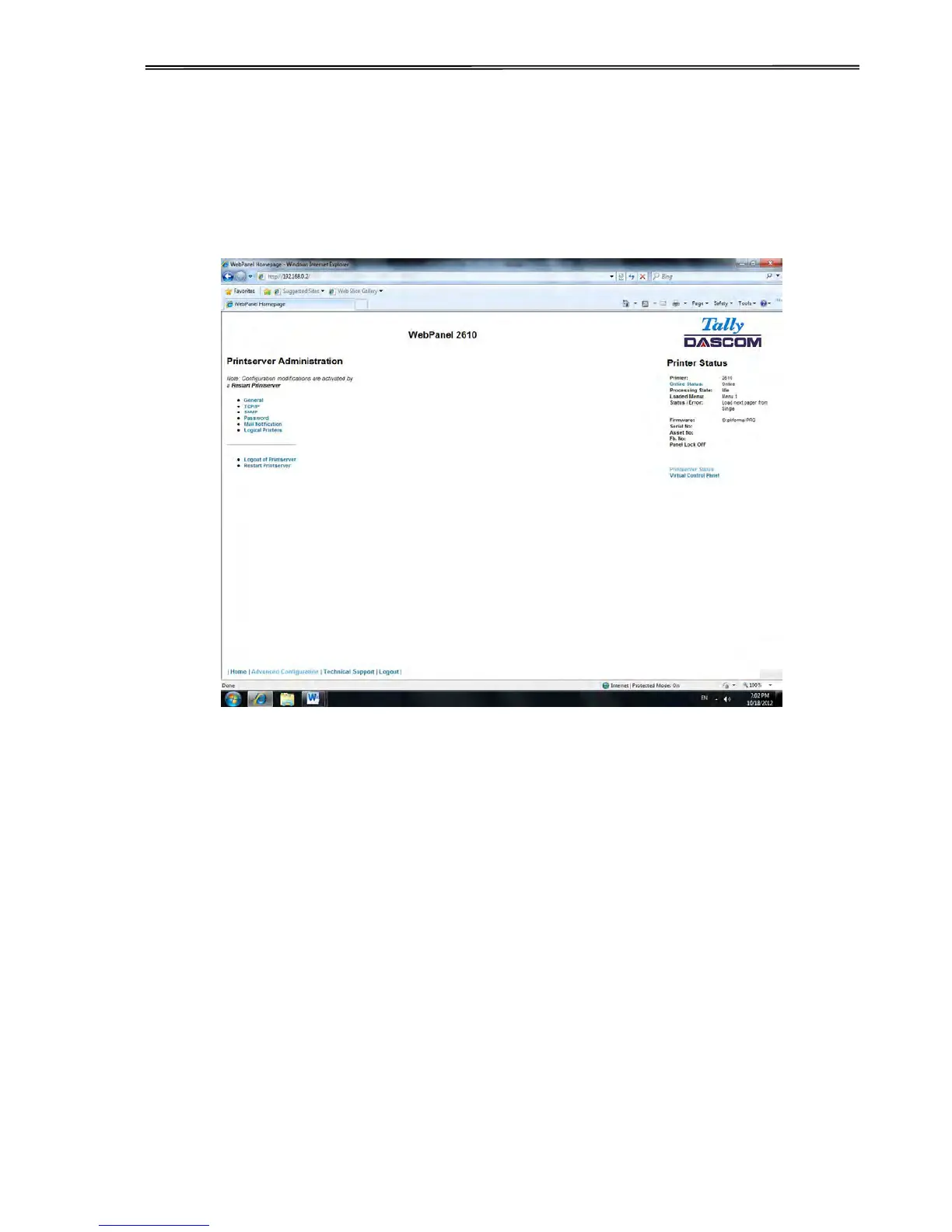
The Advanced Configuration page allows the user to set up and modify network
connectivity information as well as setting up the password, email notification and logical
printers. From this page it is also possible to Logout of TallyCom and restart TallyCom. The
Administration page looks like this:



 To Next Page