38 Installation
Connect the System to the Network
After you have verified that the system is functioning properly, connect the system to your
network
1. Power off the system and disconnect the Ethernet cable from the computer.
2. Connect the system to the network
using the Ethernet cable.
3. Press the power button on the front panel to power on the system.
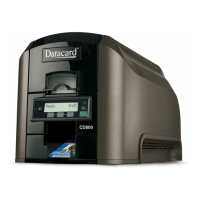
4. Wait until the system has powered on and Ready displays on the LCD panel.


 To Next Page
 Loading...