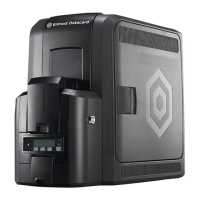
CR500 Instant Issuance System 3
CR500 Instant Issuance System Quick Install Guide
English
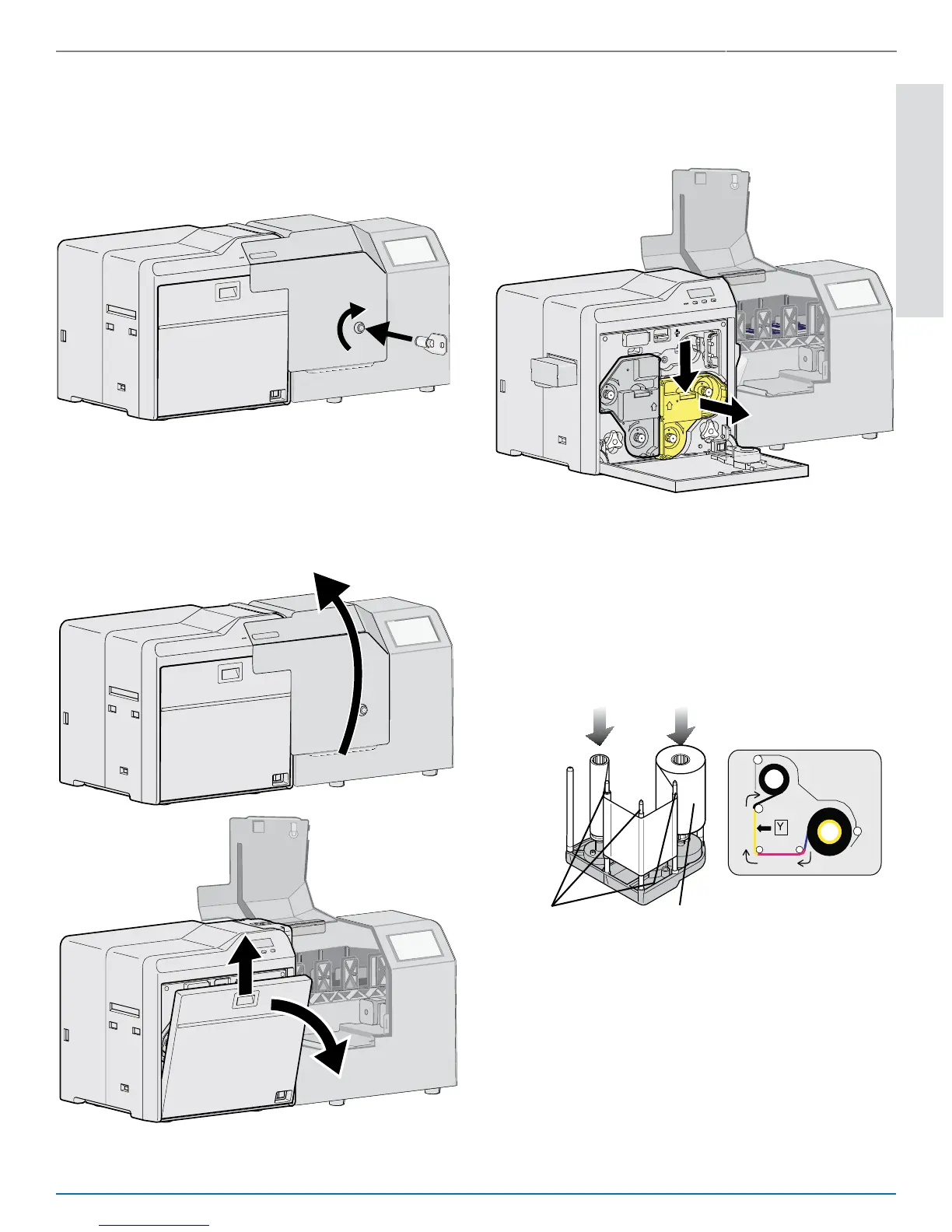
4. Load Supplies
Supplies are ordered separately.
a. Unlock the printer.
b. Open the security enclosure and
the print unit.
c. Remove the orange ink ribbon
cartridge.
d. Load the ink ribbon cartridge.
Make sure that you position the
yellow (Y) panel as shown.
A
B
A
C
B
A
B
Ribbon Guides
Supply Roll
C


 To Next Page
 Loading...