20 Installing the Smart Card Driver
Installing the Identive Dual Contact/Contactless
Driver
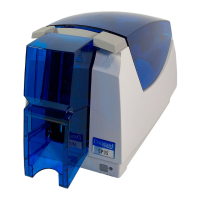
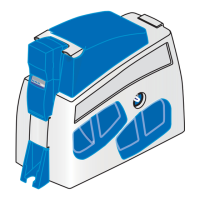
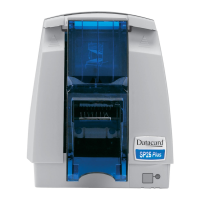
TheIdentiveDualContact/Contactlesssmartcarddriverinstallationstartsautomaticallywhen
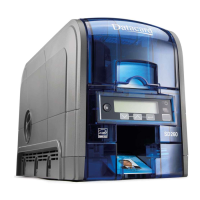
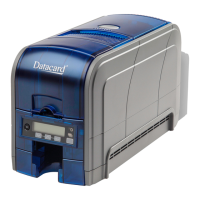
theSR200orSR300cardprinterisconnectedtoyourPC.Youneedtouseawebsitetoinstallthe
driveronlyiftheinstallationdoesn'tstartupautomatically.(Referto“DownloadingandInstalling
theIdentiveDriverManually”on
page 21.)
Installing the Identive Driver Automatically
1. ConnecttheprinterUSBcabletothecomputerandpo werontheprinter.
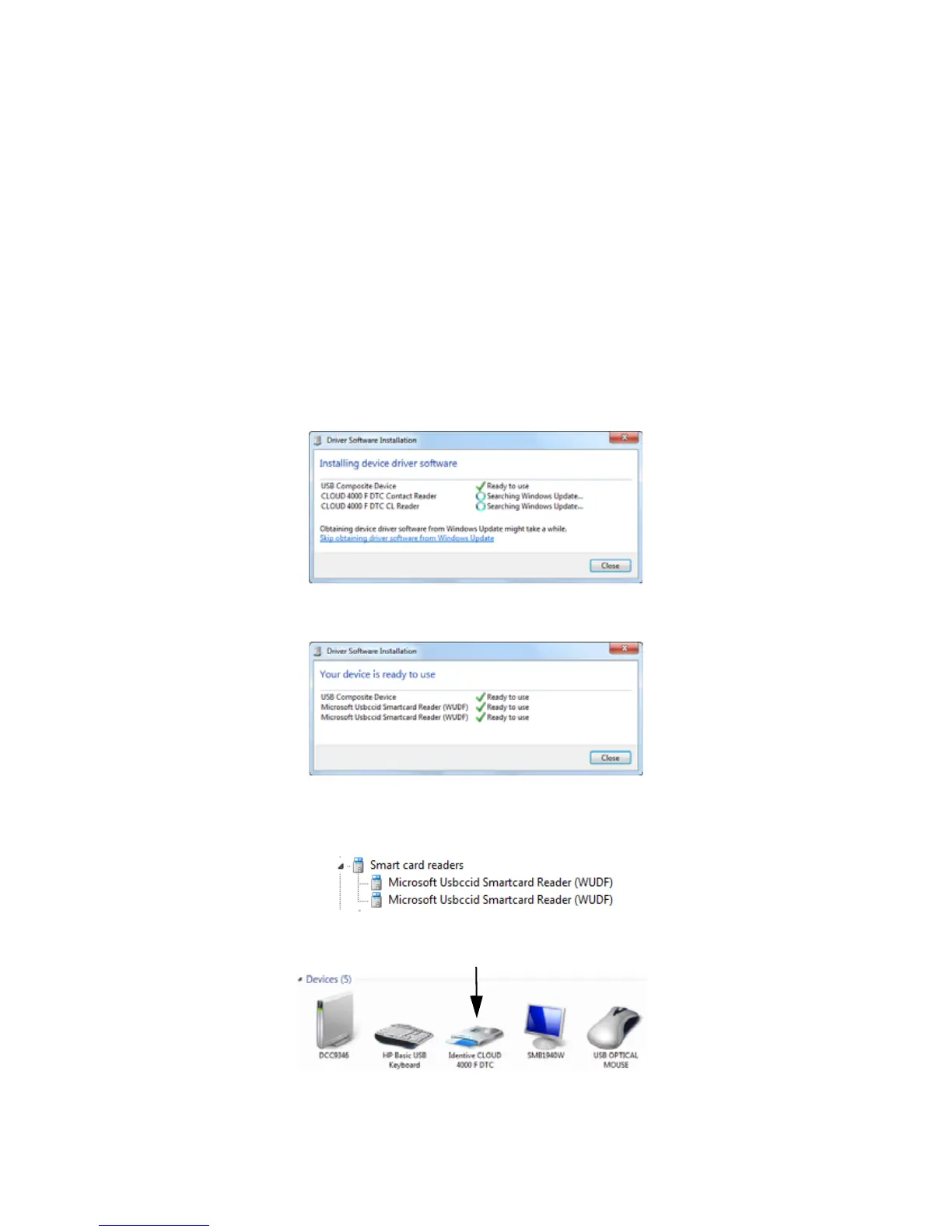
Thecomputerinstallsthedevicedriversoftwareforthesmartcard.
“Yourdeviceisreadytouse”displaysafterthedriverinstallationiscomplete.
2. AftertheIdentivesmartcardreaderhasbeeninstalled,verifythatthedriverdisplaysin
DeviceManagerunderSmartcardreaders.
3. VerifythattheIdentivesmartcardalsodisplayinDevicesandPrinters.



 To Next Page