English
36
Fifty Line
Cod. 420120397 REV. 1.0
CONNECTING AND LINKING THE RDNET SIGNAL
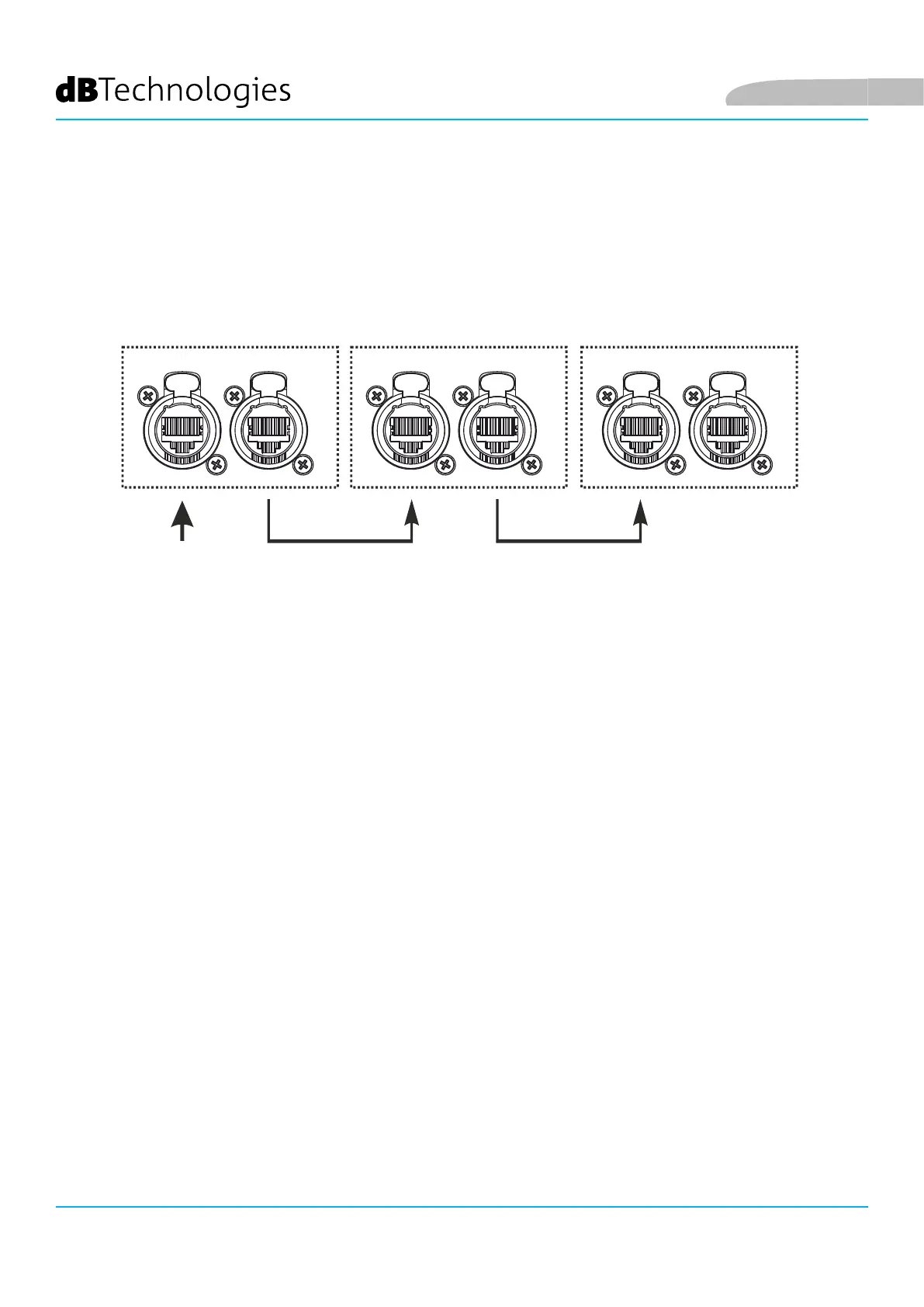
To enable remote control, connect the Data Input of the rst subwoofer to the hardware interface (RDNet Control
2 or RDNet Control 8) using cables tted with etherCON connectors. Then connect the Data Output of the rst
subwoofer to the Data Input of the second one, and nally from the second subwoofer to the top. Power up the
speakers and make a “GoOnline” request in the AURORA NET software; the “Link” LEDs will conrm that they are
connected.
The “Active” LEDs will start ashing to indicate that there is data trafc.
FIFTY SUB 1 FIFTY SUB 2 FIFTY TOP
RDNet RDNet RDNet
Data In Data In Data InData Out Data Out Data Out
RDNET
CONTROL
3. REMOTE CONTROL
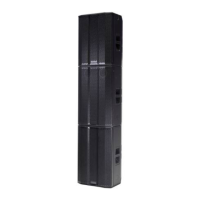
The AURORA NET software can be used to manage various parameters of the FIFTY TOP speaker and FIFTY SUB
subwoofer in real time.
In detail:
FIFTY TOP
• Monitor the input and output signals
• View if there is audio compression on the output signal and acoustic components
• Attenuate the input signal
• MUTE the driver and woofer separately
• SOLO the woofer and driver separately
• Monitor the temperature of the amplier
• Apply a high pass lter
• Calibrate the speaker inclinometer
• Save settings as presets for subsequent remote recall
• Equalise the speaker
• Add delay



 To Next Page