22
DriveRack
®
DriveRack® 260 User Manual
Configuration Functions
Section 3
3.4 Saving Factory Program Changes
Once you are satisfied with the changes that have been made to a factory or user program, the DriveRack allows you to
save these changes to the program as a custom USER program by pressing the STORE button. The first time you press
the STORE button the DriveRack 260 will ask you if you want to store or delete the program. Just press the STORE
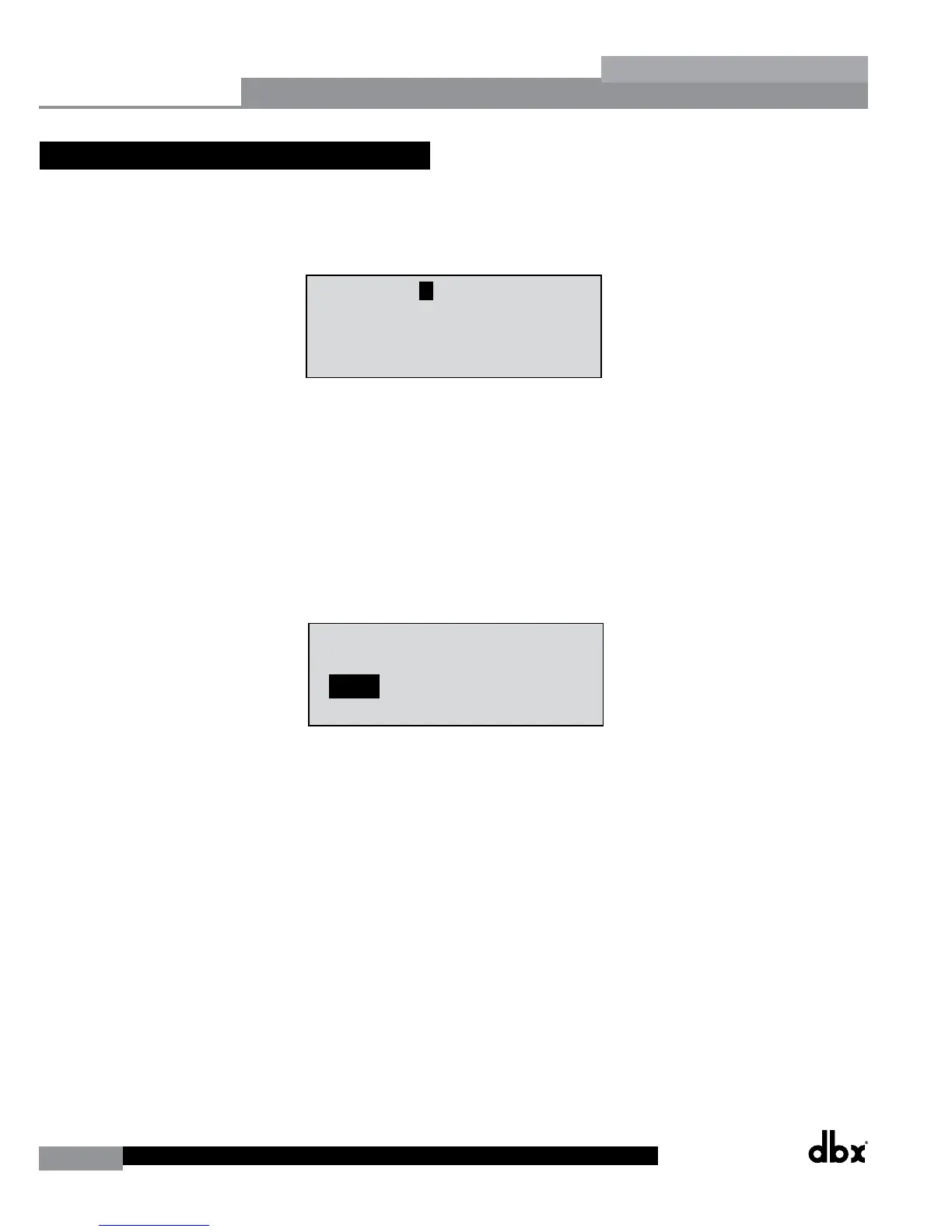
button a second time to advance and store the program. The display will now appear something like this:
M
1
3
5
2
4
6
M
A
B
STw/2Delays
33
FACT
Over Easy OFF
Compressor ON
COMP THR
-50 -30 -12 -5 0
LR
-0+
<DATA> - SELECTS CHARACTER
<PREV/NEXTPG> - LEFT/RIGHT:
PRESS <STORE> TO ADVANCE
NAME: ROCK VENUE
SR4725+sSub
INSERT:
PRESS <STORE> TO ADVANCE
STORE: Program 1
U6 SR4725+sSub
Replacing
PRESS <STORE> TO ADVANCE
STORE: ROCK VENUE
U1 DJ Setup
GEQ
P2x2
2x2
2x2
L
P L
P L
DD
D
CG
D
D
D
D
Replacing:
U 1 Program 1
• Rotating the DATA wheel will change the characters in the currently selected position.
• Pressing the DATA wheel in successively will toggle between uppercase letters, lowercase letters, numbers or
symbols/blank space.
• Use the PREV PG and NEXT PG button to move character positions (left and right).
• Once the desired title has been written, press the STORE button. The display will now appear something like
this:
M
1
3
5
2
4
6
M
A
B
STw/2Delays
33
FACT
Over Easy OFF
Compressor ON
COMP THR
-50 -30 -12 -5 0
LR
-0+
<DATA> - SELECTS CHARACTER
<PREV/NEXTPG> - LEFT/RIGHT:
PRESS <STORE> TO ADVANCE
NAME: ROCK VENUE
SR4725+sSub
INSERT:
PRESS <STORE> TO ADVANCE
STORE: Program 1
U6 SR4725+sSub
Replacing
PRESS <STORE> TO ADVANCE
STORE: ROCK VENUE
U1 DJ Setup
GEQ
P2x2
2x2
2x2
L
P L
P L
DD
D
CG
D
D
D
D
Replacing:
U 1 Program 1
• Rotate the DATA wheel to select the program to be replaced and press the STORE button and the existing
program will be replaced with the new program. All edits will be saved.
The DriveRack 260 will store up to 25 user programs (1-25) in addition to the 25 factory programs (26-50).
Note: Factory programs cannot be over-written. From the factory, programs 1-25 (User) are the same programs as 26-50
(Factory). The difference is that users can overwrite programs 1-25. However, the factory programs will always reside
in program locations 26-50. If a user attempts to overwrite a factory program (26-50), the DriveRack 260 will move the
program index to the user program location equivalent. For example if trying to store a program to Factory program
location 50, the DriveRack will automatically change the store location to User program location 25. Of course, the user
can then change the user location if desired.



 To Next Page