DriveRack
®
DriveRack® 260 User Manual
45
Utilities/Meters
Section 5
INS COMP o+
1
INS
2
-30-20 0 +20
-
A
B
A
B
LIM 0+
LIM
LIM
-30-20 0 +20
-
0+
-
0+
-
1
2
3
LIM 0+
LIM
LIM
-30-20 0 +20
-
0+
-
0+
-
4
5
6
Trim 0.0 Net 0.0 dB
Trim 0.0 Net 0.0 dB
Trim 0.0 Net 0.0 dB
1
2
3
Zone Controllers
Panel 1
Panel 2
Panel 3
Zone Controllers
Panel 4
Panel 5
Panel 6
Output Trims
Trim 0.0 Net 0.0 dB
Trim 0.0 Net 0.0 dB
Trim 0.0 Net 0.0 dB
4
5
6
Output Trims
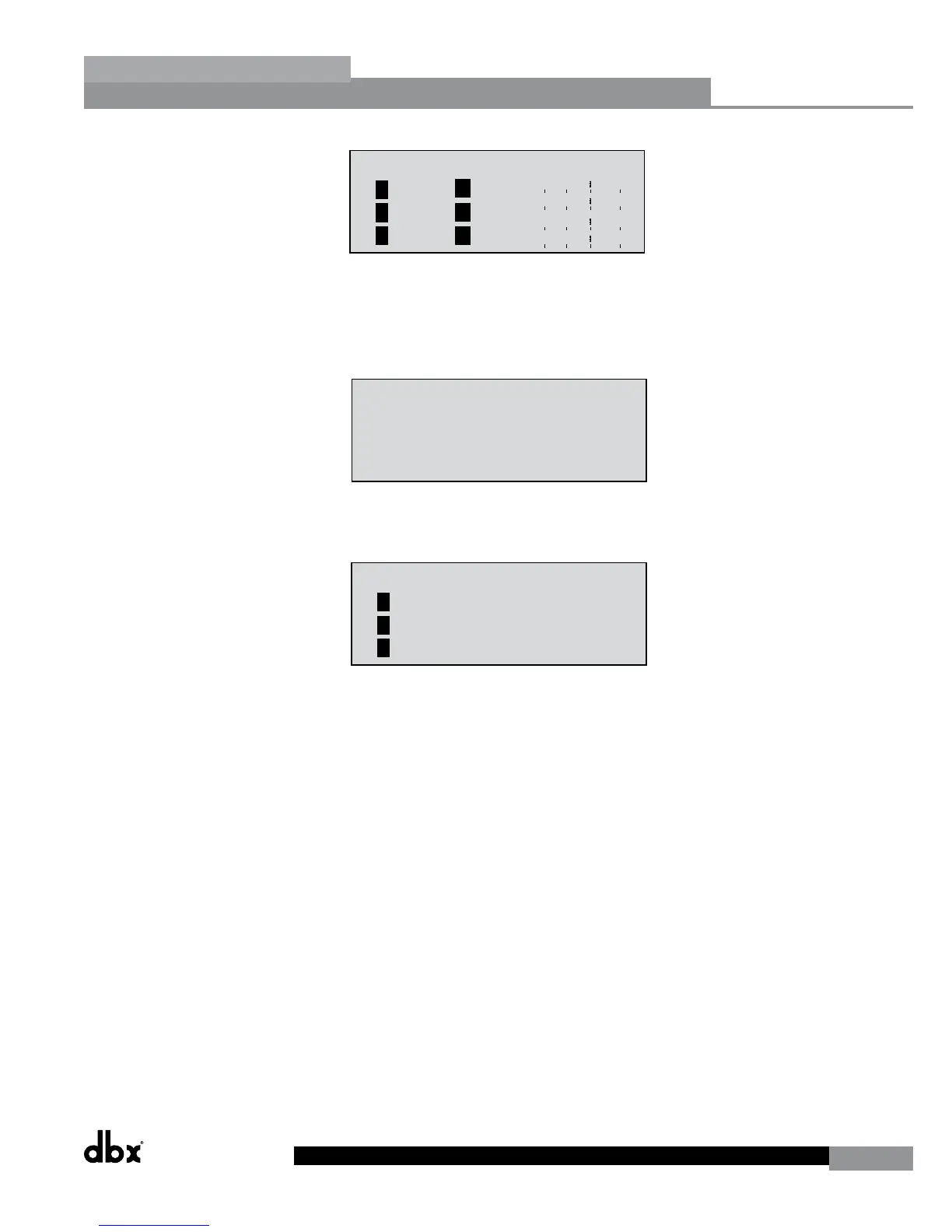
This page meters the gain reduction being applied by the Dynamics modules on outputs 1-3. Pressing the NEXT PG
button displays outputs 4-6.
• Use the PREV PG or NEXT PG button to move to the page that appears as follows:
INS COMP o+
1
INS
2
-30-20 0 +20
-
A
B
A
B
LIM 0+
LIM
LIM
-30-20 0 +20
-
0+
-
0+
-
1
2
3
LIM 0+
LIM
LIM
-30-20 0 +20
-
0+
-
0+
-
4
5
6
Trim 0.0 Net 0.0 dB
Trim 0.0 Net 0.0 dB
Trim 0.0 Net 0.0 dB
1
2
3
Zone Controllers
Panel 1
Panel 2
Panel 3
Zone Controllers
Panel 4
Panel 5
Panel 6
Output Trims
Trim 0.0 Net 0.0 dB
Trim 0.0 Net 0.0 dB
Trim 0.0 Net 0.0 dB
4
5
6
Output Trims
This (as well as the next) page shows any activity (such as level changes and program changes) being made by any
connected ZC wall panels. Use the PREV PG or NEXT PG button to move to the page that appears as follows:
INS COMP o+
1
INS
2
-30-20 0 +20
-
A
B
A
B
LIM 0+
LIM
LIM
-30-20 0 +20
-
0+
-
0+
-
1
2
3
LIM 0+
LIM
LIM
-30-20 0 +20
-
0+
-
0+
-
4
5
6
Trim 0.0 Net 0.0 dB
Trim 0.0 Net 0.0 dB
Trim 0.0 Net 0.0 dB
1
2
3
Zone Controllers
Panel 1
Panel 2
Panel 3
Zone Controllers
Panel 4
Panel 5
Panel 6
Output Trims
Trim 0.0 Net 0.0 dB
Trim 0.0 Net 0.0 dB
Trim 0.0 Net 0.0 dB
4
5
6
Output Trims
This (as well as the next) page displays the Trim and Net (Crossover gains + ZC gains) levels within the output section.



 To Next Page