DriveRack
®
DriveRack® 260 User Manual
49
Remote Control
Section 6
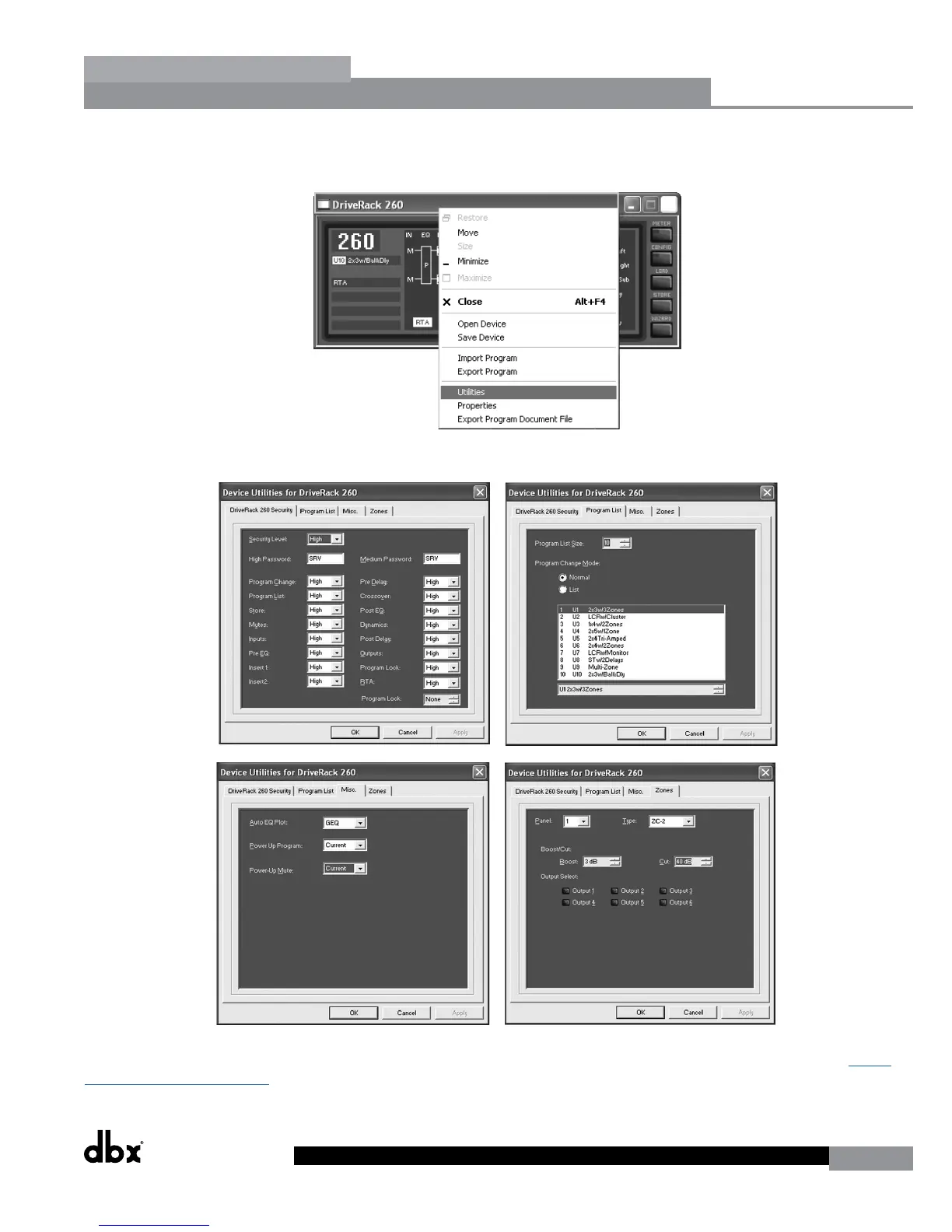
• To enter the Utility Menu, Right-Click-hold on the top bar of the program edit window. Select ‘Utilities’ from the
menu items list.
The Utility Menus will appear as follows:
For more comprehensive information on using DriveWare, please visit the Training section and FAQs section at http://
dbxpro.com/en-US/support.
Remote Control



 To Next Page