10
Section 1
DriveRack
™
PA
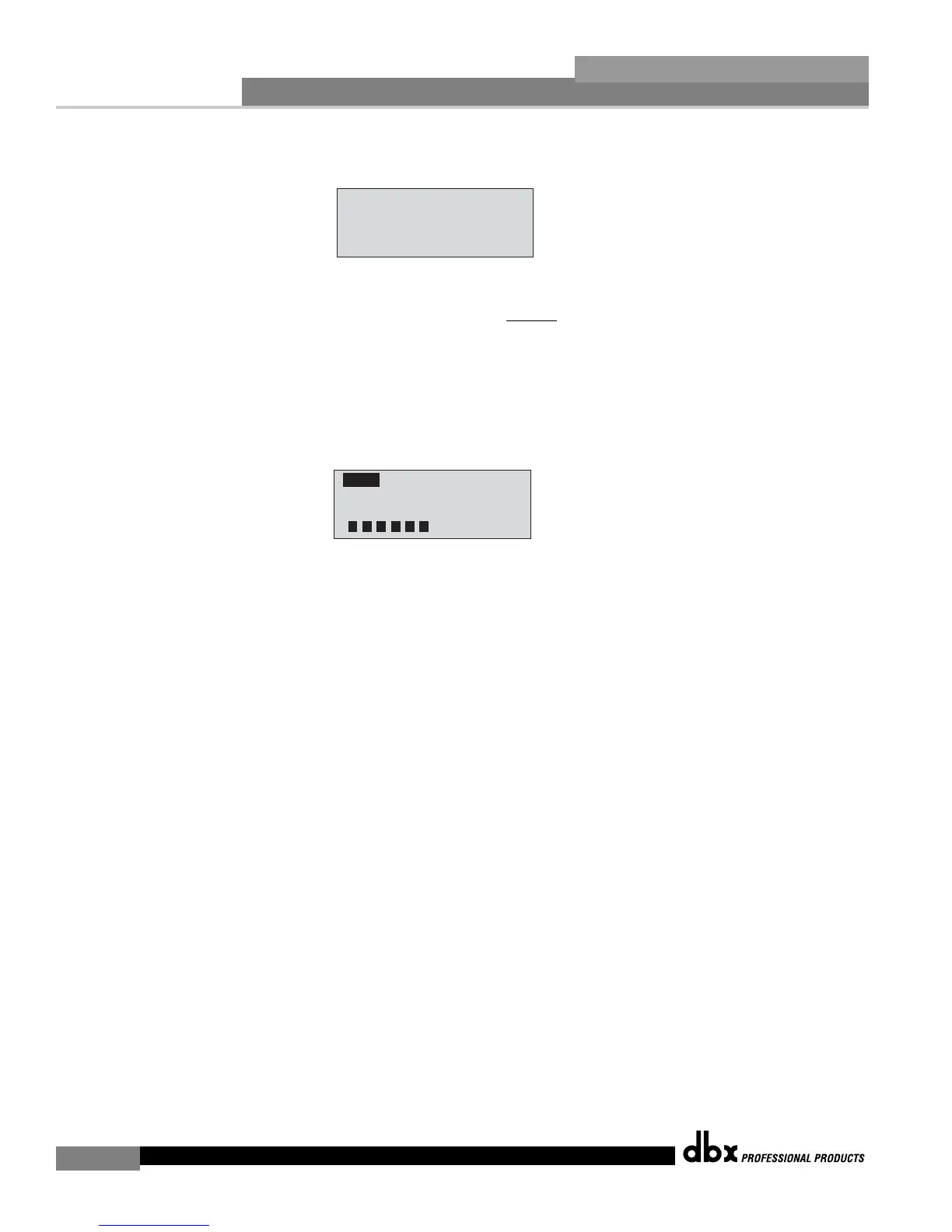
type has been selected, press the <NEXT PG> button and the display will read:
• You are now prompted to raise the output gain of the mixer to the level of the performance.
Note that you are raising the mixer gain without an input signal running through the mixer.
Once the desired level has been set and all of the fixed filters have been assigned, the unit
will automatically move you to the page that indicates the fixed filter setup has been com-
pleted. If you have reached the performance level setting and all of the fixed filters have not
been used, you may want to return to the page that selects the number of fixed filters and
re-adjust the number of fixed in order to provide you with additional live filters. Regardless,
once you have completed the setup, the display will read:
• To return to program mode, simply press the <PROGRAM> or <NEXT PG> button. For
more information regarding feedback elimination, please see the AFS parameters of the
Detailed parameters section.
desired level.














 To Next Page