Detailed Parameters
Section 4
DriveRack
™
PA
25
DriveRack™ PA User Manual
Type
Selects the filter type. Selections are BW 6, 12, 18, 24 for Butterworth type filter with slope of
6, 12, 18 or 24 dB/Octave and LR12, 24 for Linkwitz-Riley type with slope of 12 or 24
dB/Octave.
Gain
Adjusts the output gain of the current band from –INF to +20dB.
The crossover is stereo linked. Adjusting a parameter affects both the left and right outputs
of the current frequency band. For the 2x3 and 2x5 Crossover, the Left and Right inputs are
summed to produce a Mono signal that is processed by the Low Band Pass filter. After filter-
ing, the Mono signal is fed to both the Left and Right of the Low band output.
In addition to the pre-crossover EQ options within the signal path, the DriveRack™ PA also
offers a 2 or 3-band parametric EQ after the crossover section. The parameters for the post-
crossover EQ are as follows and are user adjustable.
PEQ On/Off
Turns the PEQ band on and off.
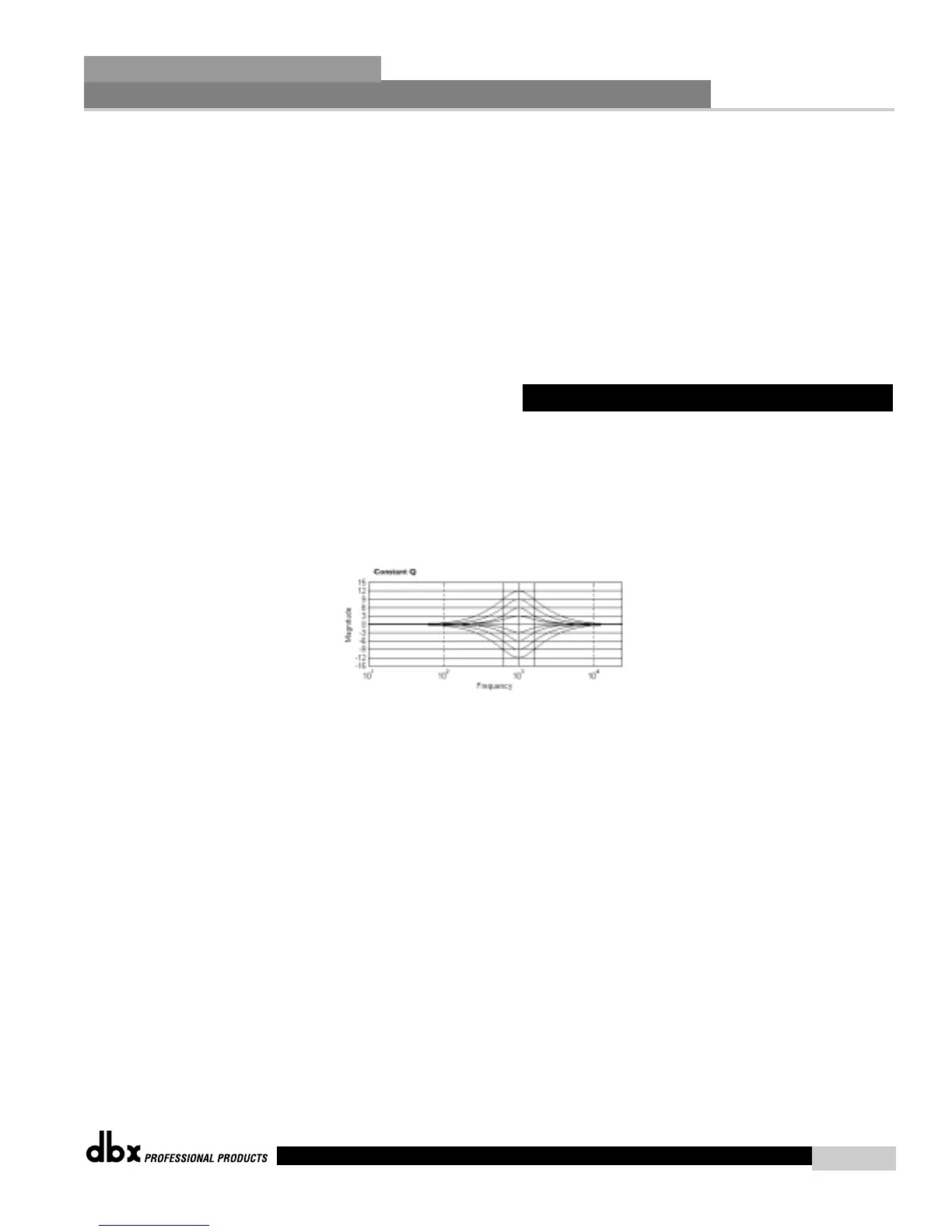
The following figure shows the constant Q parametric filter.
Flatten/Restore
This parameter either flattens the PEQ or restores the PEQ to its original shape.
Type
This parameter selects the PEQ type. Types include: 1. Bell-All parametrics are bell-shaped 2.
HShelf - One shelf is High, while all others are bell 3. LShelf - One shelf is Low, while all oth-
ers are bell and 4. LHShelf - One shelf is High and one is Low, and the others are bell.
Band (1-3) Frequency 20Hz to 20kHz
Selects the frequency of the selected band of the parametric EQ.
Level (1-3) -12dB to 12dB
Sets the peak level of the selected parametric EQ.
Q (1-3) 0.20 to 16 dB
Sets the Q or Bandwidth of the selected Parametric EQ.
4.5 Post-CROSSOVER PEQ














 To Next Page