dCS Rossini CD / Network Player User Manual Software Issue 1.0x
February 2016
Rossini Player Manual v1_0x Page 20 English version
STEP 4 – CD Playback
• Use the Input button to select CD mode.
• Press the Stop/Eject button to open the CD tray. The display will show OPENING - OPEN.
• Load a CD into the tray with the label upwards.
• Press the Stop/Eject button again or push the tray slightly inwards GENTLY.
• The display will show CLOSING, then READING TOC (Table Of Contents). Wait while the Player
reads the disc.
• The number of tracks and the total playing time will be displayed.
• Press the Play/Pause button.
• Press the Play/Pause button to pause playing, press again to resume playing.
• Press the Fwd or Rwd button to skip to the next track or the previous track.
• Press the Stop/Eject button to stop the disc. Press it again to open the tray.
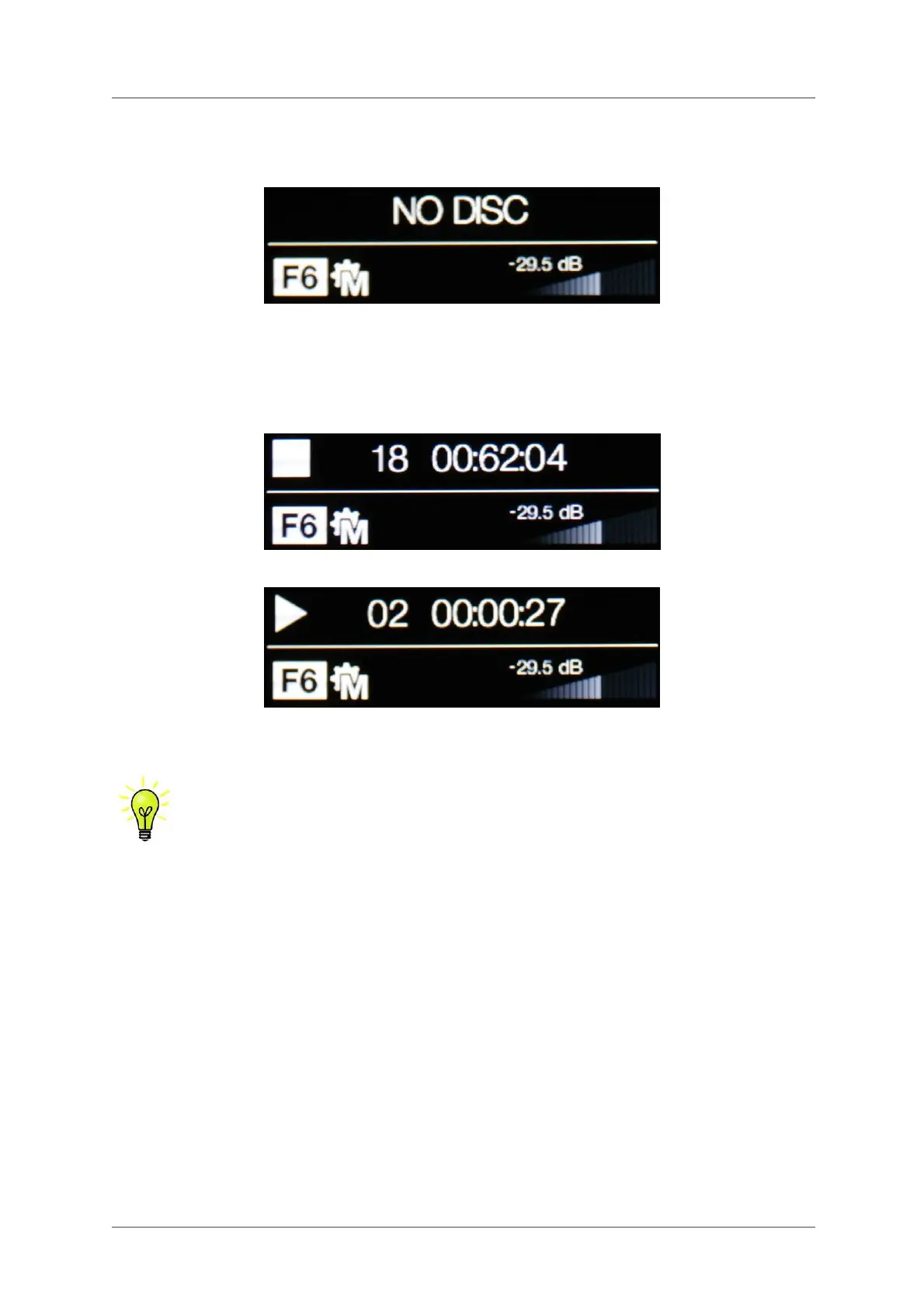
If you load a single-layer SACD into the Player, it will try to read it and then display No
Disc. It is not an SACD player.


 To Next Page