dCS Rossini CD / Network Player User Manual Software Issue 1.0x
February 2016
Rossini Player Manual v1_0x Page 45 English version
CONFIGURATION Menu
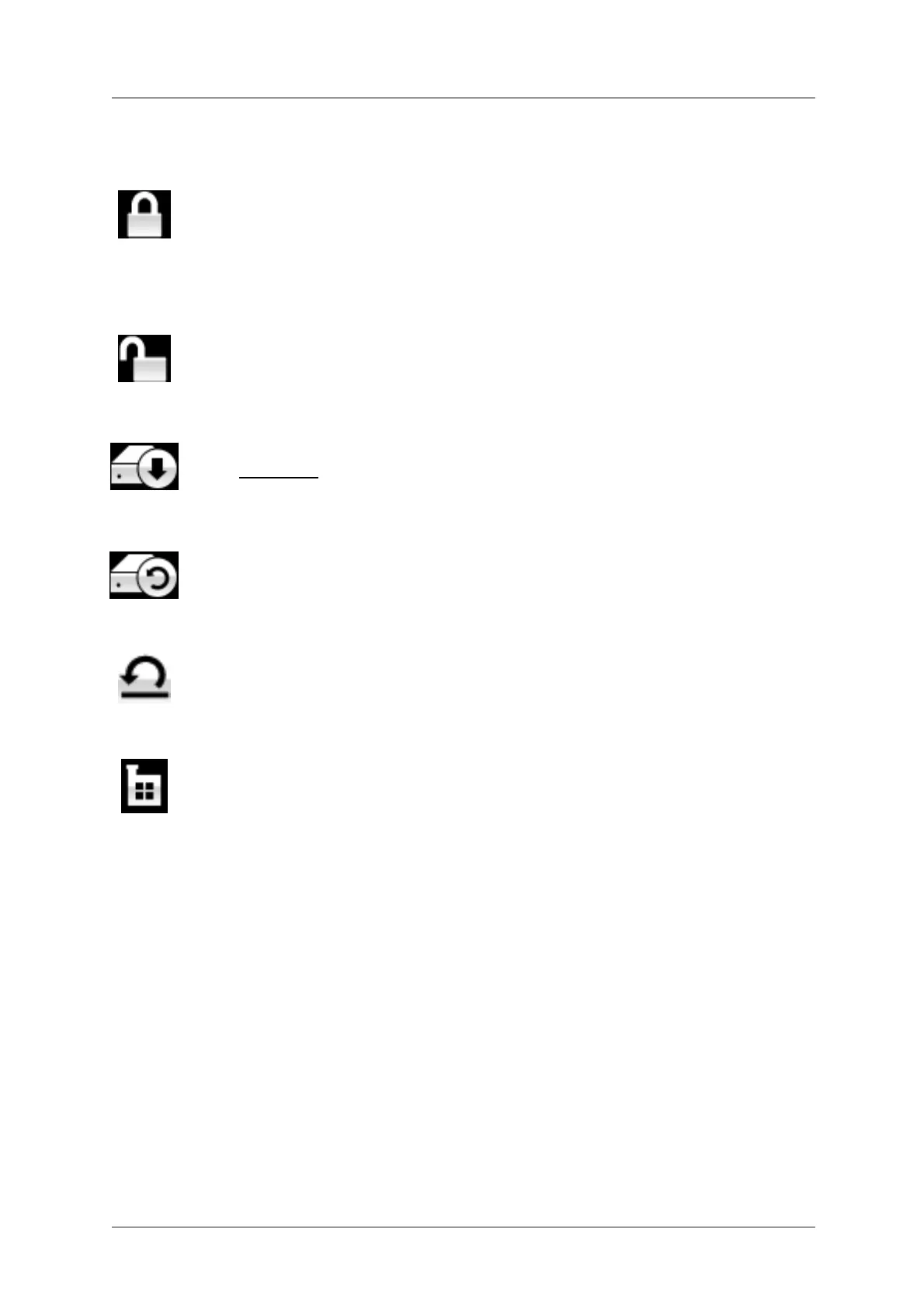
Settings Lock
When set to Locked, this icon appears on the main display and the following settings
cannot be changed:
• Sync Mode setting for all inputs
• Output Level
• Dual AES
• Ch Swap
• Balance
DSD Filter
• USB Class
• Save Configuration is disabled
• Restore Configuration is disabled
• Factory Reset is disabled
Set to Unlocked if you need to change these settings.
Save Configuration
Once the unit is set up the way you want it, select Save to store the settings in memory.
If you deliberately change the setup later and want to keep it, select Save again to store
the changes.
Restore Configuration
If the unit settings are accidentally changed, select Restore to reload the settings you
saved earlier.
Reset Input Names
If the inputs have been renamed, selecting this page resets them to the original names:
AES1, AES2, etc.
Factory Reset
This page resets the unit to the following standard setting:
• Volume to –30dB.
• Balance to centre.
• Input to CD.
• Sync to Audio for all inputs, except
• CD, USB, Network sync to Word
Clock Auto (W)
• PCM Filter to 1 for all sample rates.
• DSD Filter to 1
• Dual AES1+2 to Auto.
Phase to Normal.
• Output Level to 2V.
• Display to On.
• Brightness to maximum.
• RS232 Mode to Binary.
• Ch Swap to Normal.
• Buffer to On.
• Upsampling to DSD
• Logo to On


 To Next Page