SN301-8CH
44
COMPUTER PLAYBACK
When you backup footage onto a USB device you can view the backed up footage on your computer. Viewing your
footage from your computer allows you more options for manipulating the video as well as for backing up footage
directly to your computer.
To view footage though your computer:
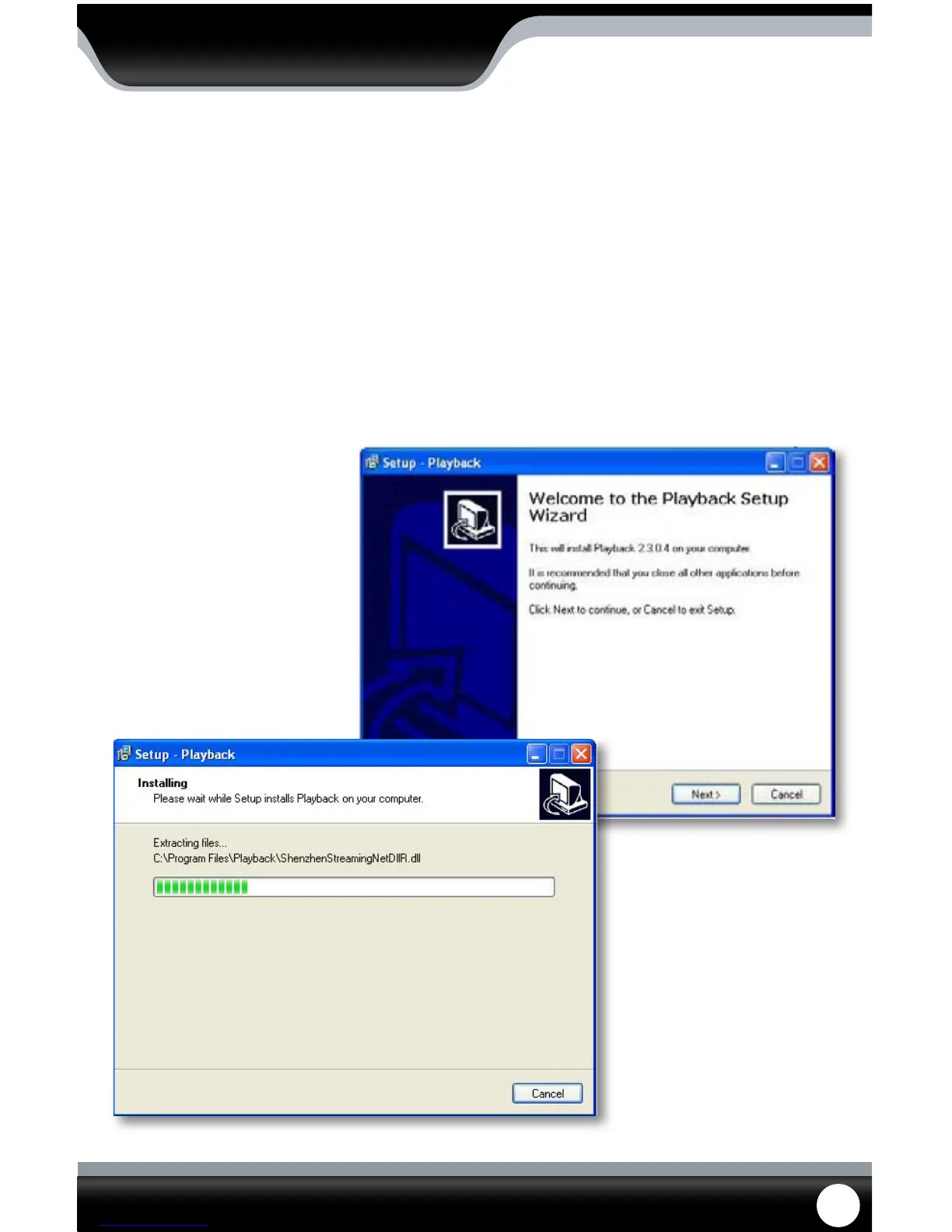
1. Insert included software CD into disk drive and double click to install the playback software.
2. Follow the installation guide until the end.
3. Once everything has been successfully installed, insert USB device into USB port on computer. Make sure USB
device has backed up footage on it.
4. Open the playback software you installed.
Software Installation
PLAYBACK



 To Next Page