SN301-8CH
64
Just like the DVR menu, submenus have certain functions that have the
same meaning:
• Next: Allows you to adjust settings for cameras 5-8
• Default: To restore all settings to the default settings select the “Default” button on the bottom of
the screen
• Apply: To save changes select “apply” at the bottom of the screen
• Exit: To exit the menu, select “exit” at the bottom of the screen
ONLINE SOFTWARE
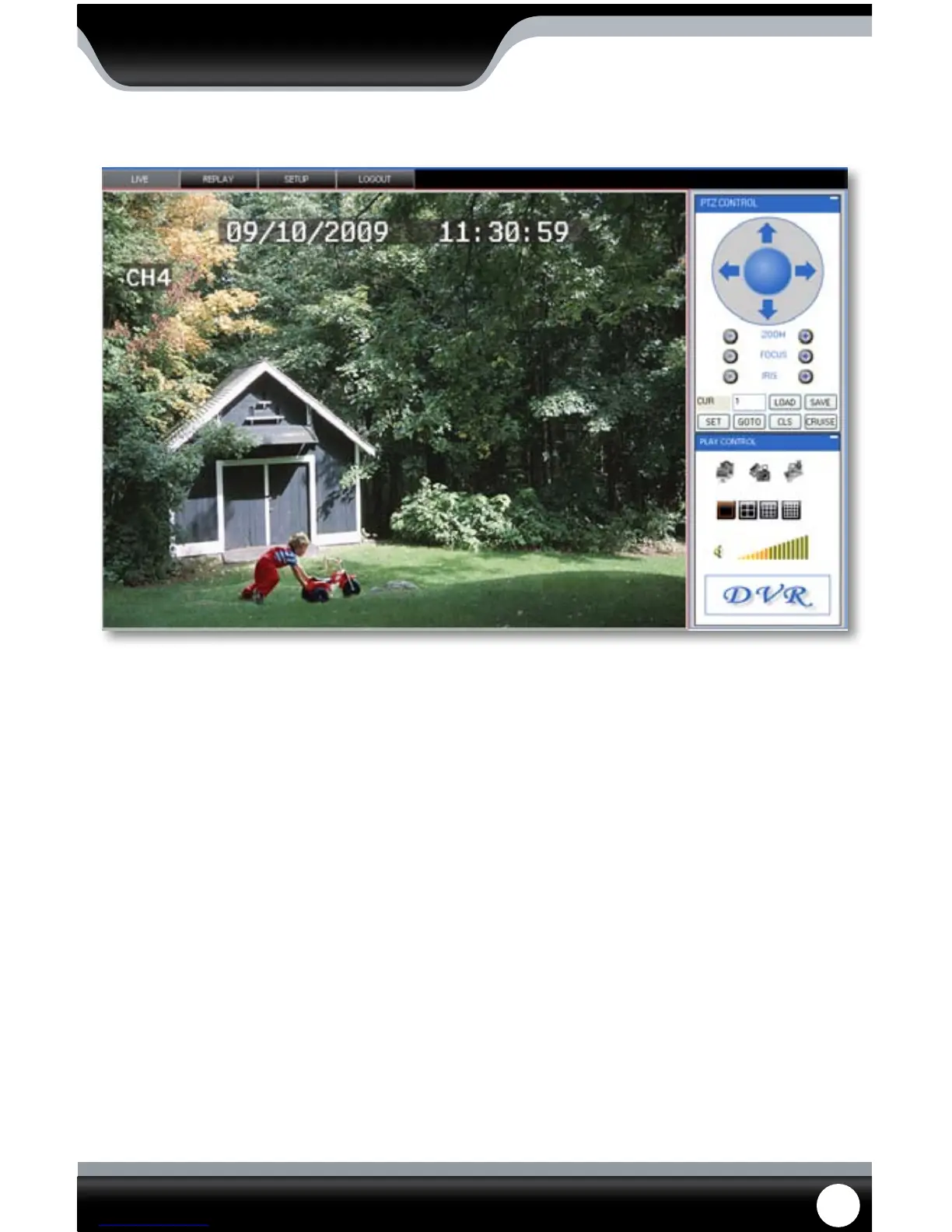
This is what the online viewing software will look like in live view:



 To Next Page