SN301-8CH
50
NETWORK GUIDE
REQUIREMENTS
You will need to have:
The DVR connected to a router
The router connected to the Internet
A PC or laptop that is connected to the same router as the DVR. The PC can be
connected by a wired or wireless connection
Internet Explorer 6.0 or higher (to check your version of Internet Explorer
open I.E. In the top Menu bar select “Help” and then select “About Internet
Explorer”. The version of I.E. will be displayed.)
A genuine and fully updated version of Windows XP, Vista or newer
Note: The computer and DVR need to be connected to the same router for initial setup. A computer will
not always be necessary at the location to view the DVR.
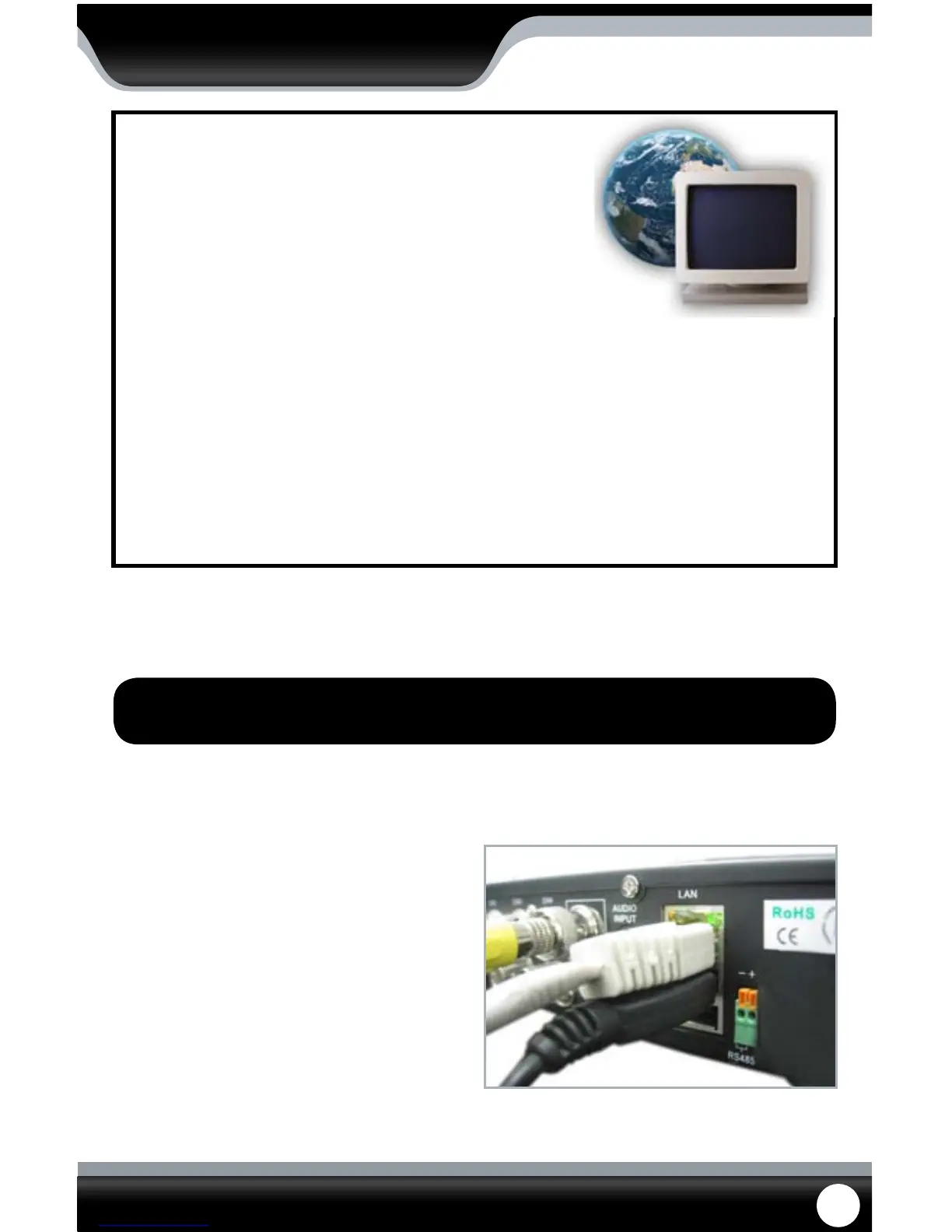
1. Power o the DVR by removing the power
cable from the back of the DVR.
2. Connect the included network cable to the
back of the DVR in the Ethernet port (LAN).
3. Connect the other end of the network cable
to an available port on the router.
4. Power on the DVR by reconnecting the
power cable to the back of the DVR.
CONNECTING DVR TO A ROUTER



 To Next Page