SN301-8CH
49
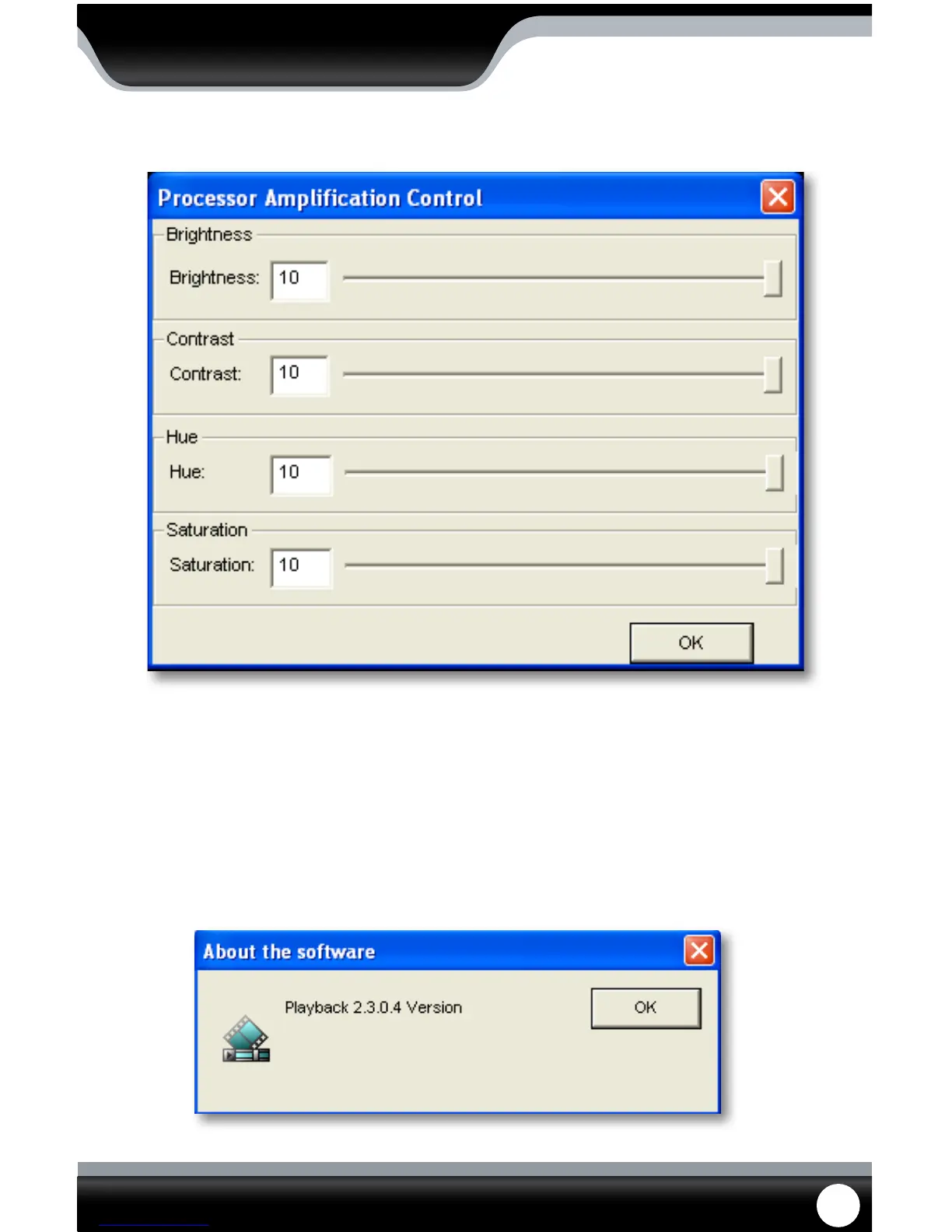
Processor Amplication Control
This area allows you to adjust the Brightness, Contrast, Hue and Saturation of the playback video.
To adjust the video settings:
1. Open up “Processor Amplication Control”, under the settings menu.
2. Move the bar along the line to make the Brightness, Contrast, Hue and Saturation settings higher or lower.
3. When the settings are adjusted to your liking, select OK.
Help Menu
The help menu option allows you to view what the software you are using is called as well as see which version you
are using. If more updated versions are available, they can be downloaded from www.defender-usa.com
PLAYBACK



 To Next Page