7 User Interface 31
whether you wish to overwrite the old program with the new
data. Press yes to overwrite and return to Program Display;
press no to cancel overwriting and return to Save as.
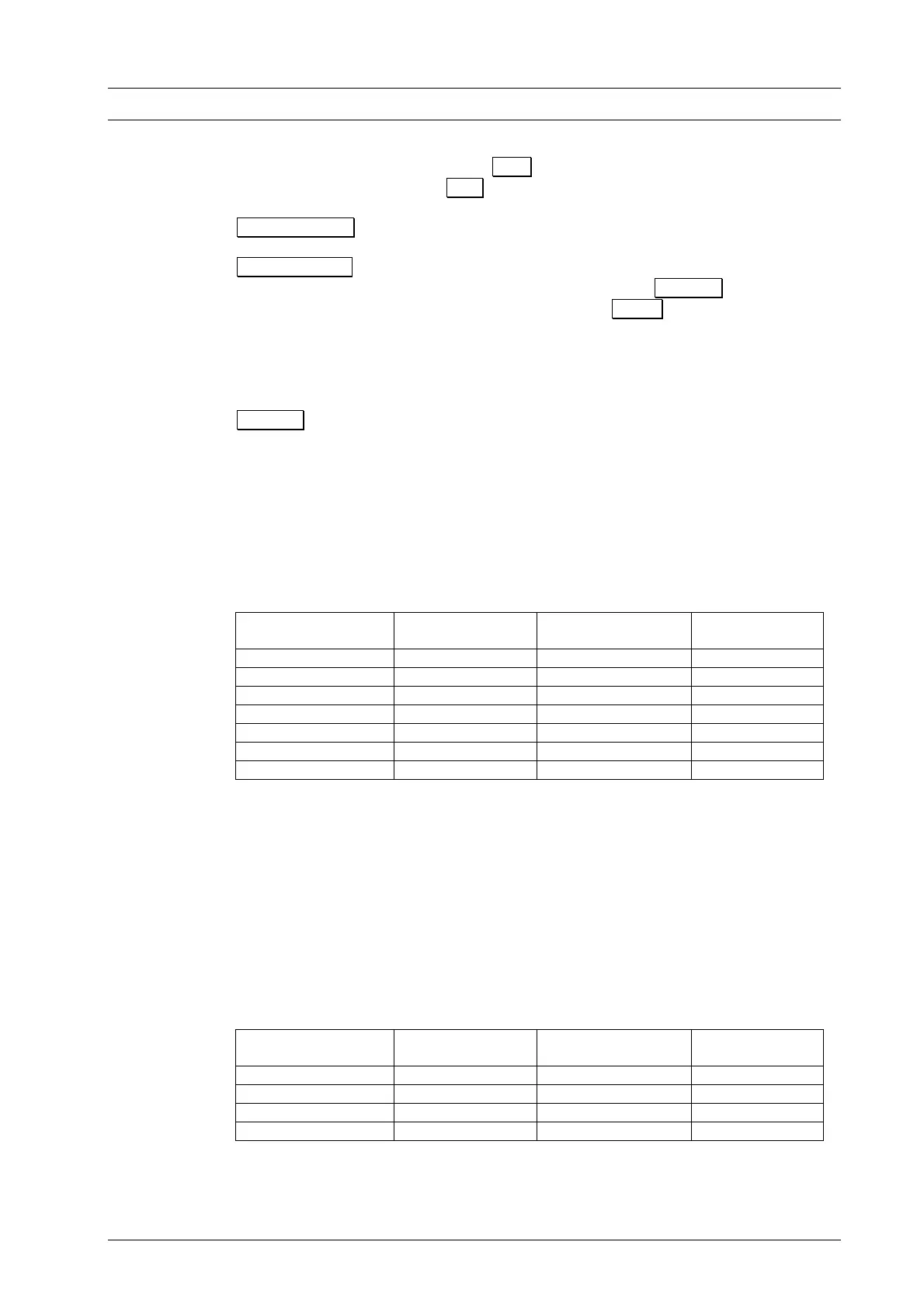
Position Å Æ Selects the value to be edited.
Program Start Starts the entered provisional program from the Program
Editor. A prompt is displayed. Press Cancel to return directly
to the Program Editor. Press O.K. to run the program. You
will have the options of the respective Program Procedure
(Section 7.4). After the program has finished, you will return to
the Program Editor and you can save or continue to edit the
program.
Cancel Cancels the Program Editor and returns to the previous menu.
7.5.2 INDIVIDUAL PROGRAMS – PROFESSIONAL
The editing restrictions in STANDARD mode can be avoided by selecting
PROFESSIONAL mode. Table 3 lists the permissible values for the individual program
steps. The options offered by the function bar are the same as in STANDARD mode.
Table 2: Permissible range of values of program steps in Professional mode.
Program Step Temperature
°C
Temperature rise
°C/min
Holding period
min. sec
Dry 0:00 – 9:59
Close 0:00 – 9:59
Preheat 100 – 700 0:00 – 9:59
Temperature 1
1)
100 – 1200 2 – 99, MAX
4)
0:00 – 99:59
Temperature 2
2)
100 – 1200 2 – 99, MAX
4)
0:00 – 99:59
Temperature 3
3)
100 – 1200 2 – 99, MAX
4)
0:00 – 99:59
Vacuum T
max
5)
level in %
6)
0:00 – 99:59
1) Temperature 1 = Firing temperature in Standard entry mask
2) Temperature 2 = Cooling temperature in Standard entry mask
3) Temperature 3 = Relaxation in Standard entry mask
4) maximum rise at 0°C/min (see technical specifications p. 2)
5) T1 = Temperature 1; T
max
= max. value of T1, T2, T3
6) 0 % = pump off; 100 % = continuous pump operation
7.5.3 INDIVIDUAL PROGRAMS – PRESS PROGRAMS (ONLY D4press)
In addition to entering a processing firing programs, you can also select press programs
in the D4press. The options that are offered under this function are in the following
table.
Table 3: Permissible range of values of program steps in Press mode.
Program step Temperature
°C
Temperature rise
°C/min
Holding period
min:sec
Start temperature 100 – 900
End temperature 100 – 1200 2 – 99, MAX
1)
0:00 – 99:59
Pressing time 0:00 – 99:59
Press level 1 – 5
2)
1)
maximum rise at 0°C/min (see technical specifications, p. 4)
2) Press levels 1 – 5 corresponding to 60 - 100 vacuum
DEKEMA Dental-Keramiköfen GmbH, AUSTROMAT
®
D4, Version 3, 2006


 To Next Page