7 User Interface 36
To activate the long-term readiness function, “Long-term readiness“ has to be checked
in Setup. While the program is running, the button Sleep ON or Sleep OFF
appears.
Drying temperature
This menu is for globally adjusting the approximate drying temperature near the firing
object. The same holds true for all firing programs. Change the drying temperature if
your firing tests indicate that the temperature setting seems too low or too high.
Changing the drying temperature (range of 80
0
C to 200
0
C, default setting: 160
0
C) by
entering the new value on the numeric keypad, and confirm it by pressing OK .
Return to Setup by pressing Cancel .
7.6.3 DATA RECORDING AND TRANSFER
Print record
Note that a suitable record printer must be connected for printouts (see Section 8).
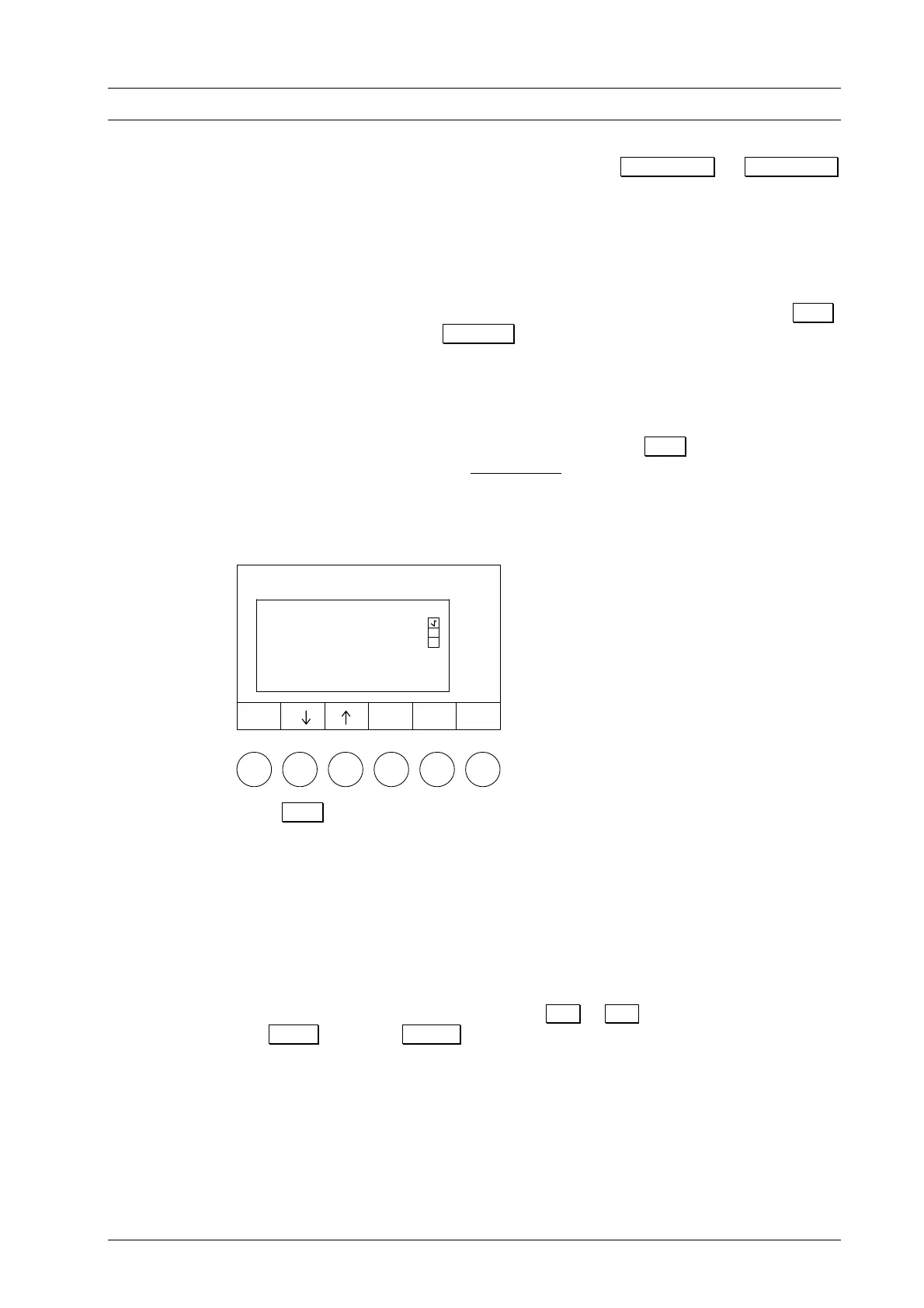
Activate the printing of a record of the firing by pressing O.K.. After each complete
firing, a firing protocol is printed automatically. A check appears in the check box to
indicate this (Fig. 21).
Figure 21
Press O.K. again to deactivate the print record option (the check disappears). In any
O.K.
Cancel
SETUP
Set display contrast
Print record
Computer data recording
General code
Temperature calibration
...
....
....
case, after a firing run you can manually print a firing record (see . Figure 16).
Save data to computer
Data recording is not active.
Data transfer with memory module
This menu item allows the user to save the firing programs with an optionally available
memory module (not included with the original delivery). Connect the memory module
to the socket at the back side of the furnace. Choose to either save firing programs
from the
AUSTROMAT D4 to the memory module, or transfer programs from
module to the ceramic furnace by pressing Å or Æ . The data will be transferred
with O.K. , or press Cancel to automatically return to Setup.
Please note that all firing programs will be transferred to the target, and its prior
memory will be deleted (program numbers 1 to 200). After a data transfer, the identical
firing programs are both on the memory module and the
AUSTROMAT D4.
TIP G
see p. 43
DEKEMA Dental-Keramiköfen GmbH, AUSTROMAT
®
D4, Version 3, 2006


 To Next Page