Installing Printer Drivers on Computers Running Windows 73
2
Click
Guided Setup
.
3
Select
Wireless Connection
, and then click
Next
.
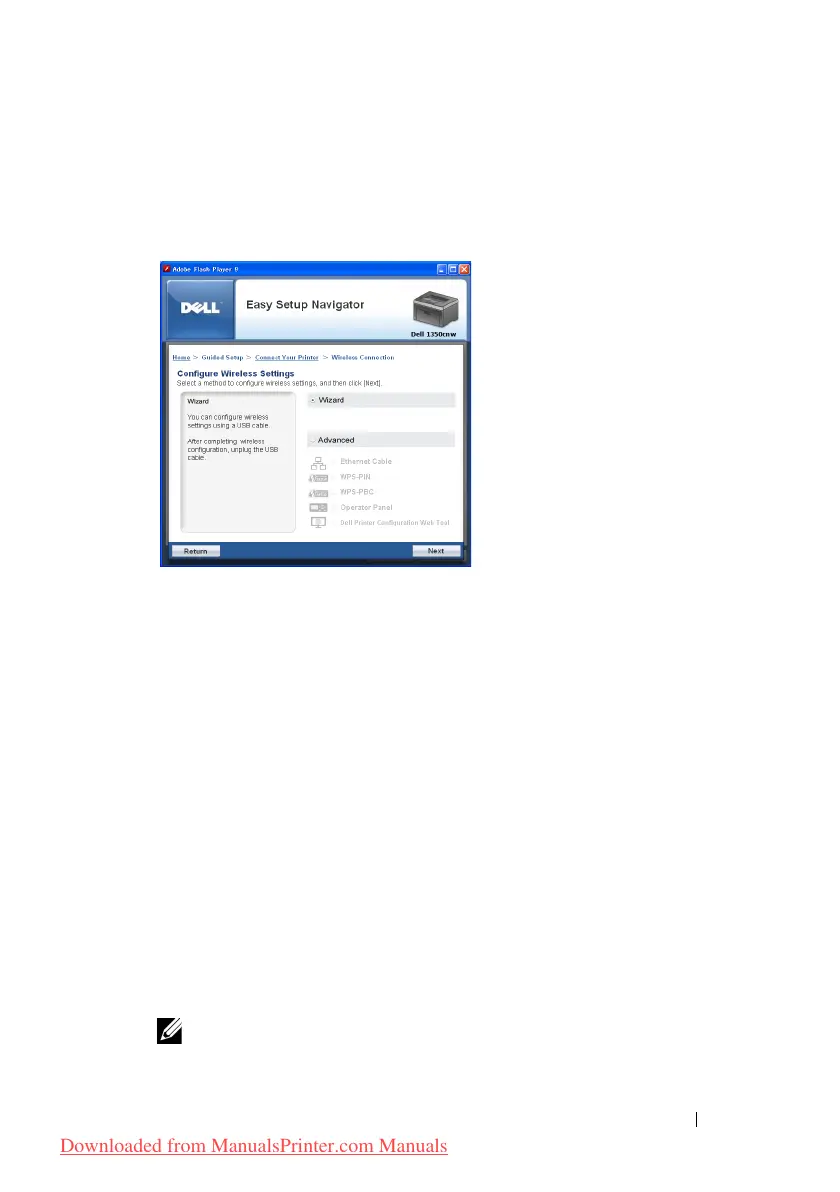
The setting method selection window appears.
4
Select
Advanced
.
Select a connection method from the following
• Ethernet Cable
•WPS-PIN
•WPS-PBC
•Operator Panel
• Dell Printer Configuration Web Tool
Ethernet Cable
1
Select
Ethernet Cable
, and then click
Next
.
2
Follow the instructions, and then click
Next
.
Advanced Configuration Tool
screen appears.
3
Select the printer to be configured in the
Select Printer
screen, and then
click
Next
.
NOTE: If the printer to be configured is not listed in the Select Printer screen,
try the following steps:
Downloaded from ManualsPrinter.com Manuals












 To Next Page