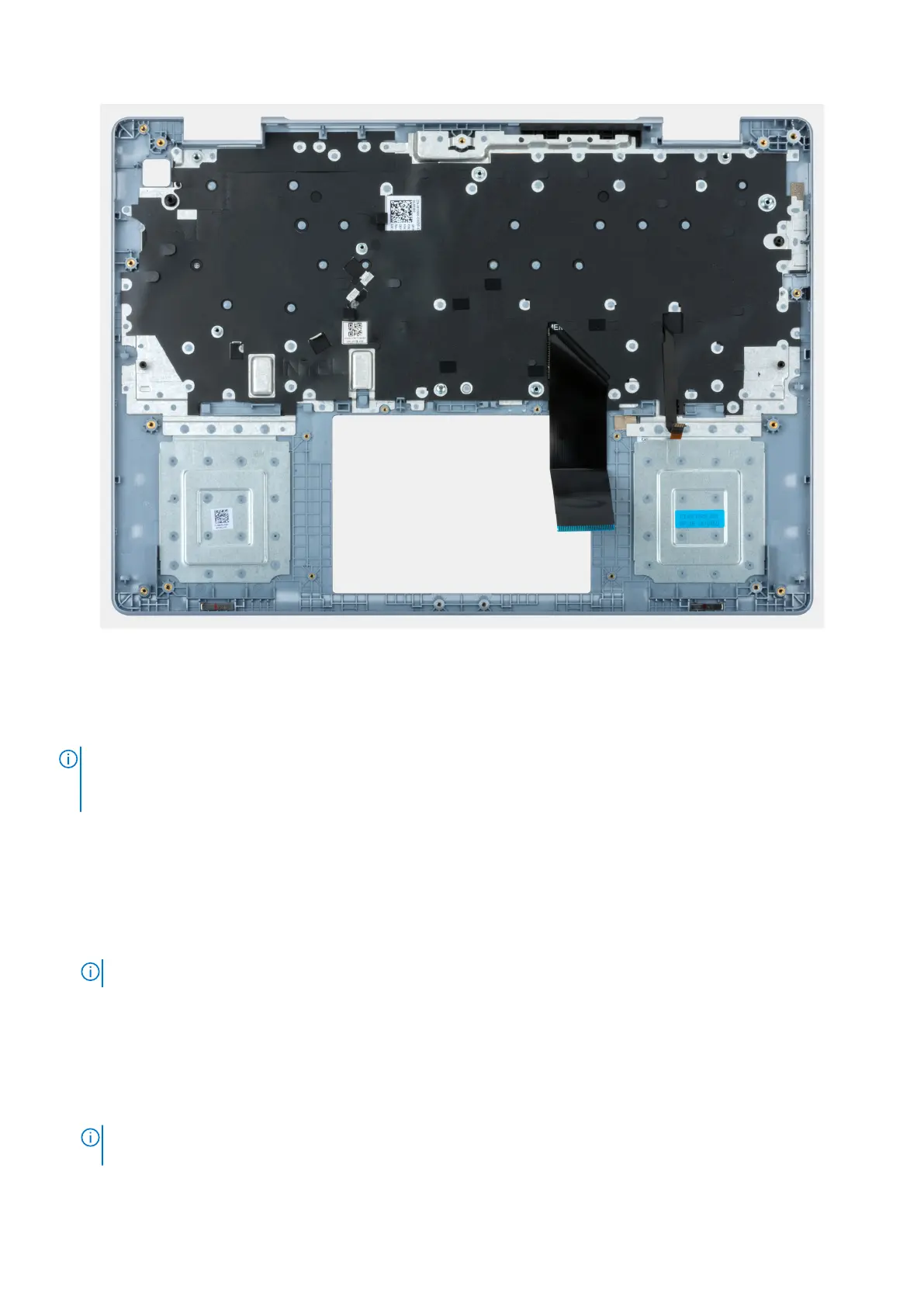
Figure 55. Palm-rest and keyboard assembly
Steps
Place the palm-rest and keyboard assembly on a flat and clean surface and perform the tasks in the Post-requisites to install the
palm-rest and keyboard assembly.
NOTE:
The palm-rest and keyboard assembly consists of the following:
● Palm rest
● Keyboard
Next steps
1. Install the touchpad.
2. Install the power button or the power button with optional fingerprint reader, whichever is applicable.
3. Install the I/O board.
4. Install the system board.
NOTE: The system board can be installed with the heat sink pre-attached.
5. Install the speaker assembly.
6. Install the wireless card.
7. Install the fan.
8. Install the heat sink.
9. Install the display assembly.
10. Install the heat sink.
NOTE:
If either the system board or the heat sink is replaced, use the thermal grease that is provided in the kit to
ensure for thermal conductivity.
80 Removing and installing Field Replaceable Units (FRUs)










 To Next Page