The printer automatically returns to the standby mode from the power saver mode when it receives data from the computer or remote fax machine. You can
also change the status of the printer to the standby mode by pressing any button on the operator panel.
Auto Reset
Purpose:
To automatically reset the settings for COPY, SCAN, or FAX to the default settings and return to the standby mode after you do not specify any settings for the
specified time.
Values:
Alert Tone
Purpose:
To configure settings for tones emitted by the printer during operation or when a warning message appears.
Values:
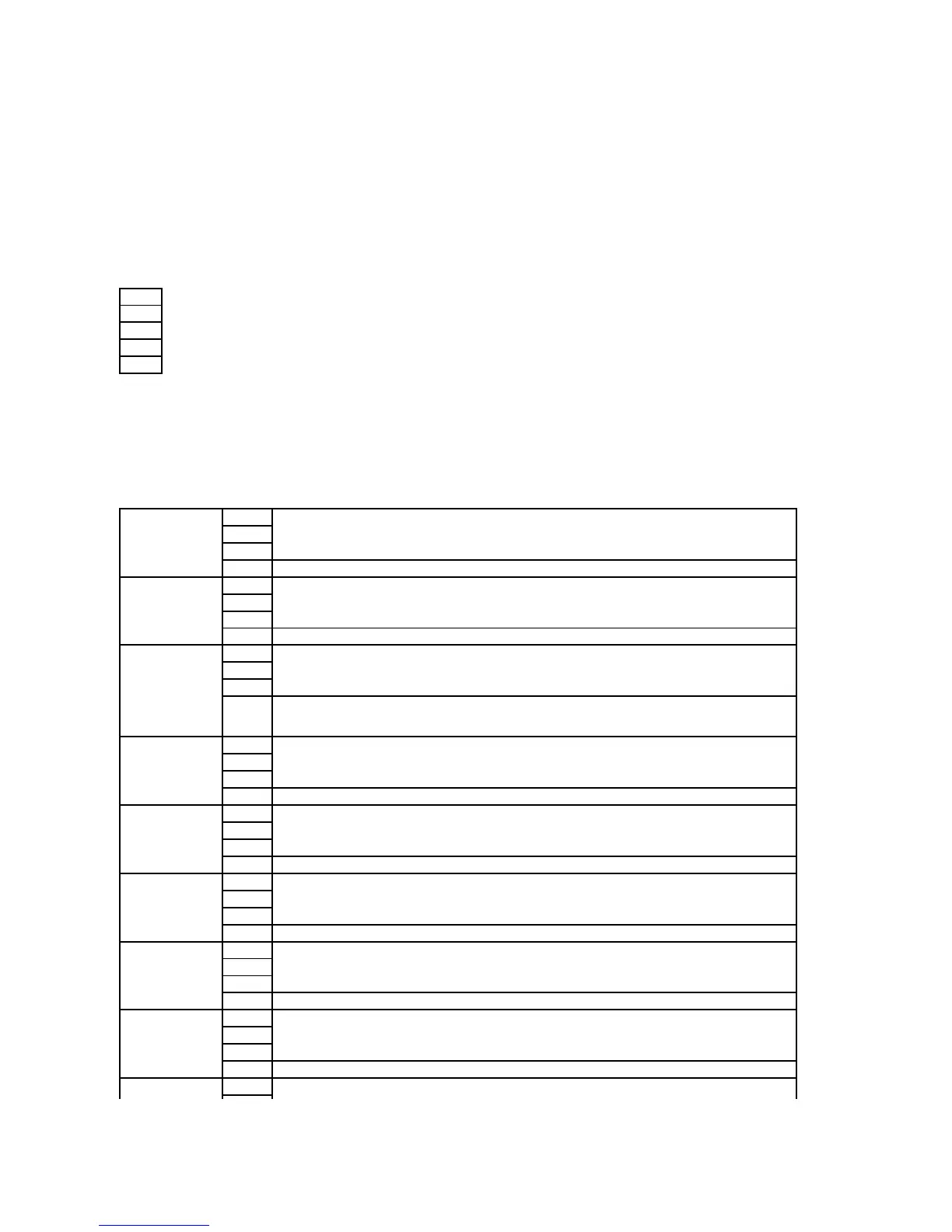
Emits a tone when the operator panel input is correct.
Does not emit a tone when the operator panel input is correct.
Emits a tone when the operator panel input is incorrect.
Does not emit a tone when the operator panel input is incorrect.
Emits a tone when the printer is ready to process a job.
Does not emit a tone when the printer is ready to process a job.
Emits a tone when a copy job is complete.
Does not emit a tone when a copy job is complete.
Emits a tone when a job other than a copy job is complete.
Does not emit a tone when a job other than a copy job is complete.
Emits a tone when a job ends abnormally.
Does not emit a tone when a job ends abnormally.
Emits a tone when a problem occurs.
Does not emit a tone when a problem occurs.
Emits a tone when the printer runs out of paper.
Does not emit a tone when the printer runs out of paper.















 To Next Page