Setting Up and Using Your Computer 29
Another advantage of a RAID level 0 configuration is that it utilizes the full capacities of the
drives. For example, if you have two 120-GB drives installed, you have 240 GB on which to store
data.
NOTICE: Because RAID level 0 configurations provide no data redundancy, if one drive fails, then the
data on the other drive is also inaccessible. Therefore, ensure that you perform regular backups when
you use a RAID level 0 configuration.
RAID Level 1 Configuration
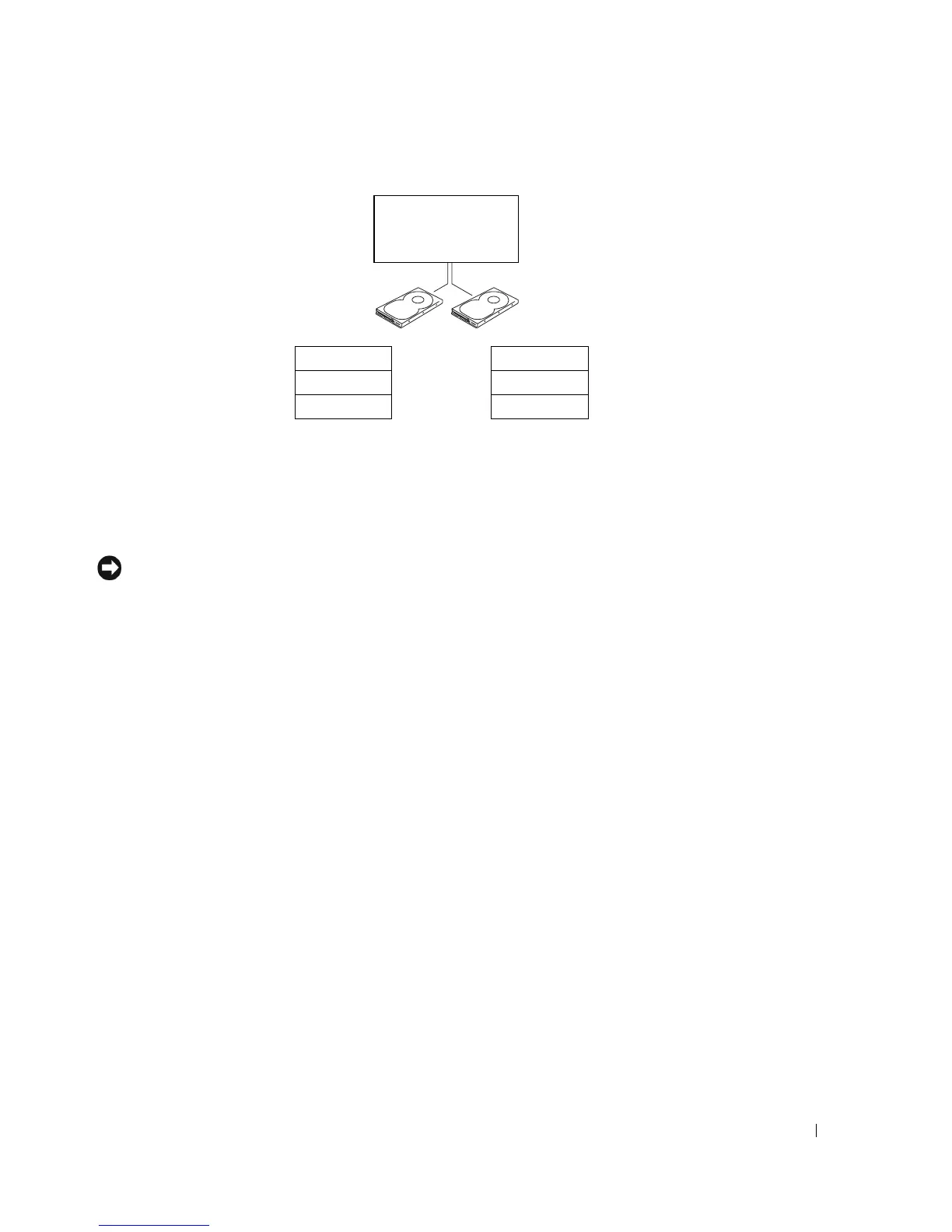
RAID level 1 uses a data-redundancy storage technique known as "mirroring." When data is
written to the primary drive, it is then duplicated, or mirrored, on the other drive. A RAID
level 1 configuration sacrifices high data-access rates for its data redundancy advantages.
hard drive 1
segment 1
segment 3
segment 5
hard drive 2
segment 2
segment 4
segment 6
serial ATA RAID
configured for
RAID level 0











 To Next Page