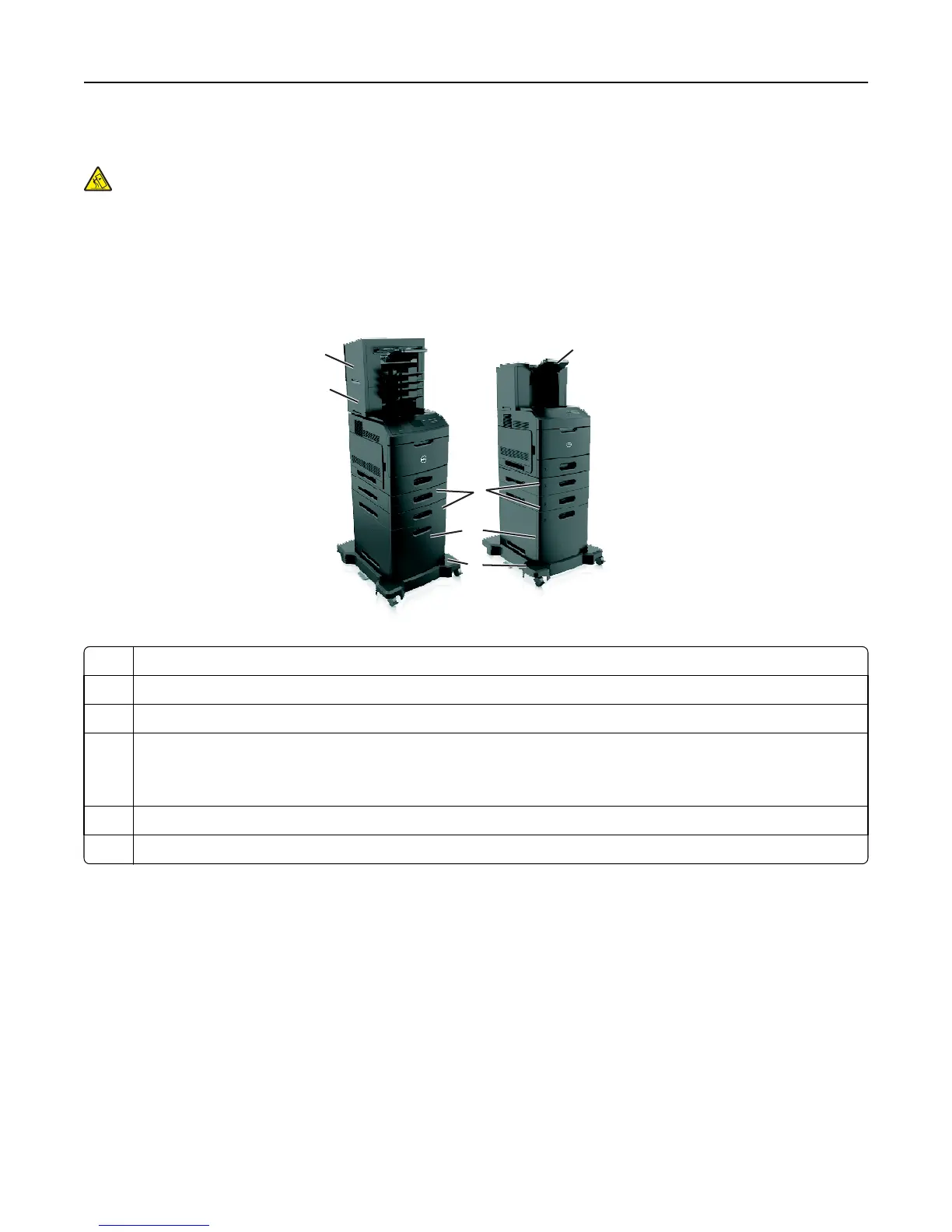
Fully configured model
CAUTION—TIPPING HAZARD: Floor-mounted configurations require additional furniture for stability. You must
use either a printer stand or printer base if you are using a high-capacity tray or more than one option. If you
purchased a printer with a similar configuration, you may need additional furniture. For more information,
contact the place where you purchased the printer.
The following illustration shows the maximum number of optional finishers and trays that are supported by the printer.
For more information on other configurations, visit our Web site.
4
1
5
3
2
6
1 High‑capacity output expander
2 Caster base
3 2100‑sheet tray
4 550‑sheet tray
Note: A lockable 550‑sheet tray is also available. For more information, contact the place where you purchased
the printer.
5 4‑bin mailbox
6 Stapler finisher
Notes:
• When using a staple finisher and 4‑bin mailbox, the staple finisher must always be on top.
• Do not install any finisher on top of the high‑capacity output expander.
• Always use a caster base when the printer is configured with a 2100‑sheet tray.
• The 2100‑sheet tray must always be at the bottom of a configuration.
• A maximum of four optional trays may be configured with the printer.
Learning about the printer 10















 To Next Page