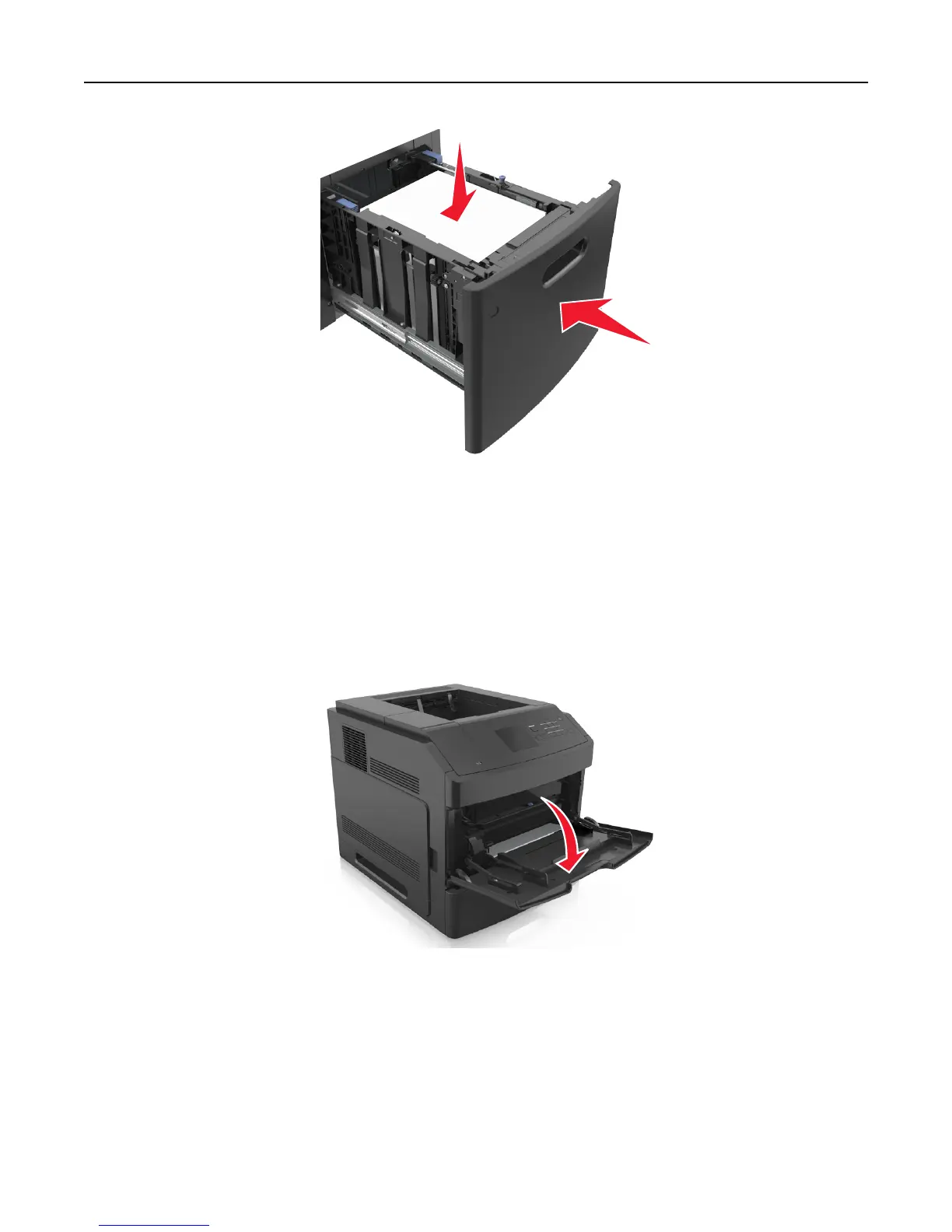
6 From the printer control panel, set the size and type in the Paper menu to match the paper loaded in the tray.
Note: Set the correct paper size and type to avoid paper jams and print quality problems.
Loading the multipurpose feeder
1 Pull down the multipurpose feeder door.
Note: Do not load or close the multipurpose feeder while a job is printing.
Loading paper and specialty media 51















 To Next Page