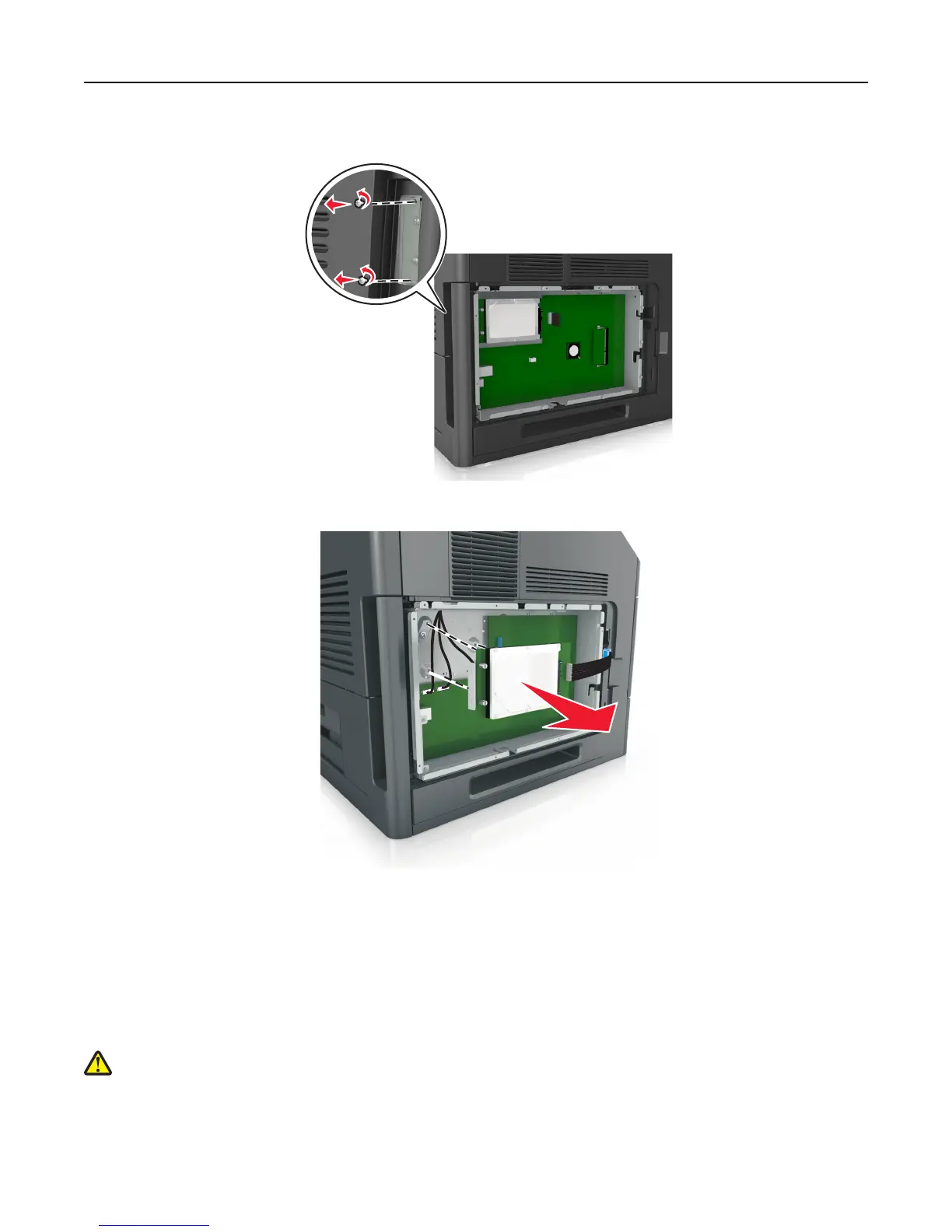
3 Remove the screws holding the printer hard disk in place.
4 Remove the printer hard disk.
5 Set aside the printer hard disk.
Installing hardware options
Order of installation
CAUTION—POTENTIAL INJURY: The printer weight is greater than 18 kg (40 lb) and requires two or more
trained personnel to lift it safely.
Additional printer setup 29















 To Next Page