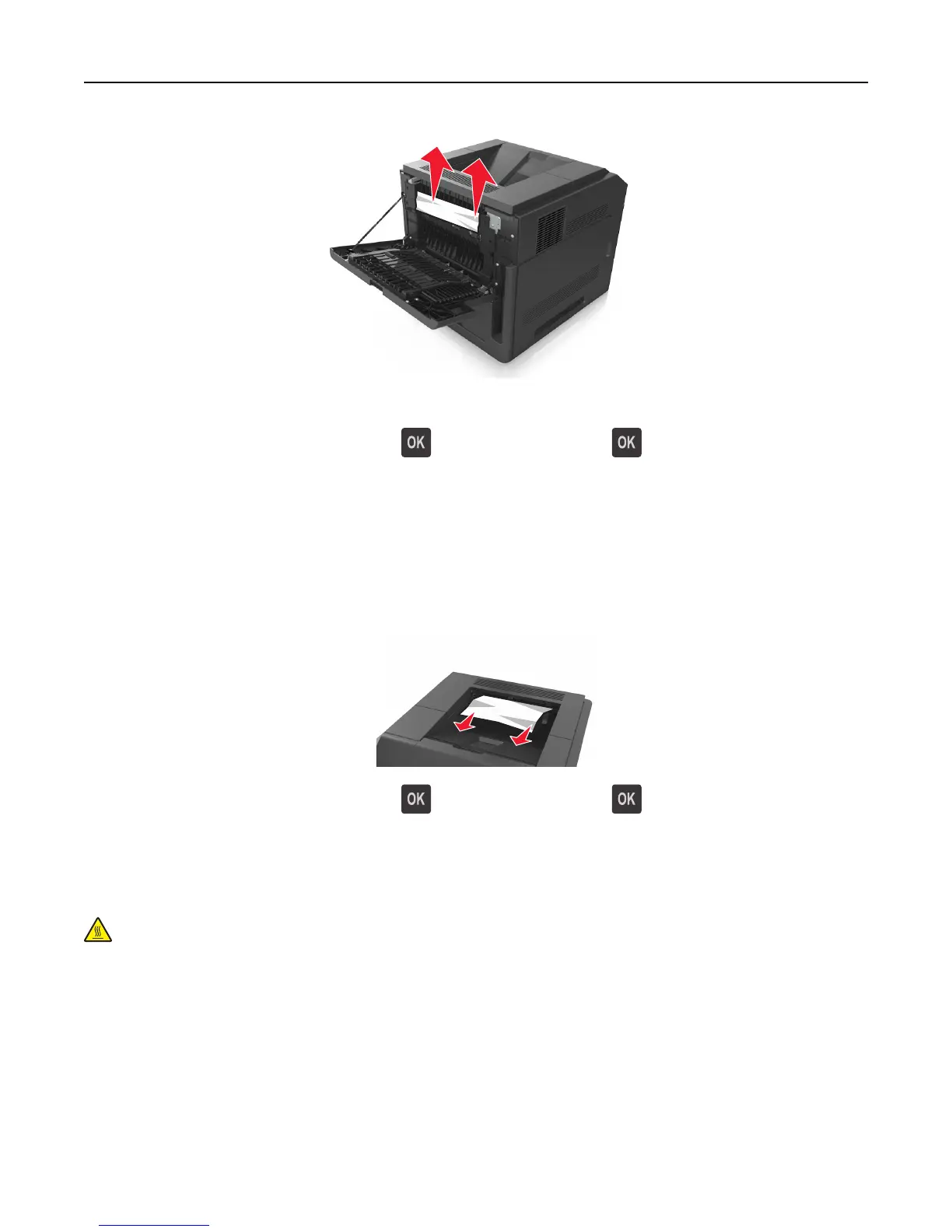
3 Close the rear door.
4 From the printer control panel, select Next > > Clear the jam, press OK > to clear the message and continue
printing.
[x]‑page jam, remove standard bin jam. [203]
1 Firmly grasp the jammed paper on each side, and then gently pull it out.
Note: Make sure all paper fragments are removed.
2 From the printer control panel, select Next > > Clear the jam, press OK > to clear the message and continue
printing.
[x]‑page jam, open upper and lower rear door. [231–234]
CAUTION—HOT SURFACE: The inside of the printer might be hot. To reduce the risk of injury from a hot
component, allow the surface to cool before touching.
Clearing jams 152















 To Next Page