Warning—Potential Damage: Controller board electronic components are easily damaged by static electricity.
Touch a metal surface on the printer before touching any controller board electronic components or connectors.
1 Access the controller board.
For more information, see
“Accessing the controller board” on page 13.
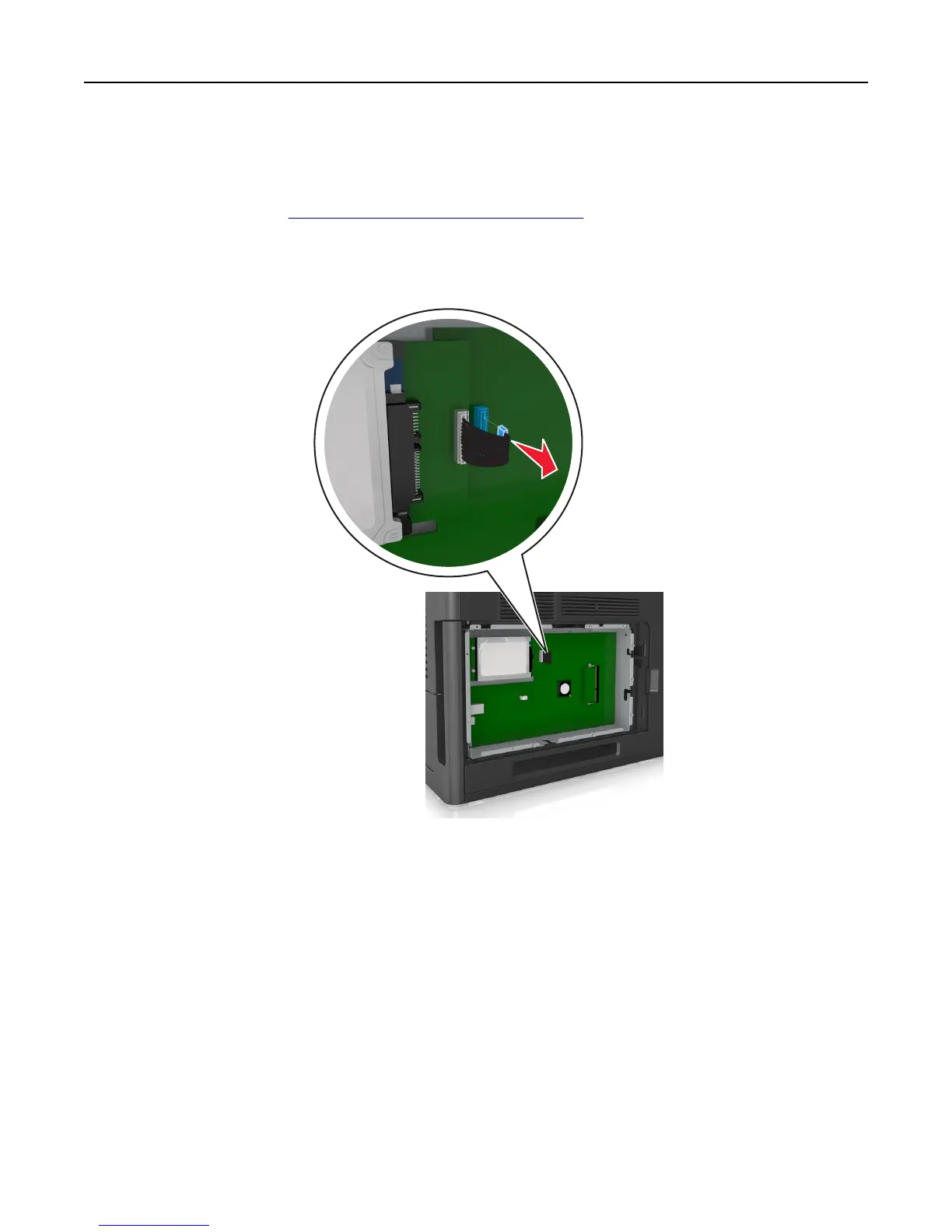
2 Unplug the printer hard disk interface cable from the controller board, leaving the cable attached to the printer
hard disk. To unplug the cable, squeeze the paddle at the plug of the interface cable to disengage the latch before
pulling out the cable.
Additional printer setup 28















 To Next Page