Operating the monitor | 27
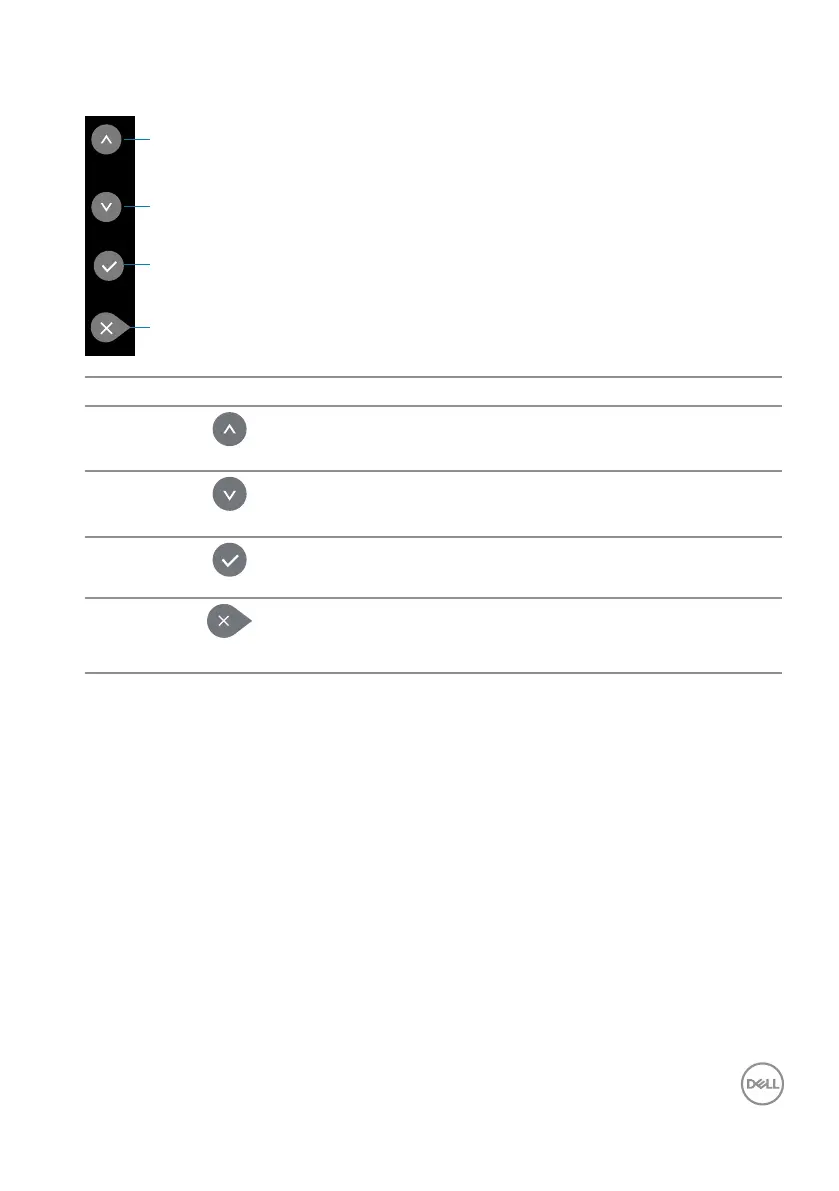
OSD controls
1
2
3
4
Control buttons Description
1
Up
Use the Up key to adjust (increase ranges) items in
the OSD menu.
2
Down
Use the Down key to adjust (decrease ranges) items
in the OSD menu.
3
OK
Use the OK key to conrm your selection.
4
Exit
Use the Exit key to exit on-screen display (OSD)
from menu and sub-menus. Hold about 10 seconds
will enable or disable OSD lock.














 To Next Page