Operating the monitor | 37
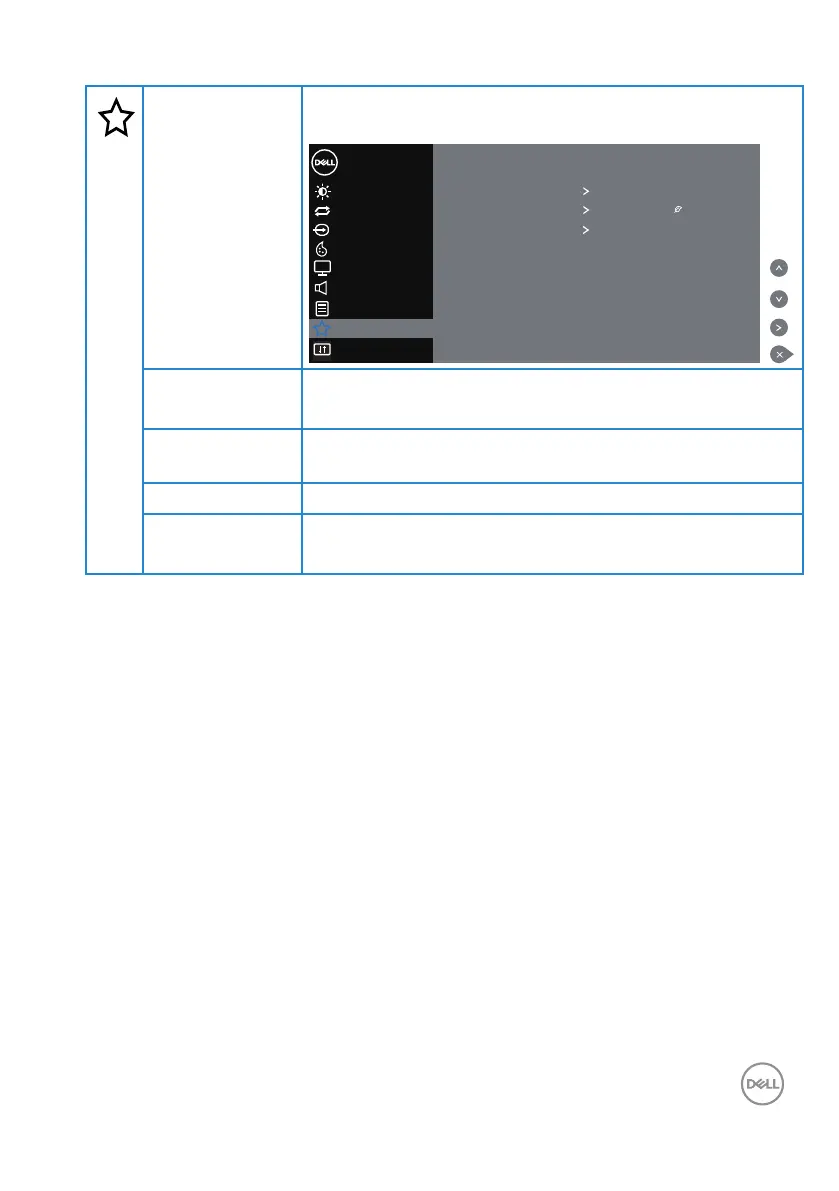
Personalize
Users can choose a feature from Power Button LED, USB,
Monitor Sleep or Reset Personalization.
Color
Display
Others
Menu
Brightness / Contrast
Dell 55 Monitor
Auto Adjust
Input Source
Power Button LED On in On Mode
USB Off in Standby Mode
Monitor Sleep On
Reset Personalization
Audio
Personalize
Power Button
LED
Allows you to set the power LED indicator On In On Mode
or O In On Mode to save energy.
USB
Allows you to set the USB On In Standby Mode or O In
Standby Mode to save energy.
Monitor Sleep
Select o to turn o this feature.
Reset
Personalization
Allows you to restore shortcut key to the default setting.














 To Next Page