Operating the monitor | 39
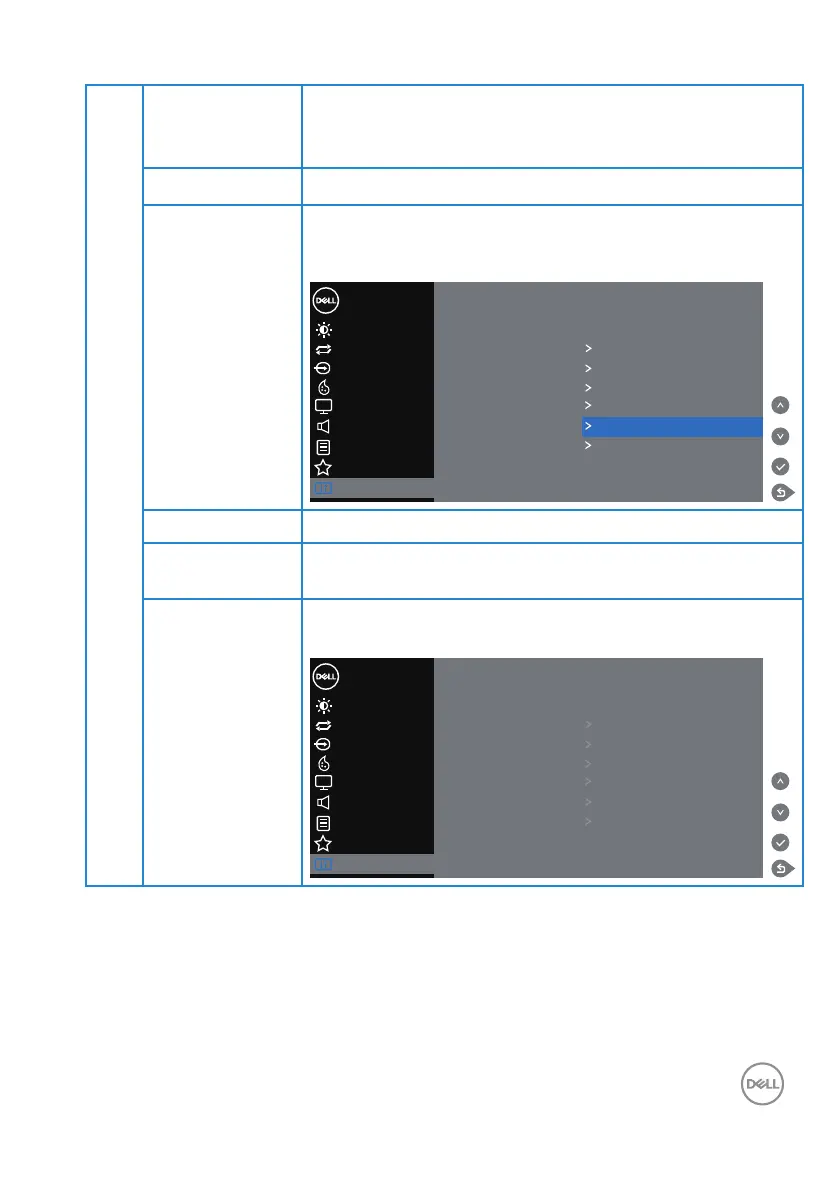
LCD
Conditioning
Helps reduce minor cases of image retention. Depending
on the degree of image retention, the program may take
some time to run. To start LCD conditioning, select on.
Firmware Displays the version of the rmware about the monitor.
IP Address Selects this option to access the Dell Monitor Web
Management tool. (For more information, see Dell
ethernet/web management for monitors)
Color
Display
Personalize
Menu
Brightness/Contrast
Dell 55 Monitor
Auto Adjust
Input Source
Display Info
DDC/CI On
HDMI CEC Off
LCD Conditioning Off
Audio
Others
Firmware 12C105
Service Tag ABCDEFG
Reset Others
Factory Reset
IP Address 10.0.50.100
Service Tag Displays the service tag number of the monitor.
Reset Others Resets all settings under the others setting menu to the
factory preset values.
Factory Reset Restore all preset values to the factory default settings.
These are also the settings for ENERGY STAR
®
tests.
Color
Display
Personalize
Menu
Brightness/Contrast
Dell 55 Monitor
Auto Adjust
Input Source
Display Info
DDC/CI On
HDMI CEC Off
LCD Conditioning Off
Audio
Others
Firmware 12C105
Service Tag ABCDEFG
Reset Others
Factory Reset ENERGY STAR
®
IP Address 10.0.50.100














 To Next Page