42 | Operating the monitor
Dell 55 Monitor
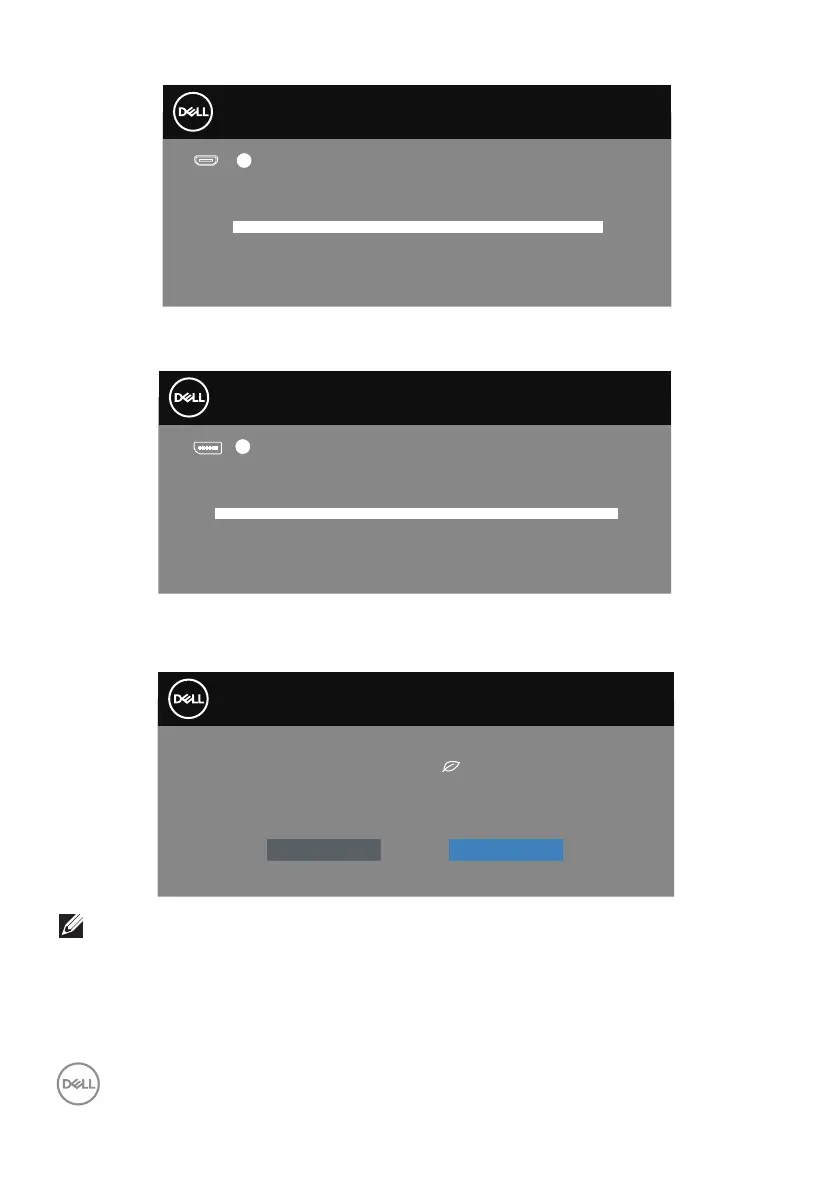
No HDMI 2 Cable
The display will go into Standby Mode in 4 minutes.
www.dell.com/C5519QA
?
C5519QA
If DP cable is not connected, a floating dialog box as shown below appears. The
monitor will enter Standby Mode after 4 minutes if left at this state.
Dell 55 Monitor
No DP Cable
The display will go into Standby Mode in 4 minutes.
www.dell.com/C5519QA
?
C5519QA
When USB is set to On in Standby Mode for the first time, the following message
appears:
Changing to this setting (without symbol) will increase
power consumption. Do you want to continue?
Yes
No
Dell 55 Monitor
C5519QA
NOTE: If you select Yes, the message will not appear next time when
you intend to change the USB setting.














 To Next Page