Removing and Installing Parts 59
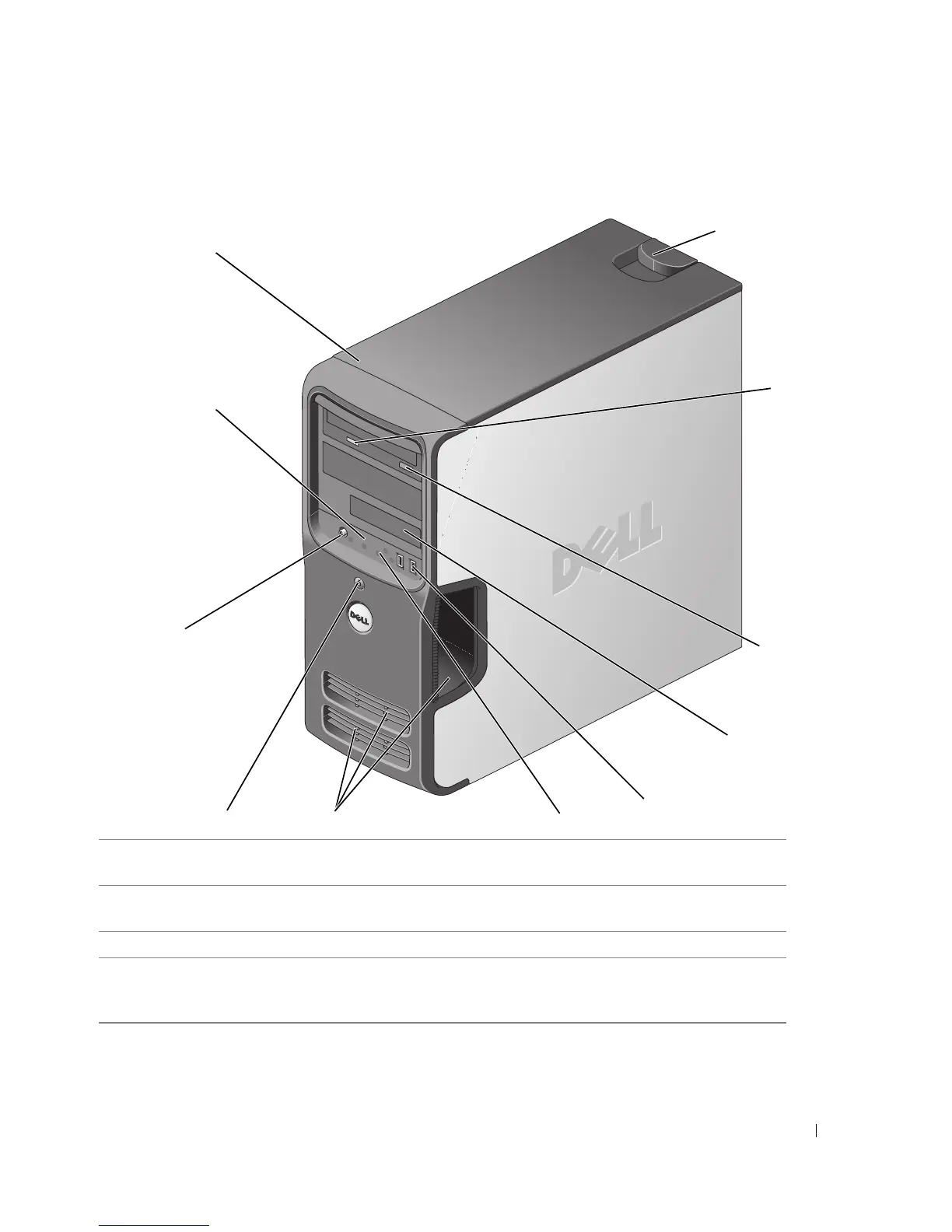
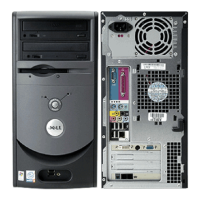
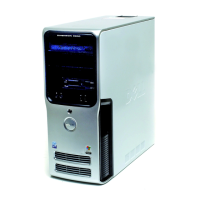
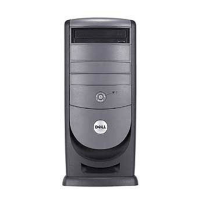
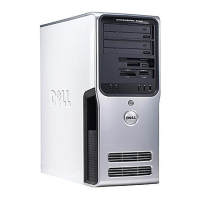
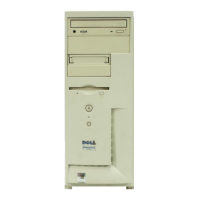
Front View of the Computer
1 cover latch release Use this latch to remove the cover. See "Removing the
Computer Cover" on page 62.
2 CD/DVD activity light The drive light is on when the computer reads data from the
CD or DVD drive.
3 CD/DVD eject button Press to eject a disk from the CD or DVD drive.
4 FlexBay drive Can contain an optional floppy drive or optional Media Card
Reader. For information on using the Media Card Reader, see
"Using a Media Card Reader (Optional)" on page 20.
2
3
4
5
9
10
8
6
7
1
11






 To Next Page