90 Removing and Installing Parts
7
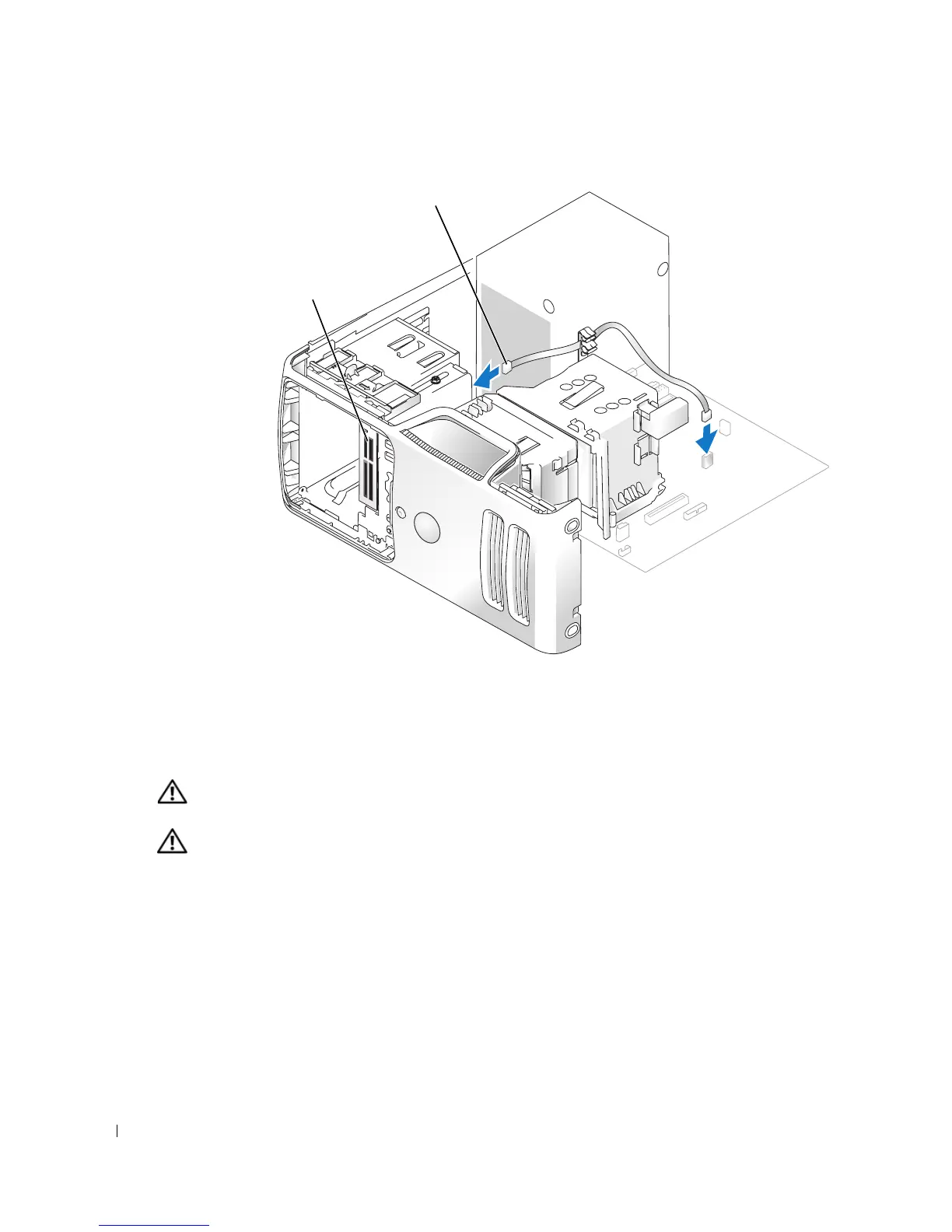
Route the USB cable through the cable routing clip.
8
Replace the computer cover (see page 96).
CD/DVD Drive
CAUTION: Before you begin any of the procedures in this section, follow the safety instructions
located in the Product Information Guide.
CAUTION: To guard against electrical shock, always unplug your computer from the electrical outlet
before removing the cover.
FlexBay cable
Media Card Reader














 To Next Page