Removing and Installing Parts 85
Installing a Floppy Drive
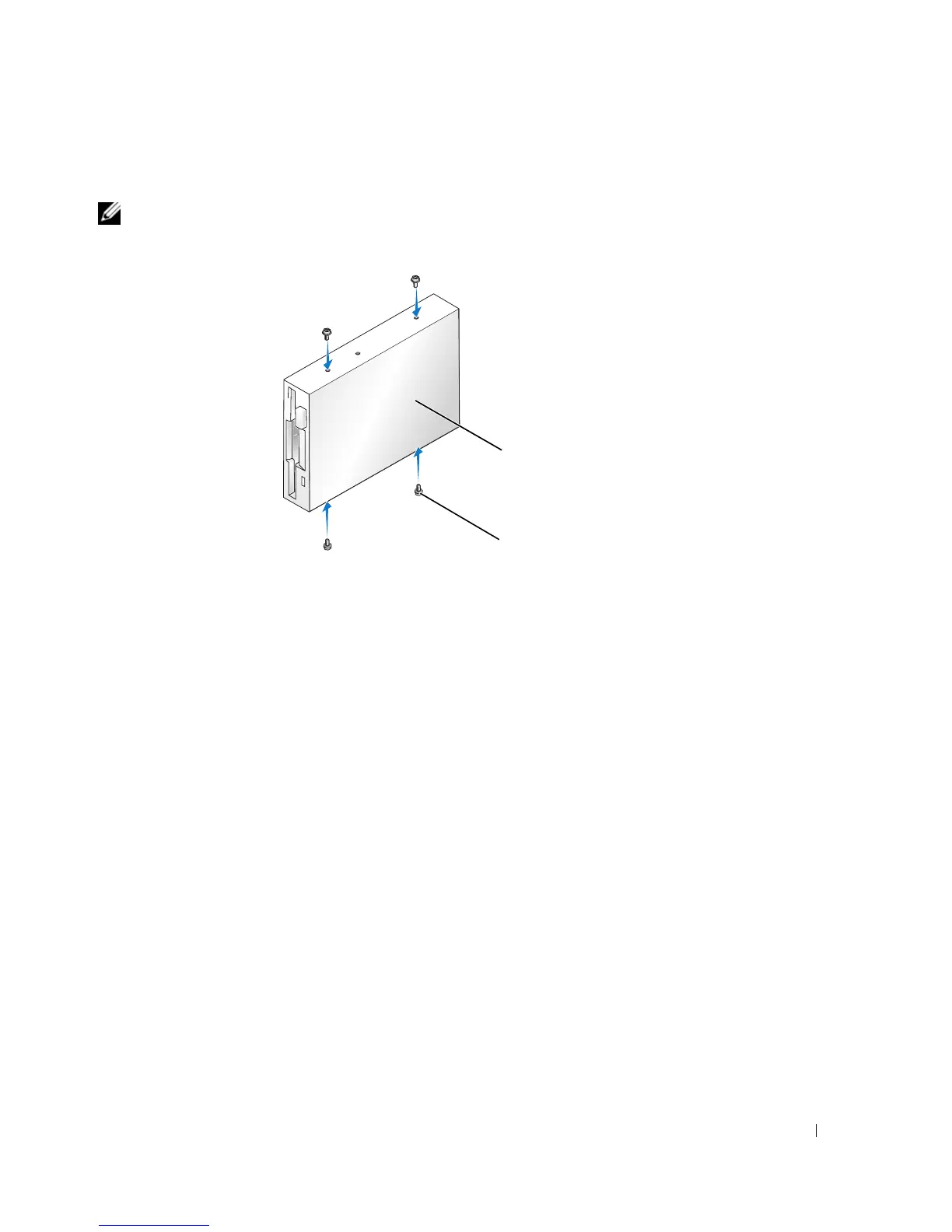
NOTE: In the event that the replacement or new floppy drive does not have the shoulder screws, use the
screws located within the drive panel insert.
1
Follow the procedures in "Before You Begin" on page 57.
2
Remove the drive panel (see page 74).
3
If you are installing a new floppy drive rather than replacing a drive, remove the drive panel
insert where you want the drive to be installed, and then attach the shoulder screws located in
the back of the drive panel insert to the drive (see page 75).
4
Gently slide the drive into place until you hear a click or feel the drive securely installed.
5
Attach the power and data cables to the floppy drive.
6
Connect the other end of the data cable to the connector labeled "FLOPPY" on the system
board (see page 65) and route the cable through the clip on the shroud.
drive
screws (4)














 To Next Page