Removing and Installing Parts 69
Cards
CAUTION: Before you begin any of the procedures in this section, follow the safety instructions
located in the Product Information Guide.
NOTICE: To prevent static damage to components inside your computer, discharge static electricity
from your body before you touch any of your computer’s electronic components. You can do so by
touching an unpainted metal surface on the computer chassis.
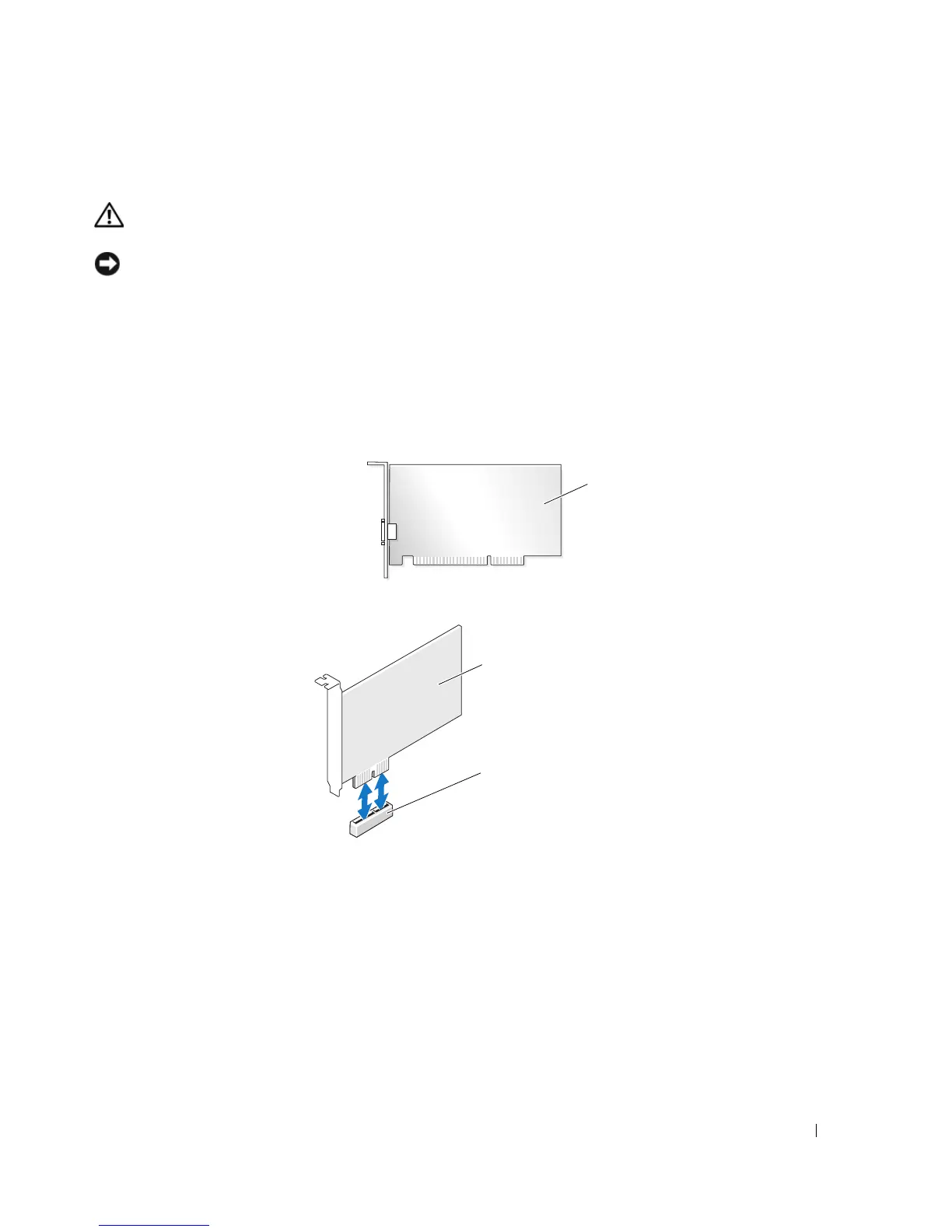
Your Dell™ computer provides the following slots for PCI and PCI Express cards:
• Two PCI card slots
• One PCI Express x1 card slot
If you are installing or replacing an expansion card, follow the procedures in the next section. If you
are removing but not replacing an expansion card, see "Removing an Expansion Card" on page 72.
If you are replacing a card, remove the current driver for the card from the operating system.
PCI card
PCI Express
x1 card
PCI Express
x1 card slot














 To Next Page