Removing and Installing Parts 61
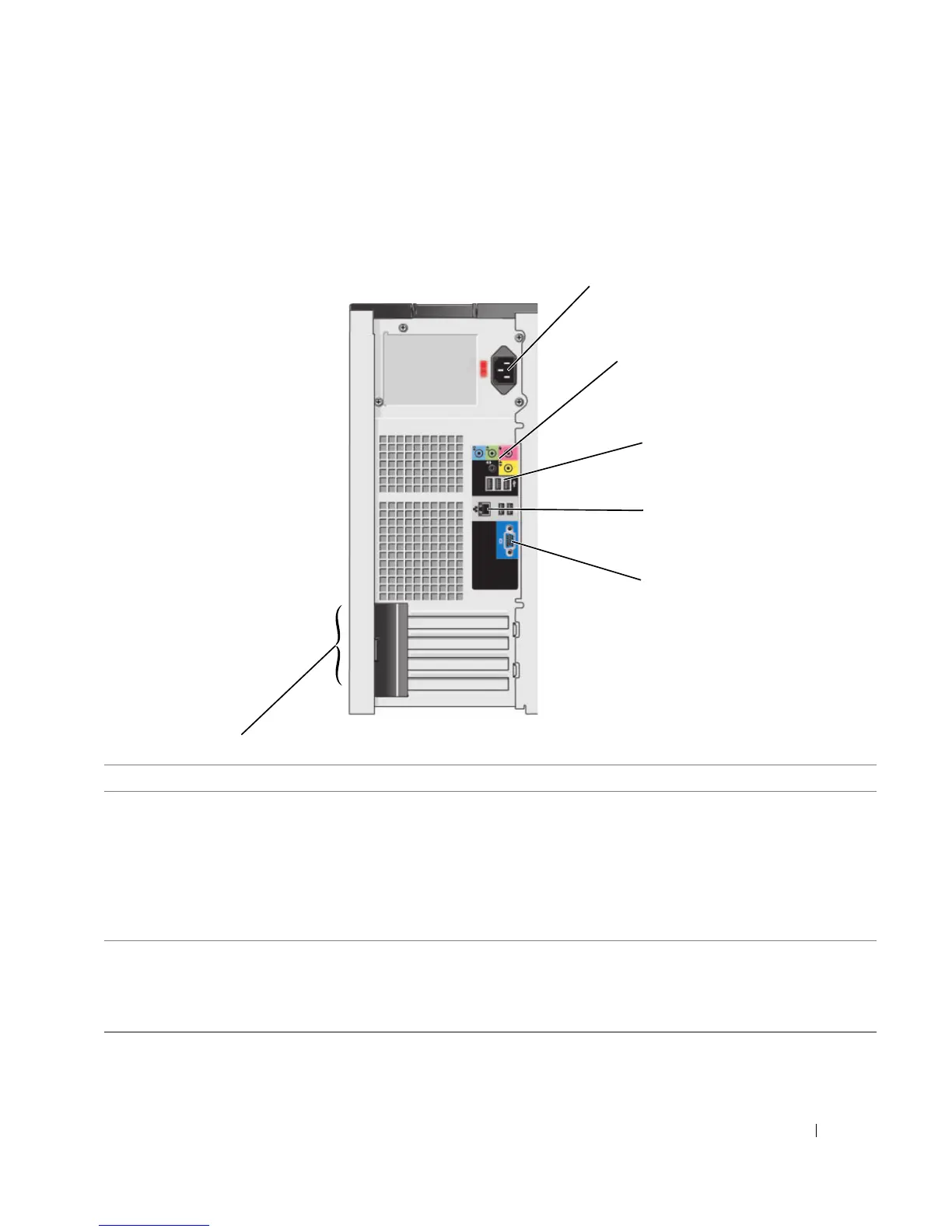
Back View of the Computer
2
3
1
5
4
6
1 power connector Insert the power cable.
2 sound card connectors (3)
• Line-in connector — Use the blue line-in connector to attach a record/playback
device such as a cassette player, CD player, or VCR.
• Line-out connector — Use the green line-out connector to attach headphones
and most speakers with integrated amplifiers.
• Microphone connector — Use the pink microphone connector to attach a
personal computer microphone for voice or musical input into a sound or
telephony program.
3 USB 2.0 connectors (4) Use the back USB connectors for devices that typically remain connected, such as
printers and keyboards.
It is recommended that you use the front USB connectors for devices that you
connect occasionally, such as joysticks or cameras, or for bootable USB devices.














 To Next Page