88 Removing and Installing Parts
3
Disconnect the USB cable on the back of the Media Card Reader from the FlexBay USB
connector on the system board (see page 65) and route the cable through the clip on the
shroud.
4
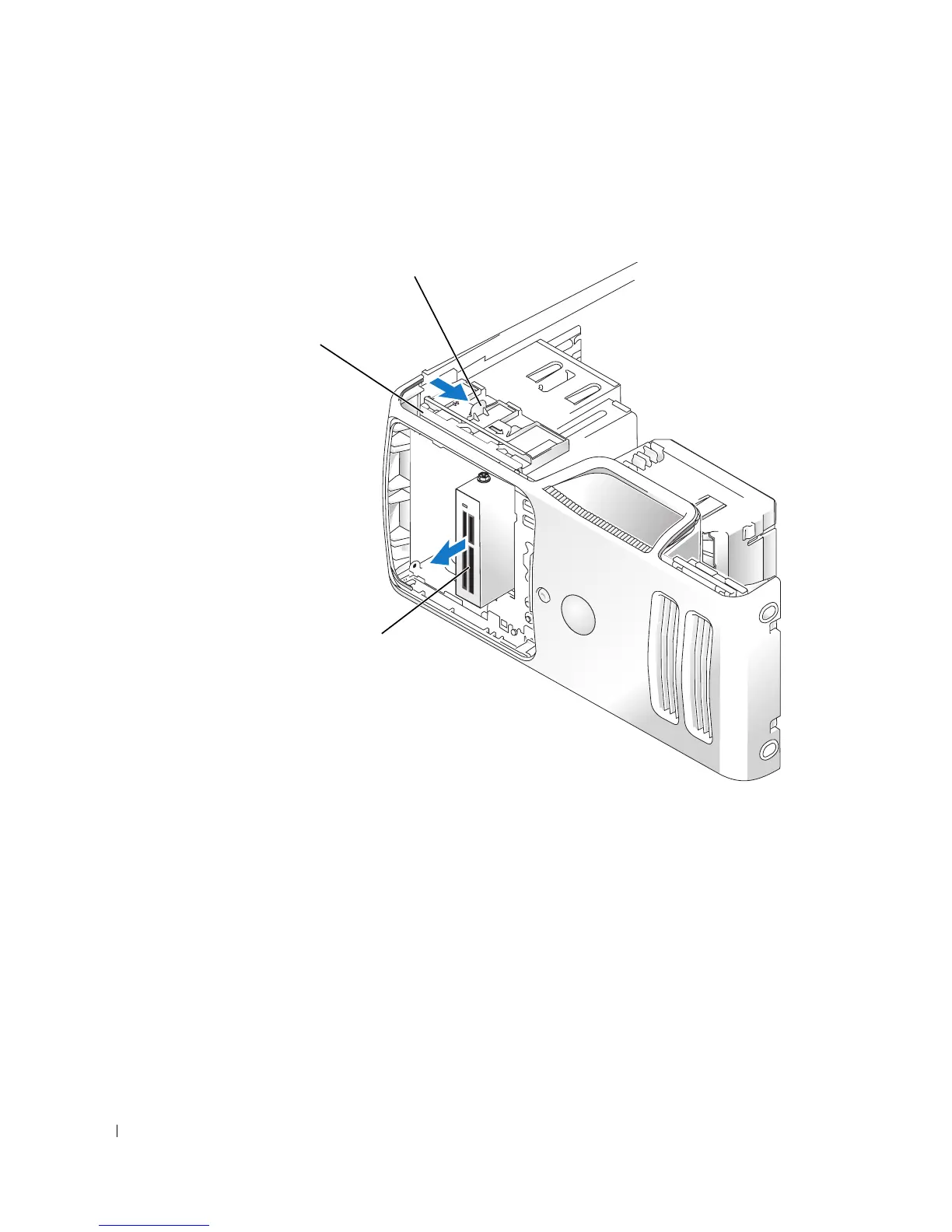
Grasp the sliding plate lever and push it towards the base of the computer; then, hold it in
place while you slide the Media Card Reader from the computer.
5
Replace the drive panel (see page 76).
6
Replace the computer cover (see page 96).
Media Card Reader
sliding plate
sliding plate lever














 To Next Page